Woman in white dress seated in plush armchair within library bookshelves
Prompt
A woman with long dark hair sits in a plush armchair inside a library lined with tall bookshelves filled with books.

Subject: A woman with long, wavy black hair and fair skin is seated centrally in the frame.

Clothing: She wears a white strapless mini dress that fits closely to her body.

Action: She sits with her legs crossed at the ankles, looking directly forward with a neutral expression, her hands resting on the armrests of the chair.

Environment: The setting is an indoor room featuring floor-to-ceiling wooden bookshelves packed with books of various colors and sizes behind the subject.

Camera: The shot is taken from a medium-full angle, capturing the subject from head to toe with a slight low-angle perspective that emphasizes her legs.

Lighting: Soft, diffused lighting illuminates the scene evenly, creating gentle highlights on her skin and hair without harsh shadows.

Style Details: The image has a polished, high-definition photographic quality with a warm color palette dominated by browns and creams.
Description
This prompt is useful for creating editorial portraiture, literary character studies, and sophisticated interior design mood boards. The combination of 'soft, diffused lighting' and the 'low-angle perspective' ensures that the subject remains the focal point while the surrounding 'floor-to-ceiling wooden bookshelves' provide rich, textured context without casting distracting shadows.
Suggestions
- Change 'white strapless mini dress' to 'cream silk slip dress' for a different material feel.
- Adjust 'warm color palette dominated by browns and creams' to include 'deep jewel tones' for contrast.
- Modify the action by having her 'reading an open book' to give her hands something specific to do.
Category
Tags
Black HairFair SkinFemaleFull BodyIndoorsLow AngleMedium ShotRealistic
Date added
June 19, 2026
Added by
PromptDexter Team
Related Prompts
More prompts with similar categories and tags.

Fair blonde woman in black blazer sitting on chair in studio
Woman walking on beach with surfboard at golden hour

Woman submerged in water in a mossy forest

Young woman in black velvet dress looking over shoulder at event
Portrait of woman with blue eyes and freckles indoors
Young woman with dark hair holding pastry in warmly lit room
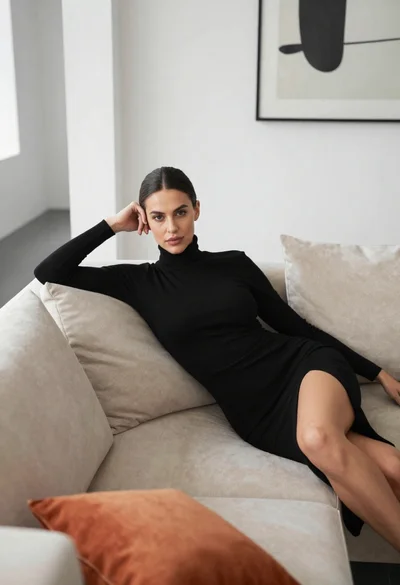
Woman in black dress reclining on beige sofa in modern living room
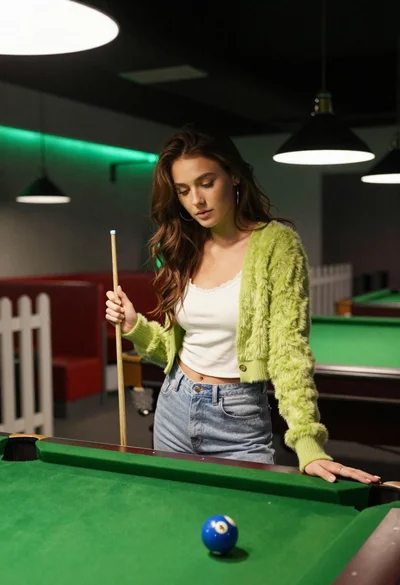
Young woman at pool table holding cue stick looking at eight ball

Blonde woman in black slip dress winking at table in upscale restaurant
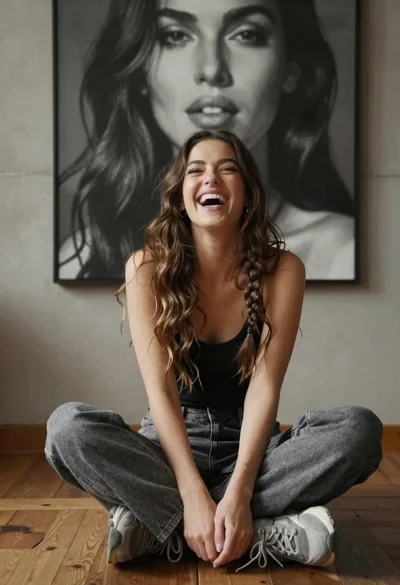
Young woman laughing cross legged indoors near large black and white portrait