
Young woman in maroon saree sitting amidst festive indian decorations indoors
Prompt
A serene woman sits gracefully on the floor in a traditional Indian setting, surrounded by festive decorations and offerings.

Subject: A young woman with dark hair styled in loose waves, wearing a bindi on her forehead and subtle makeup that highlights her calm expression.

Clothing: She wears an elegant maroon silk saree with intricate gold embroidery along the borders and blouse sleeves, paired with a sheer light pink dupatta draped over her shoulder.

Action: She sits cross-legged with one hand resting gently on her knee and the other placed beside her, gazing softly toward the camera with a composed demeanor.

Environment: The scene is set indoors against a rustic wooden backdrop featuring traditional brass fixtures and warm-toned paneling.

Objects: In front of her are two metal plates filled with colorful Indian sweets—laddoos and jalebi—while to her left sits a woven basket overflowing with marigold flowers and small oil lamps (diyas) glowing softly.

Lighting: Warm ambient lighting emanates from the diyas, casting gentle highlights on her face and saree while creating soft shadows that enhance the intimate mood.

Camera: Shot at eye level with a shallow depth of field that keeps the subject sharply in focus while softly blurring the background for a cinematic portrait effect.

Style Details: The image has a rich, earthy color palette with golden tones dominating the composition, rendered in high detail with a photorealistic yet slightly stylized aesthetic reminiscent of traditional Indian festival photography.
Description
This prompt is useful for creating cultural storytelling pieces, festive event documentation, and editorial lifestyle features celebrating South Asian traditions. The combination of 'warm ambient lighting' from the diyas and the 'rich, earthy color palette with golden tones' ensures that the intricate gold embroidery on the maroon silk saree catches light beautifully, preventing the subject from appearing flat against the rustic wooden backdrop.
Suggestions
- Change 'maroon silk saree' to 'deep emerald silk saree' for a contrasting pop of color.
- Replace 'laddoos and jalebi' with specific items like 'kaju katli and gulab jamun' for more visual accuracy.
- Adjust 'shallow depth of field' to 'medium depth of field' if you want the decorations slightly clearer.
Category
Tags
Brown SkinFemaleIndoorsMedium ShotPortrait ShotRealisticTraditional Wear
Date added
June 19, 2026
Added by
PromptDexter Team
Related Prompts
More prompts with similar categories and tags.

Young woman in white crop top and denim shorts leaning against white
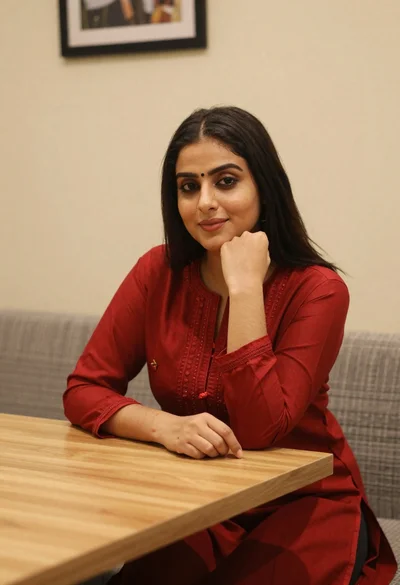
Young woman in red salwar kameez resting chin on hand indoors
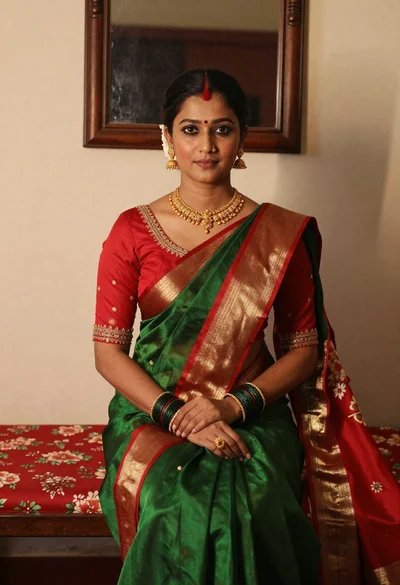
Portrait of woman in green saree and red blouse indoors
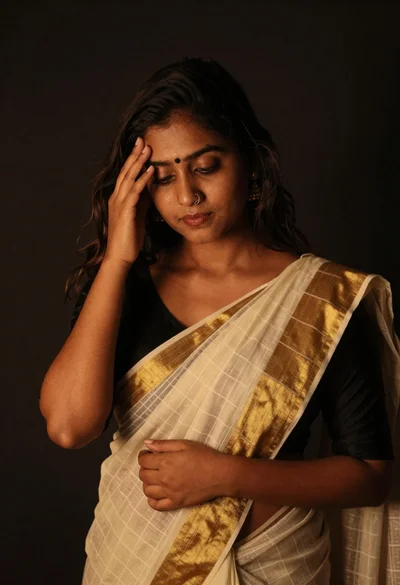
Young woman in traditional saree posing contemplatively against dark background
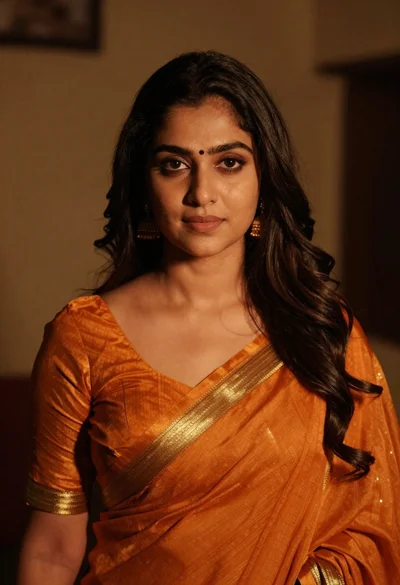
Intimate portrait of woman in orange saree with gold borders indoors
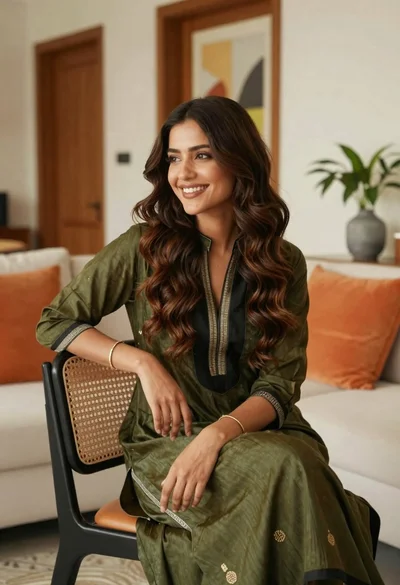
Smiling young woman with brown hair in modern living room setting
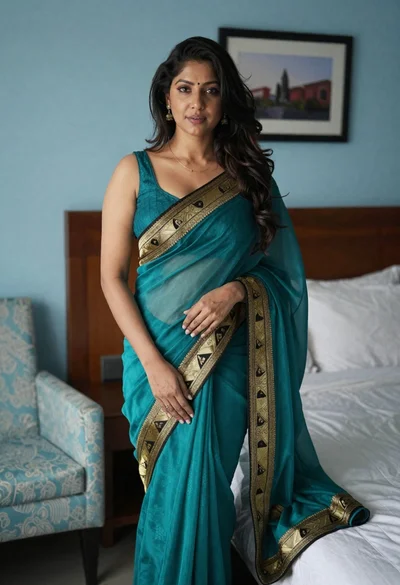
Woman in teal saree standing in a light blue decorated bedroom setting
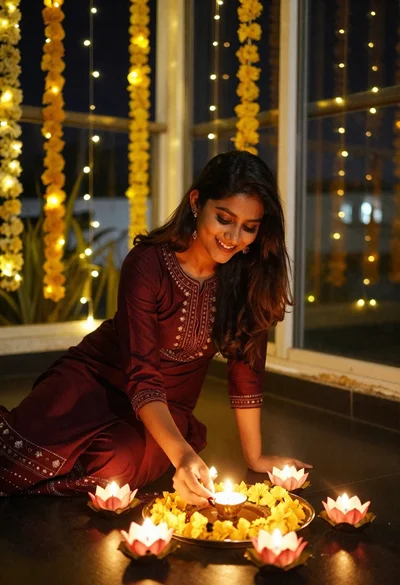
Smiling woman arranging lamps on terrace with yellow flowers at night

Young woman in black saree sitting on bed touching dark hair
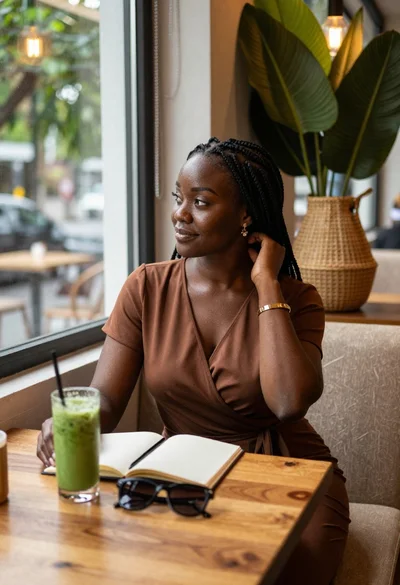
Black woman in brown dress at cafe window