
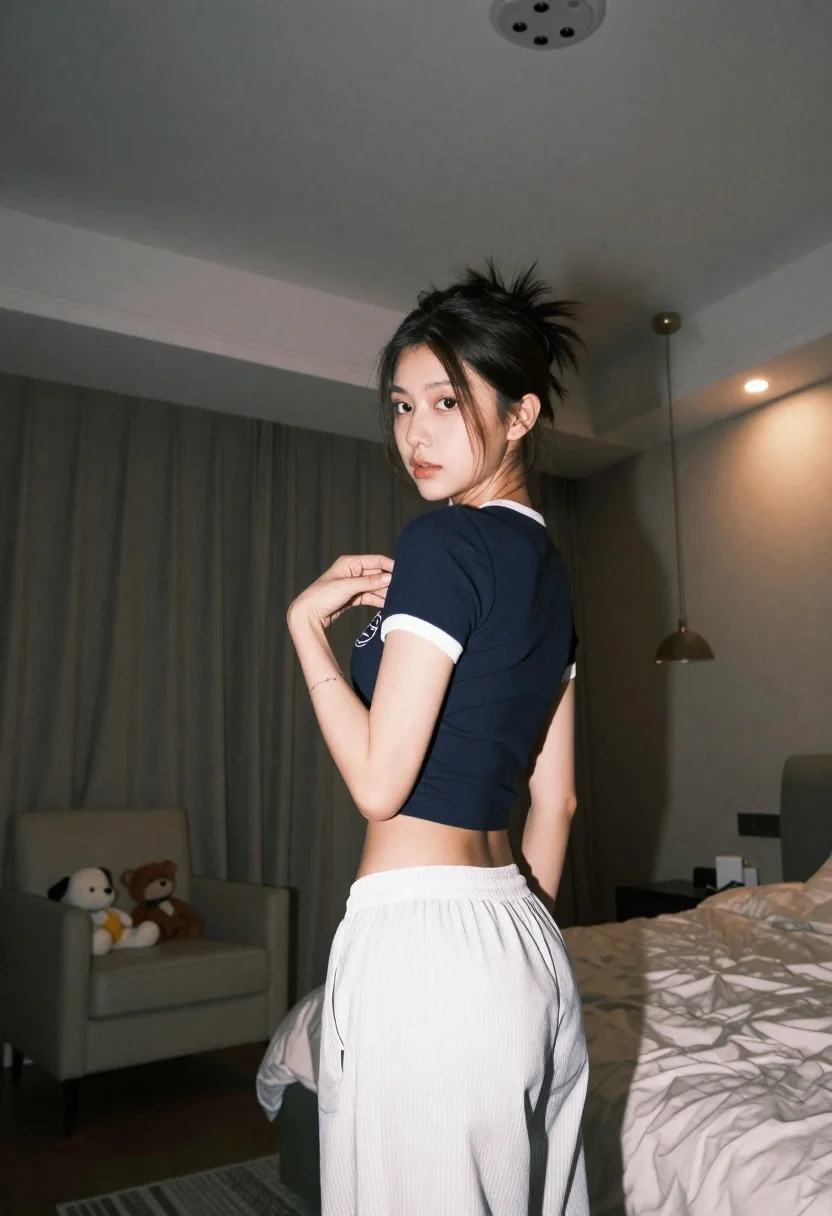
Young woman in navy crop top looking over shoulder in bedroom
Prompt
A young woman stands in a dimly lit bedroom, looking back over her shoulder with a serious expression.

Subject: A young woman with dark hair pulled up into a messy bun, loose strands framing her face, and a neutral to slightly pensive facial expression.

Clothing: She wears a navy blue ribbed short-sleeved crop top with white trim on the collar and sleeves, featuring a white logo on the chest, paired with loose-fitting white trousers with vertical stripes.

Action: She is turned away from the camera but looking back over her left shoulder, her right hand raised to touch or adjust the neckline of her shirt.

Environment: The setting is an indoor bedroom with patterned curtains covering the windows in the background, a beige armchair filled with stuffed animals to the left, and an unmade bed with white linens to the right.

Camera: Shot from a low angle looking up at the subject, utilizing a wide-angle perspective that captures the room's ceiling lights and creates a sense of depth.

Lighting: The scene is illuminated by warm ambient light from recessed ceiling fixtures and a central pendant lamp, casting soft shadows and creating a cozy atmosphere with a mix of cool wall tones and warm highlights.

Style Details: The image has a cinematic quality with high contrast between the dark clothing and bright lighting, featuring a shallow depth of field that keeps the subject sharp while softly blurring the background elements.
Description
This prompt is useful for creating intimate lifestyle portraits, moody editorial spreads, and character concept art emphasizing introspection. The combination of 'low angle looking up' with 'warm ambient light from recessed ceiling fixtures' exaggerates the subject's presence within the confined space, while the 'shallow depth of field' ensures that the viewer focuses solely on her pensive expression despite the detailed background elements like patterned curtains.
Suggestions
- Change 'navy blue ribbed short-sleeved crop top' to 'charcoal knit tank top' for a more muted tone.
- Swap 'messy bun' for 'sleek ponytail' if you want a different sense of casualness.
- Adjust 'low angle looking up' to 'eye-level medium shot' for a less imposing feel.
Category
Tags
Black HairCasual WearFemaleFull BodyLow AngleMedium ShotPortrait ShotRealistic
Date added
June 21, 2026
Added by
PromptDexter Team
Related Prompts
More prompts with similar categories and tags.

Woman in black dress holding cocktail glass at dimly lit restaurant table

Woman in black velvet cheongsam holding katana against red background
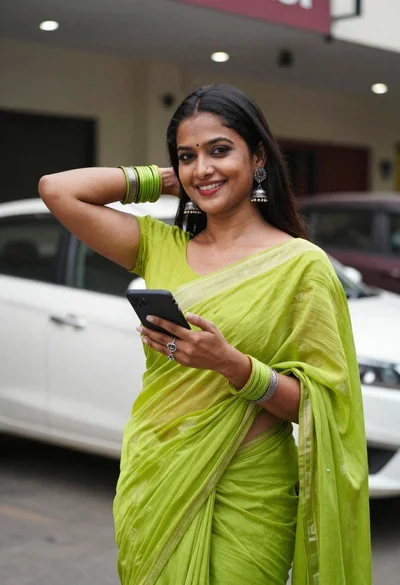
Smiling woman in lime green saree posing outdoors near white car
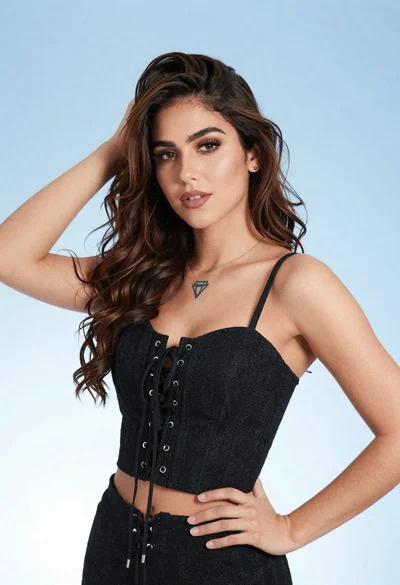
Portrait of young woman in black corset top against soft blue background
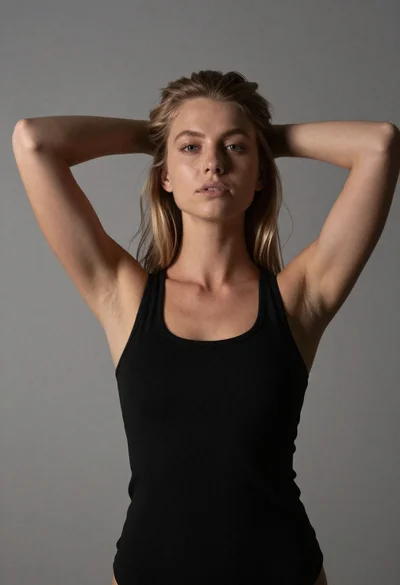
Young woman with blonde hair posing against gray wall
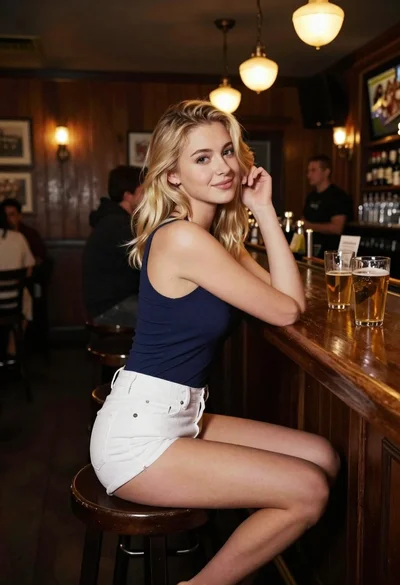
Blonde woman at a bar counter in dimly lit pub

Woman with black hair leaning indoors by glass railing in bright modern

Black and white studio portrait of man with beard
