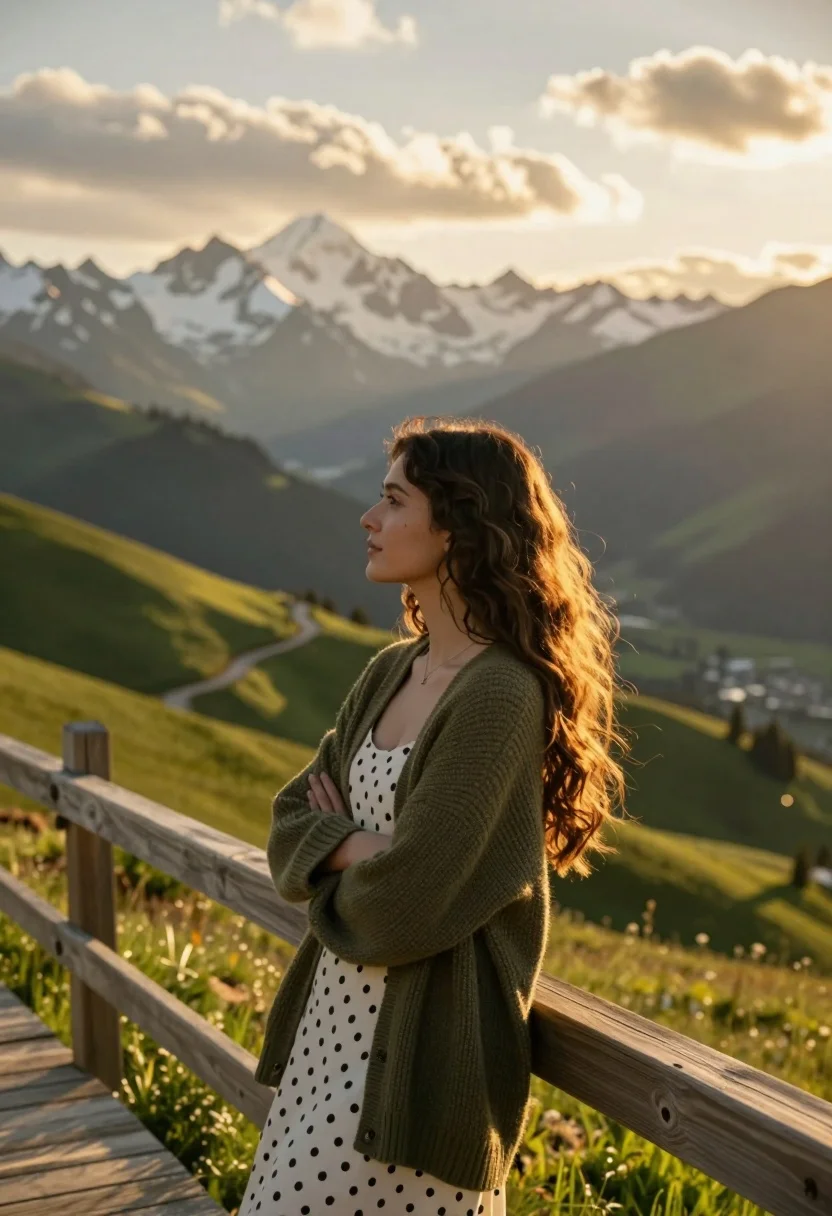
Young woman in olive cardigan on wooden walkway overlooking mountain valley at
Prompt
A young woman with long wavy brown hair stands in profile on a wooden walkway overlooking a majestic mountain valley at sunset.

Subject: A beautiful young woman with long, voluminous dark brown wavy hair cascading over her shoulders and a soft, contemplative expression gazing into the distance.

Clothing: She wears a cozy olive green knitted cardigan draped loosely over her shoulders, revealing a white dress with black polka dots underneath.

Action: She leans casually against a rustic wooden railing with her arms crossed, looking out towards the horizon with a serene and peaceful demeanor.

Environment: The setting is a breathtaking alpine landscape featuring rolling green hills, a winding dirt path leading into the valley, and towering snow-capped mountains in the background under a sky filled with soft clouds.

Lighting: Warm golden hour sunlight bathes the scene, casting a gentle glow on her hair and face while creating long shadows across the green slopes and highlighting the texture of the mountains.

Camera: Shot from a medium close-up angle at eye level, capturing the subject's profile against the vast landscape with a shallow depth of field that keeps the woman sharp while softly blurring the distant peaks.

Style Details: The image features a cinematic and photorealistic style with high dynamic range, rich color grading emphasizing warm golds and cool greens, and a soft atmospheric haze that enhances the sense of scale and tranquility.
Description
This prompt is useful for creating travel magazine spreads, cinematic character portraits, and serene lifestyle branding materials. The combination of 'warm golden hour sunlight' casting long shadows across the green slopes and the 'shallow depth of field' that keeps the woman sharp against softly blurred distant peaks effectively isolates the subject while grounding her within a vast, beautiful environment.
Suggestions
- Change 'olive green knitted cardigan' to 'cream cable-knit sweater' for a lighter feel.
- Swap 'soft clouds' in the sky description for 'dramatic cumulus formations' to increase contrast.
- Adjust 'medium close-up angle' to 'full body shot' to better incorporate the wooden walkway.
Category
Tags
Brown HairBrunetteCasual WearFemaleMedium ShotOutdoorsRealistic
Date added
July 3, 2026
Added by
PromptDexter Team
Related Prompts
More prompts with similar categories and tags.
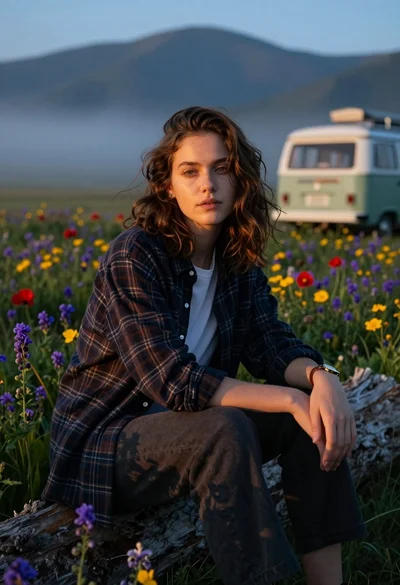
Young woman sitting on log in wildflower meadow near misty mountains

Woman in black coat standing in golden grass field with rolling hills
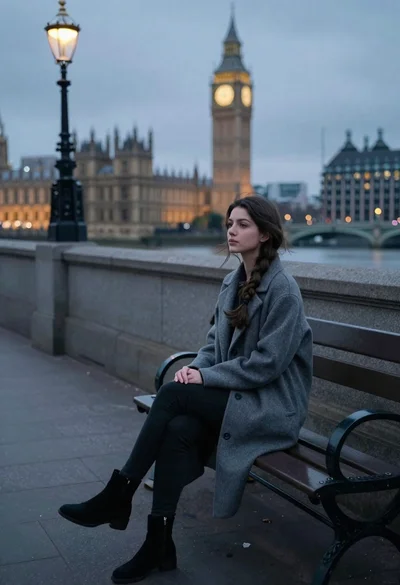
Young woman sitting alone on park bench by river at dusk
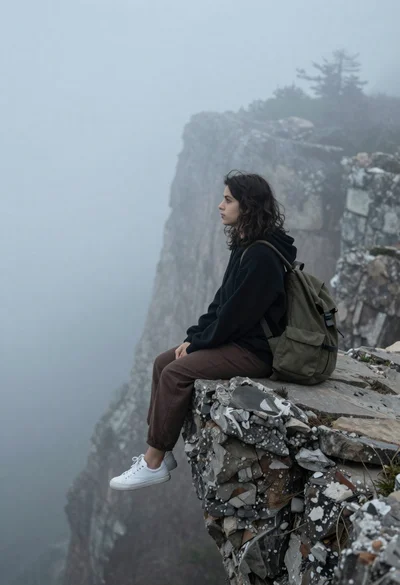
Young woman in black hoodie sitting on rocky cliff in thick fog
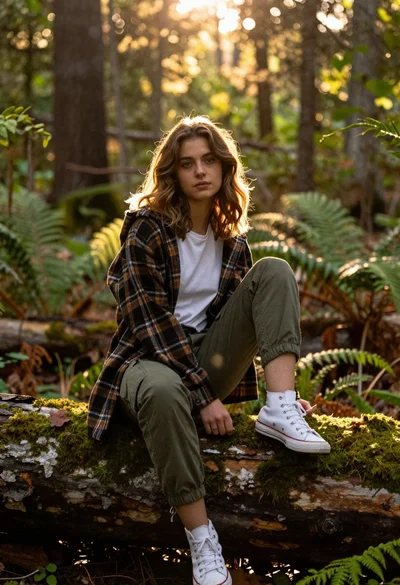
Young woman with brown hair sitting on a log in sunlit forest

Young woman with brown hair sitting by stream in flowery meadow
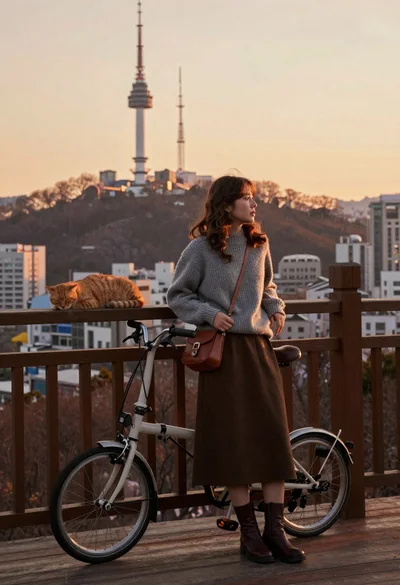
Young woman in grey sweater leaning on railing with bicycle and cat
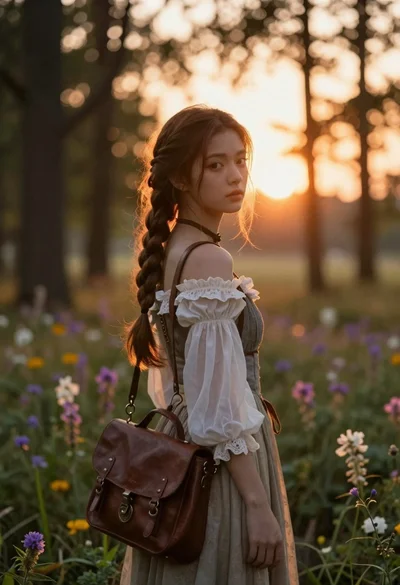
Young woman with brown hair braid standing in sunlit forest clearing at

Two women sitting side by side on an old wooden ship deck

Young woman reading book by arched window overlooking turquoise ocean view