
Young woman reading book by arched window overlooking turquoise ocean view
Prompt
A serene woman sits on a stone window sill reading a book with the ocean visible through the glass behind her.

Subject: A young woman with long brown hair and fair skin is seated in profile facing left, holding an open hardcover book in her lap. She has a calm expression and appears relaxed.

Clothing: She wears a dark blue spaghetti-strap slip dress featuring a delicate floral pattern of small white flowers. The fabric drapes softly around her legs as she sits barefoot on the stone ledge.

Action: She is absorbed in reading, holding the book open with both hands while looking down at the pages. Her posture is relaxed and casual.

Environment: She is positioned inside a rustic stone room framed by a large arched window made of wood. Outside the window is a bright turquoise sea under a clear sky with distant rocky formations on the horizon. A vintage green lantern hangs from the arch above her head. To her right, a small wooden table holds a glass pitcher and a drinking glass.

Lighting: Warm golden sunlight streams through the window from the left, illuminating her face and dress while casting soft shadows inside the room. The light creates a peaceful, nostalgic atmosphere with high contrast between the interior stone and the bright exterior.

Camera: The shot is framed as a medium view capturing her full seated form within the architectural arch of the window, emphasizing the connection between the interior space and the seascape outside.

Style Details: The image features a photorealistic style with soft focus on the background to emphasize depth, warm color grading, and a cinematic composition that highlights the tranquil mood.
Description
This prompt is useful for creating editorial travel narratives, atmospheric lifestyle blogs, and serene portraiture pieces. The combination of 'warm golden sunlight' streaming through the arch and the 'soft focus on the background' directs the viewer's eye to the subject while using the bright turquoise sea as a high-contrast backdrop that prevents the interior stone from looking flat.
Suggestions
- Change 'dark blue spaghetti-strap slip dress' to 'cream lace sundress' for a lighter feel.
- Swap 'vintage green lantern' for 'wrought iron lantern' to match the architecture better.
- Adjust 'medium view' to 'full body shot' to incorporate more of the stone sill.
Category
Tags
Brown HairCasual WearFair SkinFemaleIndoorsMedium ShotOutdoorsRealisticRooftop
Date added
August 5, 2026
Added by
PromptDexter Team
Related Prompts
More prompts with similar categories and tags.
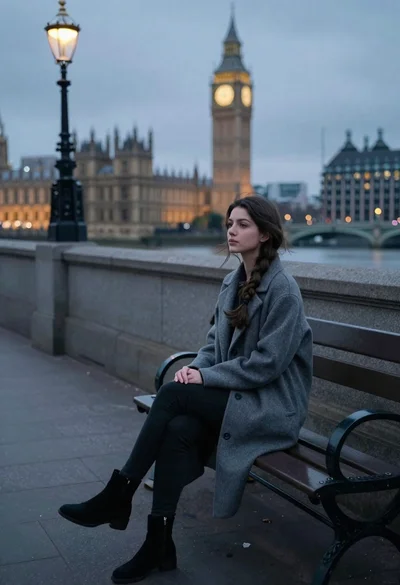
Young woman sitting alone on park bench by river at dusk

Young woman in black dress overlooking european city at golden hour

Handsome young man leaning on great wall overlooking green mountains at sunset

Stylish woman in lime green leaning on railing overlooking city skyline at

Young woman in olive cardigan on wooden walkway overlooking mountain valley at
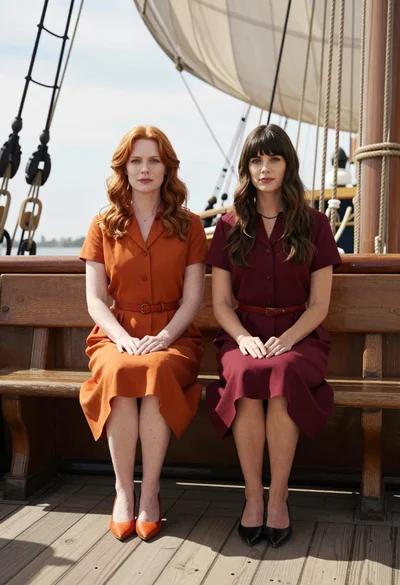
Two women sitting side by side on an old wooden ship deck

Handsome man leaning on railing overlooking sprawling cityscape from balcony

Romantic portrait of couple embracing on wet beach at sunset
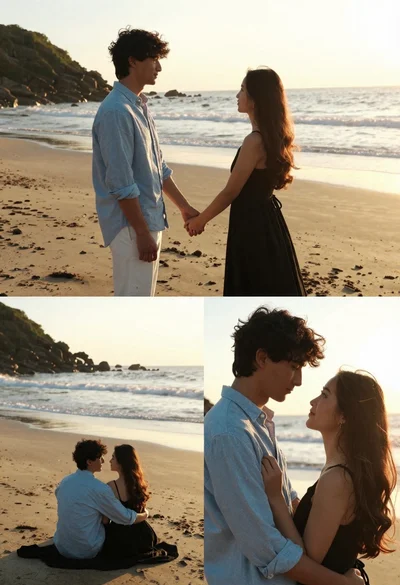
Romantic collage of couple embracing on beach at golden hour sunset

Romantic couple embracing on a sandy beach during sunset golden hour