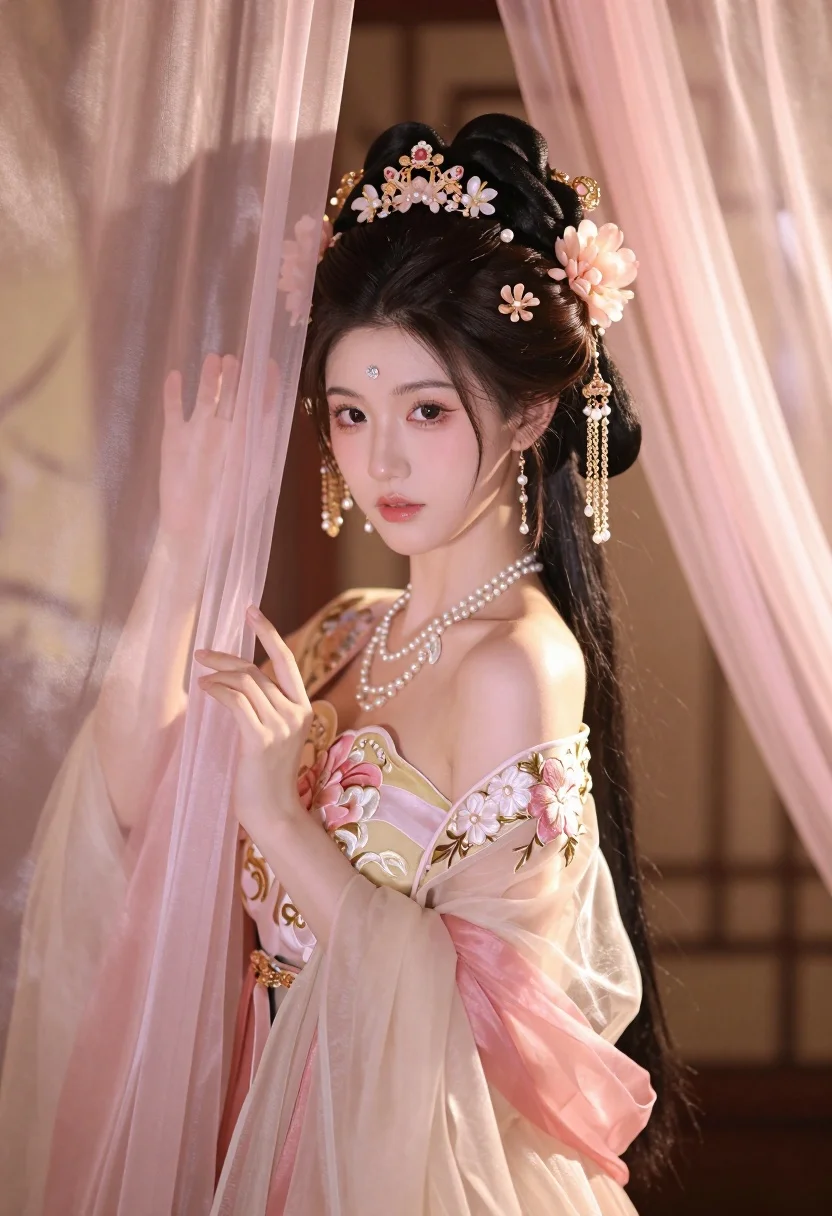
Young woman in pale pink gown holding sheer curtains indoors softly lit
Prompt
A young woman with fair skin and dark hair styled in an elaborate updo adorned with intricate gold and pink floral hairpins, dangling pearl chains, and a jeweled forehead ornament gazes softly at the viewer while holding back sheer fabric curtains.

Subject: A beautiful young woman with delicate features, soft makeup, and long dark hair arranged in an ornate traditional updo featuring a central jeweled tiara and cascading gold and pink floral hair accessories.

Clothing: She wears a translucent, layered gown in pale pink and cream tones, featuring intricate gold embroidery of flowers on the bodice and sleeves, complemented by multiple strands of pearl necklaces and dangling earrings.

Action: The woman stands with a gentle, poised posture, her right hand lifting a sheer curtain to frame her face while looking forward with a calm, slightly melancholic expression.

Environment: She is positioned in an interior space filled with soft, warm light filtering through sheer pink drapes that hang around her, suggesting a luxurious and intimate setting.

Camera: The shot is a medium close-up framed from the waist up, utilizing a shallow depth of field to blur the background into bokeh while keeping the subject sharply in focus.

Lighting: Soft, diffused lighting bathes the scene in warm pink and gold hues, creating a dreamy atmosphere with gentle highlights on her skin and translucent fabric.

Style Details: The image exhibits a cinematic photography style with soft edges, ethereal color grading, and a romantic, fantasy aesthetic reminiscent of traditional Chinese art mixed with modern cinematic rendering.
Description
This prompt is useful for creating editorial fashion moodboards, bridal portraiture concepts, and high-end luxury catalog imagery. The combination of 'soft, diffused lighting' and the 'sheer pink drapes' establishes an ethereal quality that supports delicate subject matter, while specifying a 'medium close-up framed from the waist up' ensures the focus remains intimately on the gown's embroidery and the woman's expression without losing context.
Suggestions
- Change 'pale pink' to 'blush peach' for a warmer tone.
- Swap 'gold and pink floral hairpins' for 'ivory pearl and gold accents' to simplify the ornamentation.
- Adjust the lighting by adding 'rim light from the side' to separate her silhouette more distinctly.
Category
Tags
Fair SkinFemaleFormal WearIndoorsMedium ShotPortrait ShotRealistic
Date added
July 3, 2026
Added by
PromptDexter Team
Related Prompts
More prompts with similar categories and tags.
Woman in black satin dress and opera gloves at a wooden table
Close up portrait of woman in champagne gown with brown hair
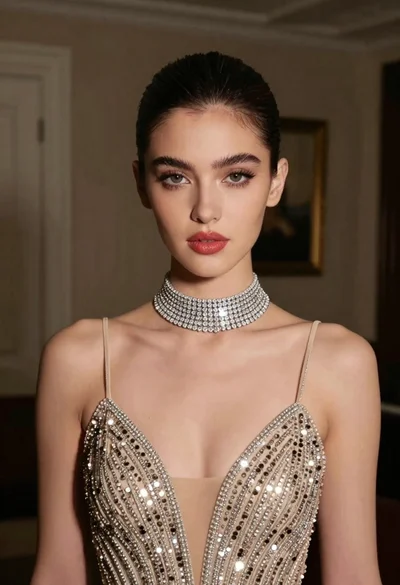
Glamorous portrait of young woman in champagne gown indoors

Woman in rust gown posing on white step and repeat backdrop
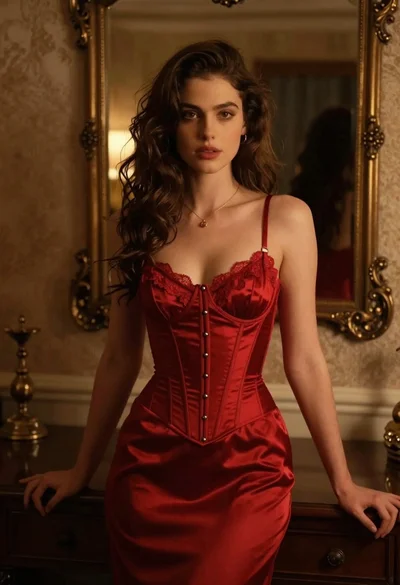
Woman in red corset dress standing in dimly lit room with ornate

Blonde woman in black coat leaning against white wall by window
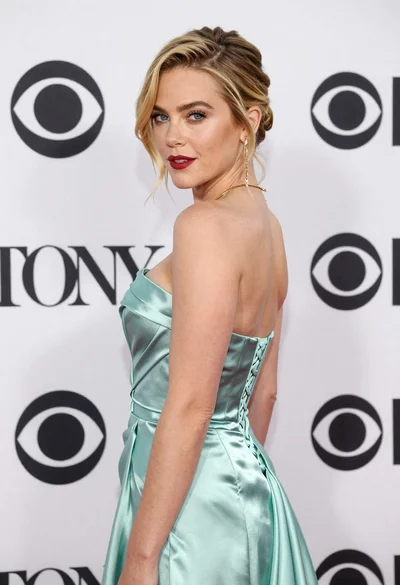
Blonde woman in seafoam gown looking over shoulder at camera
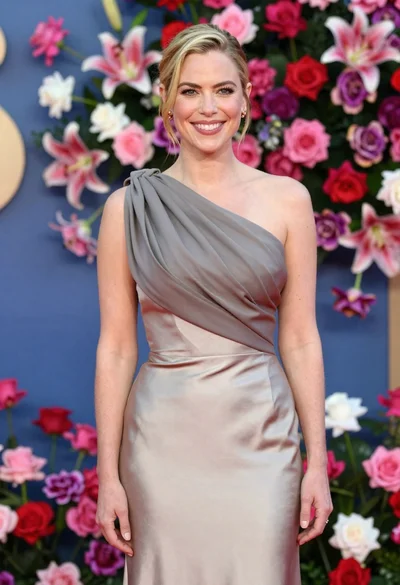
Smiling woman in one shoulder gown against vibrant floral wall backdrop
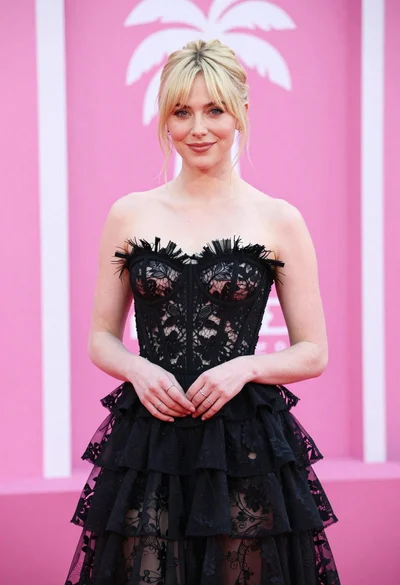
Blonde woman in black lace gown against a vibrant pink striped backdrop
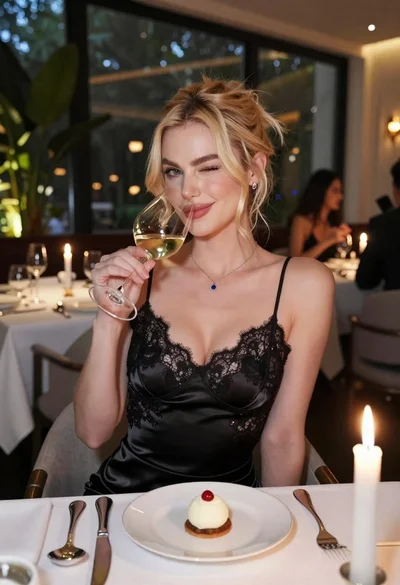
Blonde woman in black slip dress winking at table in upscale restaurant