

Smiling woman in one shoulder gown against vibrant floral wall backdrop
Prompt
A smiling woman with blonde hair pulled back stands in a formal setting.

Subject: A woman with fair skin and blonde hair styled in a sleek updo, featuring a bright smile and direct gaze.

Clothing: She wears a one-shoulder gown with a draped greyish-brown bodice made of a soft fabric and a fitted satin skirt in a light gold or champagne color.

Action: The woman stands facing forward with her arms relaxed at her sides, displaying a confident and happy expression.

Environment: A vibrant floral wall backdrop featuring large arrangements of pink, red, white, and purple flowers including roses and lilies against a blue background.

Camera: Medium shot capturing the subject from the waist up with a shallow depth of field that keeps the subject sharp while slightly blurring the dense floral background.

Lighting: Bright and even frontal lighting illuminates the face and skin smoothly, minimizing harsh shadows and highlighting the texture of the fabric.

Style Details: High-resolution photography with a polished, glossy finish typical of red carpet event coverage.
Description
This prompt is useful for creating editorial fashion moodboards, bridal lookbooks, and high-end portraiture showcasing formal wear. The combination of 'bright and even frontal lighting' ensures the subject's 'fair skin' remains smooth while the 'shallow depth of field' isolates her against the busy 'vibrant floral wall backdrop,' preventing visual competition between the gown and the setting.
Suggestions
- Change 'greyish-brown bodice' to 'ivory lace bodice' for a more cohesive look.
- Swap 'light gold or champagne color' for 'deep emerald satin' to contrast with the flowers.
- Add 'Canon EOS R5, 85mm lens' to specify the photographic equipment.
Category
Tags
BlondeFair SkinFemaleFormal WearMedium ShotPortrait ShotRealistic
Date added
June 19, 2026
Added by
PromptDexter Team
Related Prompts
More prompts with similar categories and tags.

Blonde woman in seafoam gown looking over shoulder at camera
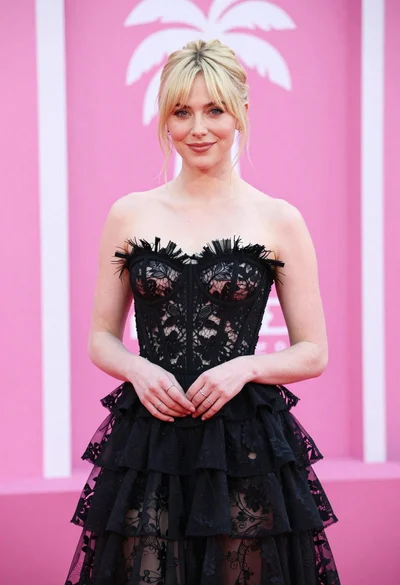
Blonde woman in black lace gown against a vibrant pink striped backdrop

Close up portrait of blonde woman in champagne gown at gala

Blonde woman looking back over shoulder against white wall

Smiling blonde woman in black dress at sports illustrated event backdrop

Fair skinned woman in black velvet dress at white step and repeat

Close up portrait of woman in champagne gown with brown hair

Woman in rust gown posing on white step and repeat backdrop
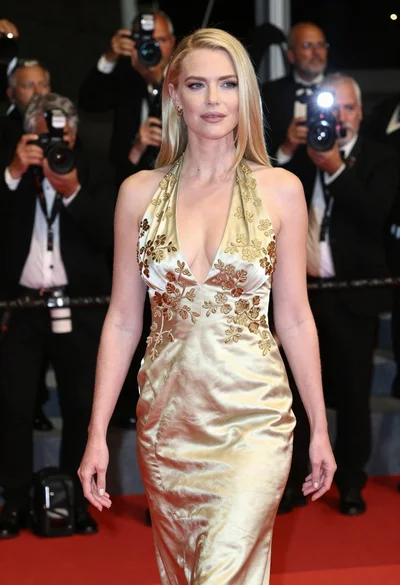
Blonde woman in gold satin gown walking at a red carpet event

Blonde woman reading at a cafe table with roses
