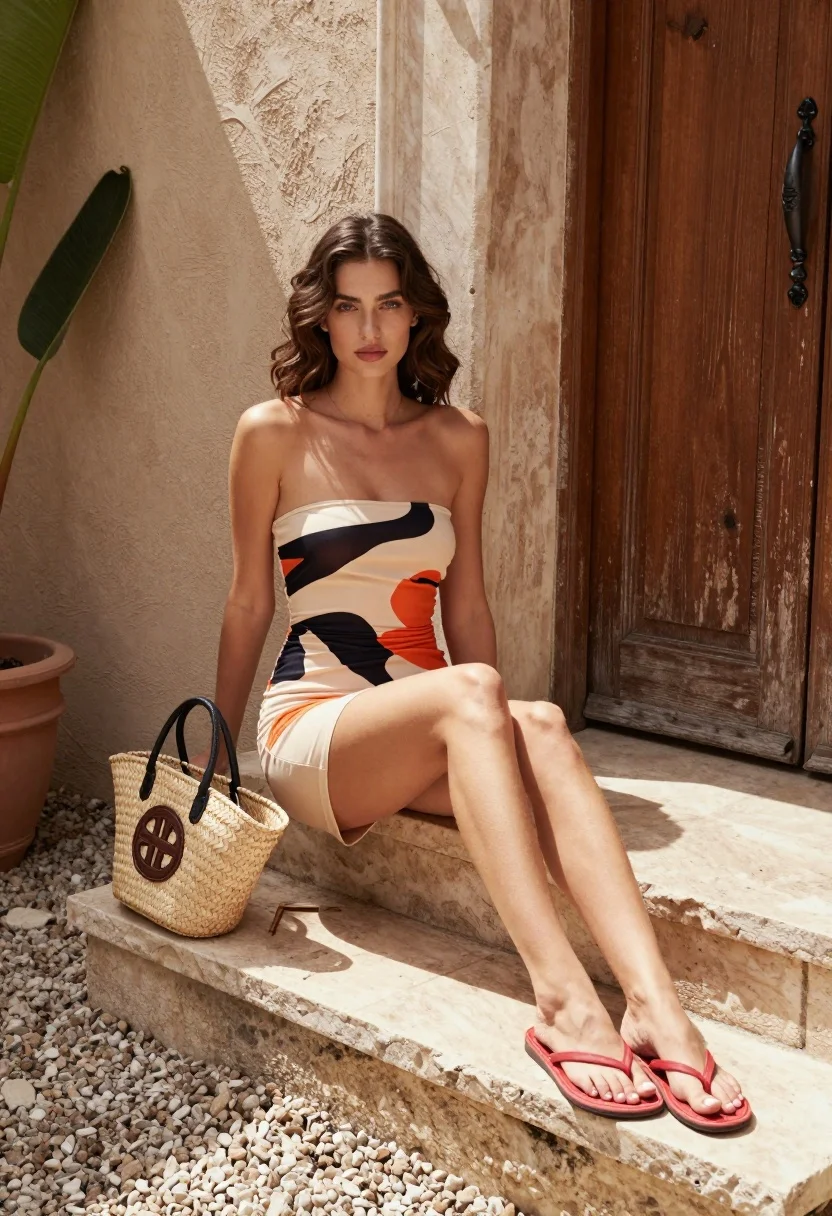
Young woman in patterned beige dress sitting on stone steps outdoors
Prompt
A woman with wavy brown hair sits gracefully on stone steps in a sunlit courtyard.

Subject: A young woman with long, wavy brown hair and fair skin, wearing a strapless beige mini dress featuring bold black and orange abstract patterns. She wears red flip-flops and has a neutral, direct gaze.

Clothing: The outfit consists of a ruched, strapless beige dress with large black and orange graphic prints, paired with simple red thong sandals.

Action: She is seated on rough stone steps with her legs extended forward, leaning slightly back against a textured wall while looking directly at the camera.

Environment: The setting is an outdoor courtyard featuring a weathered wooden door to the right, a large green leafy plant to the left, and a gravel ground surface.

Objects: A woven straw tote bag with a dark circular logo sits on the step beside her.

Lighting: Bright natural sunlight illuminates the scene from above, casting soft shadows and highlighting the texture of the stone and fabric.

Camera: The shot is a medium-full length view taken at eye level with a shallow depth of field that keeps the subject sharp while softly blurring the background textures.

Style Details: The image has a high-resolution, photorealistic quality with warm color grading and natural skin tones reminiscent of fashion photography.
Description
This prompt is useful for creating lifestyle editorial spreads, resort wear lookbooks, and personal portrait galleries that require an immediate connection with the viewer. The combination of 'bright natural sunlight' casting soft shadows and the 'shallow depth of field' ensures the subject remains crisp against a softly blurred background, which directs all focus to the patterned beige dress and direct gaze.
Suggestions
- Change 'bold black and orange abstract patterns' to 'subtle geometric cream prints' for a more muted feel.
- Swap 'red thong sandals' for 'nude leather slides' to minimize color distraction.
- Adjust 'bright natural sunlight' to 'overcast daylight' for softer, shadowless illumination.
Category
Tags
Brown HairCasual WearFair SkinFemaleMedium ShotOutdoorsRealistic
Date added
August 5, 2026
Added by
PromptDexter Team
Related Prompts
More prompts with similar categories and tags.
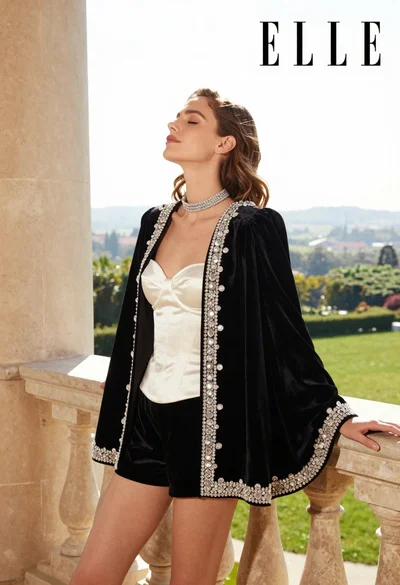
Woman in black velvet jacket on stone balcony against green hills

Woman in black dress by window overlooking ocean at golden hour

Young woman sitting among colorful clothes in minimalist studio setting
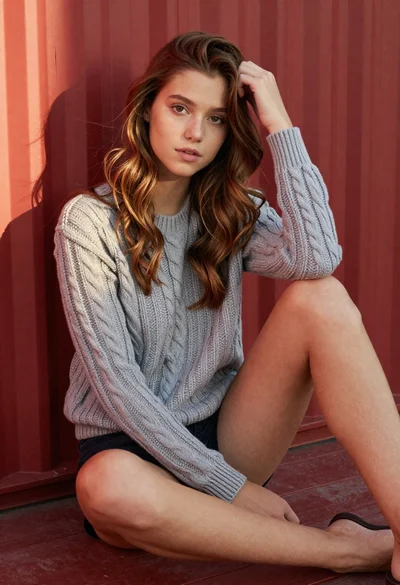
Young woman in grey knit sweater sitting against red corrugated metal wall
Young woman in rust suede coat seated in weathered architectural corridor
Woman in deep red dress seated elegantly outdoors on grassy lawn

Blonde woman reading at a cafe table with roses

Blonde woman in black dress leaning on stone pillar in garden setting

Young woman in red outfit on balcony overlooking water and hills

Woman in mauve dress leaning on wooden deck by calm pond