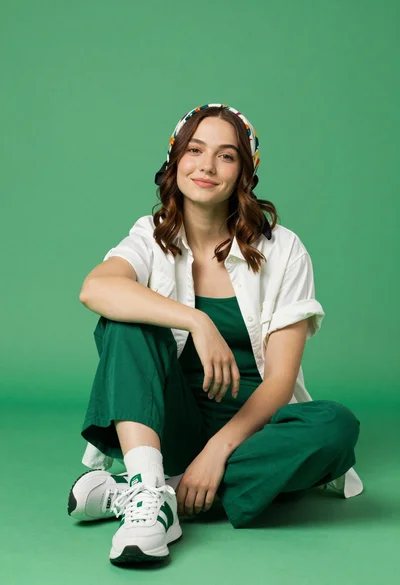
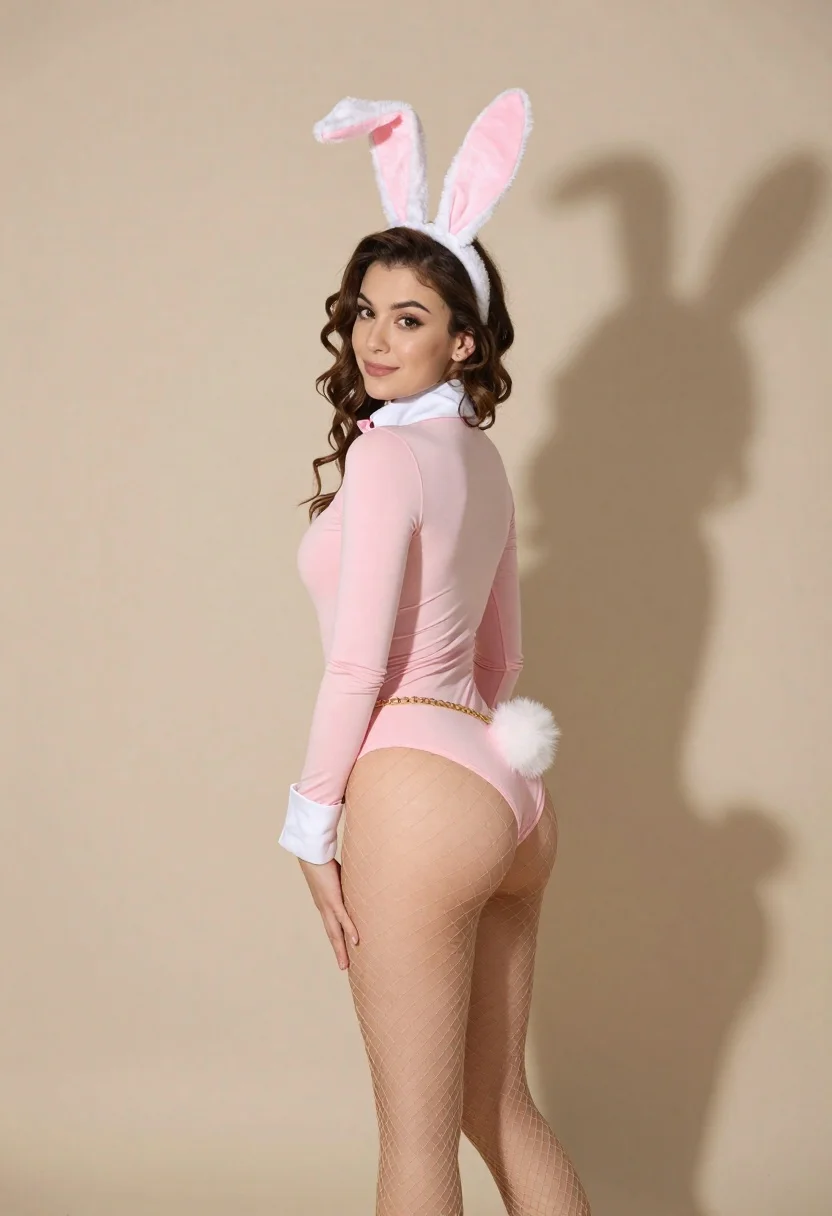
Young woman in pink bunny bodysuit posing against beige studio backdrop
Prompt
A woman posing in a playful bunny costume against a plain beige background.

Subject: A young woman with wavy brown hair pulled back into a high ponytail, looking over her shoulder at the camera with a subtle smile.

Clothing: She wears a tight-fitting pink long-sleeved bodysuit and fishnet stockings on her legs. She is accessorized with a fluffy pink bunny tail attached to her waist by a gold chain belt.

Action: She stands in profile facing right but turns her head back to face the viewer, with one hand resting on her hip near the bunny tail.

Environment: A solid, neutral beige studio backdrop that casts a distinct shadow of the subject and her bunny ears onto the wall behind her.

Camera: Shot from a medium-full body angle at eye level, capturing the full length of the pose against the flat background.

Lighting: Soft, directional lighting coming from the front-left, creating gentle highlights on her skin and casting a sharp, dark shadow to the right.

Style Details: High-quality studio photography with smooth color grading, clean composition, and a focus on fashion and costume details.
Description
This prompt is useful for creating themed editorial shoots, character concept art, and playful catalog imagery. The combination of 'soft, directional lighting' and the 'solid, neutral beige studio backdrop' ensures that the vibrant pink bodysuit remains the focal point by providing a clean canvas against which the costume details can be sharply contrasted.
Suggestions
- Change 'pink long-sleeved bodysuit' to 'velvet bunny bodysuit' for a richer texture.
- Adjust 'soft, directional lighting' to 'rim light only' to emphasize silhouette.
- Swap 'beige studio backdrop' for 'pale blush seamless paper' for a warmer tone.
Category
Tags
Brown HairCasual WearFemaleMedium ShotOutdoorsStudio
Date added
June 26, 2026
Added by
PromptDexter Team
Related Prompts
More prompts with similar categories and tags.
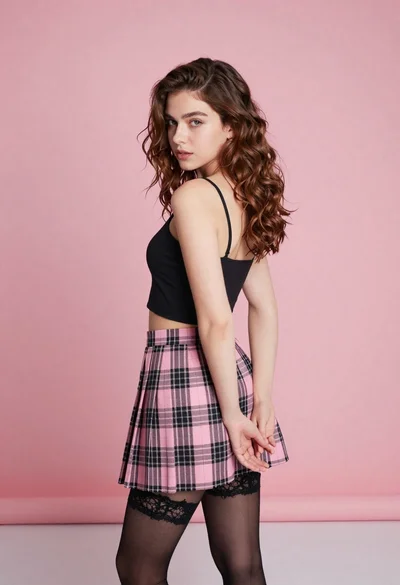
Young woman in pink plaid skirt looking back over shoulder in studio
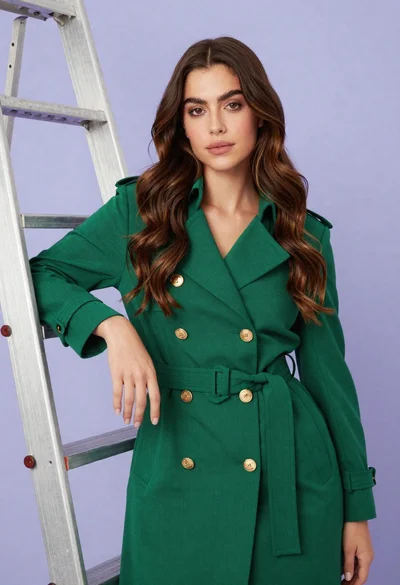
Confident woman in emerald green trench coat leaning against metal ladder in

Woman standing barefoot in dry autumn field at golden hour
Woman in pink bra and blue jeans sitting on wooden outdoor deck
Young woman in black lingerie with grey cardigan on stool

Young woman in yellow bikini by wooden post on sunny beach
Young woman in yellow sportswear leaning on tennis net outdoors

Young woman sitting among colorful clothes in minimalist studio setting