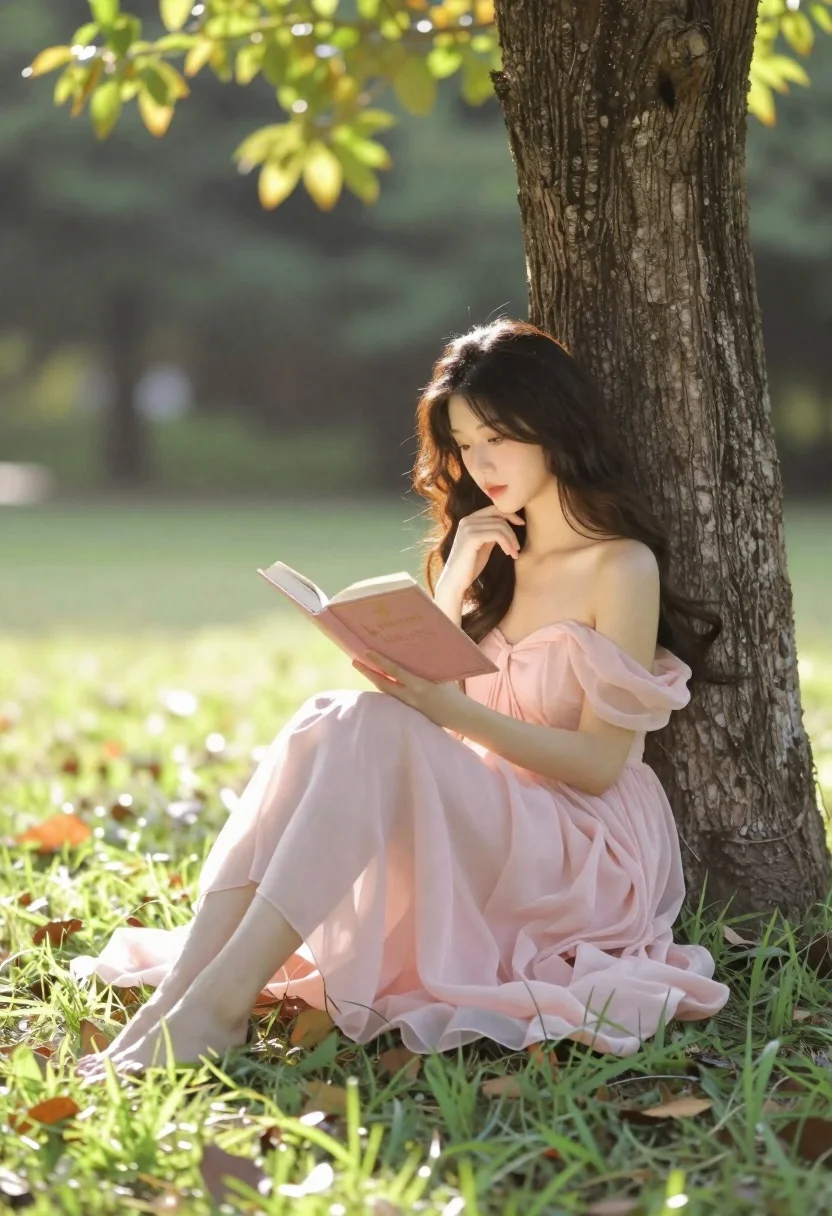
Young woman in pink gown reading book against tree in park
Prompt
A young woman with long dark hair sits barefoot against a large tree trunk in a sunlit grassy park, reading an open book.

Subject: A beautiful young woman with long, wavy dark hair cascading over her shoulders and a contemplative expression as she gazes down at the text.

Clothing: She wears a flowing, pale pink off-the-shoulder gown made of sheer, lightweight fabric that drapes elegantly around her legs and pools on the grass.

Action: She is seated with one leg bent and the other extended, holding an open book in both hands while resting her chin on her left hand in a thoughtful pose.

Environment: A lush green park setting with vibrant grass underfoot, scattered dry leaves, and a large tree trunk providing support, with a soft-focus background of dense trees and foliage.

Camera: Shot from a low angle looking slightly up at the subject to emphasize her silhouette against the tree, utilizing a shallow depth of field that blurs the background into a creamy bokeh.

Lighting: Warm golden hour sunlight filters through the leaves in the upper left, creating a soft backlight that highlights the edges of her hair and dress while casting gentle shadows on the ground.

Objects: She holds an open book with a pink cover featuring the word "Princess" written in gold lettering.

Style Details: The image features a dreamy, cinematic aesthetic with high-quality rendering, soft color grading, and a romantic atmosphere reminiscent of a high-end fashion editorial or fantasy illustration.
Description
This prompt is useful for creating ethereal portraiture, romantic narrative illustrations, and high-end magazine editorials focusing on quiet contemplation. The combination of 'flowing, pale pink off-the-shoulder gown' against the 'soft backlight' ensures that the subject remains luminous while the shallow depth of field isolates her thoughtful pose from the busy park setting.
Suggestions
- Change 'pale pink' to 'dusty rose' for a more muted tone.
- Swap 'open book with a pink cover' for 'leather-bound journal' to change the object focus.
- Adjust 'low angle looking slightly up' to 'eye level' if you want a less dramatic portrait.
Category
Tags
Black HairFemaleFull BodyLow AngleNatureOutdoorsPortrait ShotRealistic
Date added
June 21, 2026
Added by
PromptDexter Team
Related Prompts
More prompts with similar categories and tags.
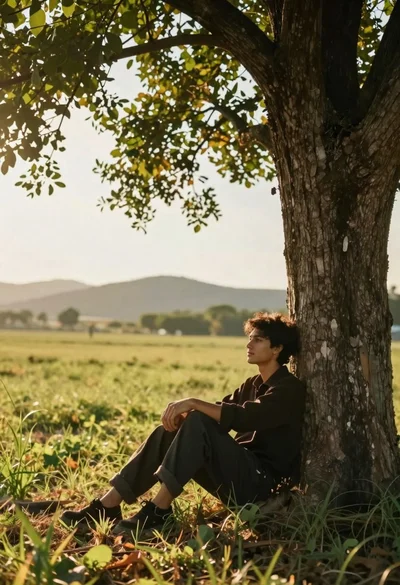
Young man sitting at base of large tree in sunlit field

Romantic couple embracing on misty mountains during golden hour sunrise
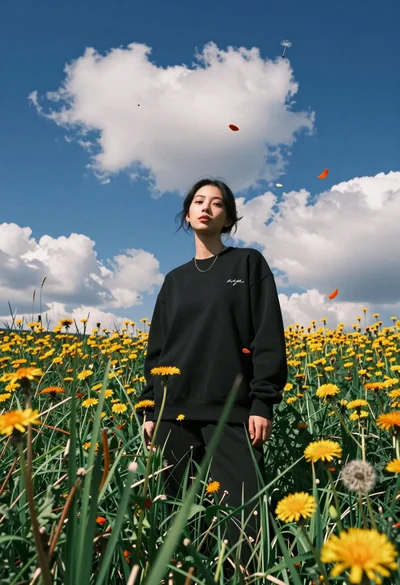
Young woman in black sweatshirt standing in sunlit meadow with wildflowers
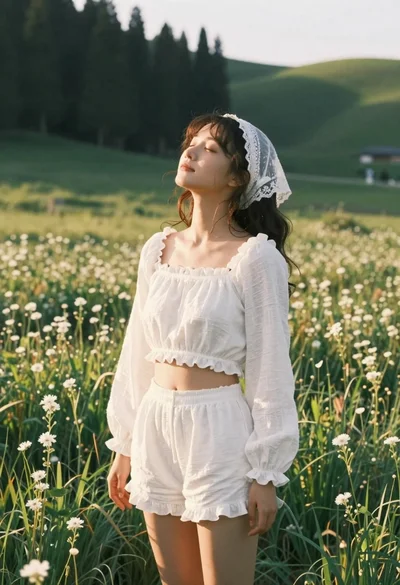
Young woman in white lace outfit standing in sunlit meadow
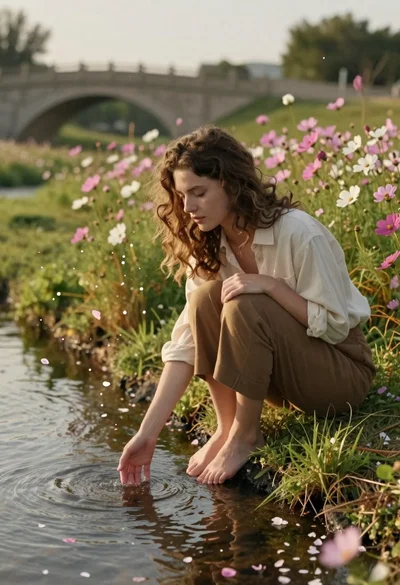
Young woman with brown hair sitting by stream in flowery meadow
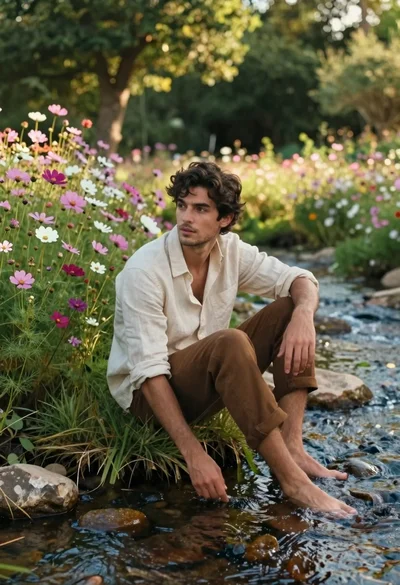
Young man in linen shirt sitting by a stream among wildflowers
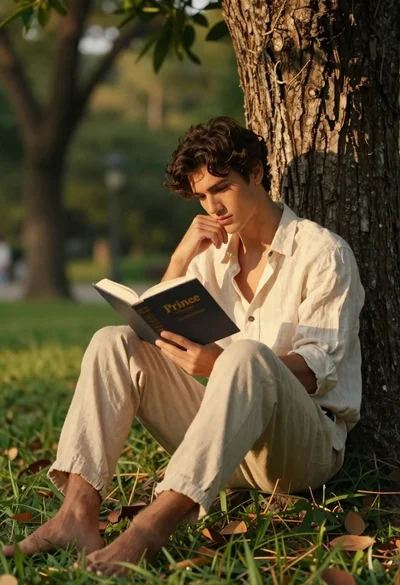
Young man reading a book while leaning against a tree trunk
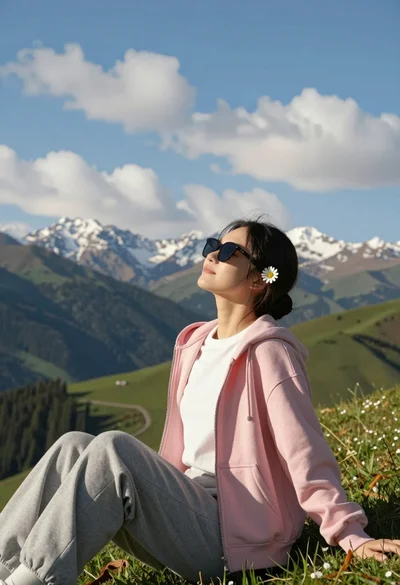
Young woman relaxing on grassy hillside with mountains under blue sky