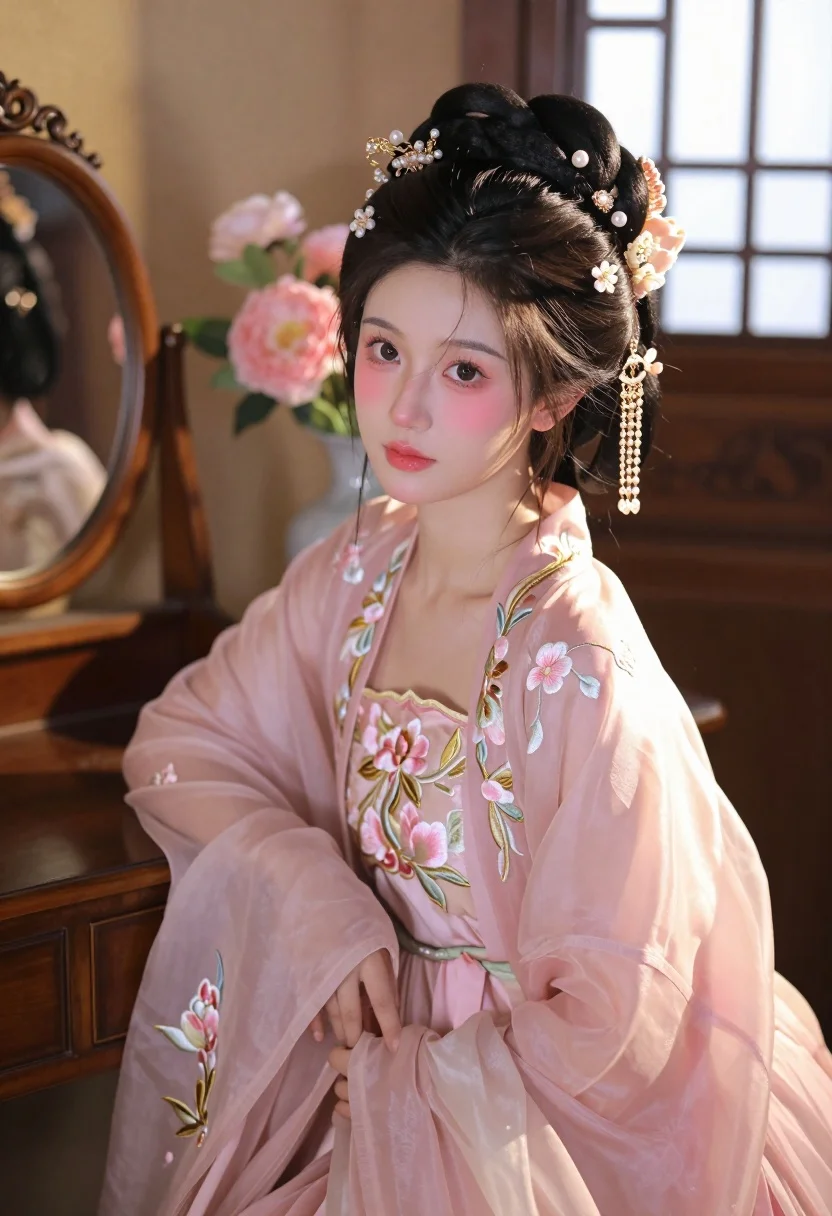
Young woman in pink hanfu gown seated near ornate vanity window
Prompt
A young woman with dark hair styled in an elaborate updo adorned with intricate gold and pearl hairpins featuring dangling floral ornaments sits in a softly lit interior space.

Subject: A young woman with fair skin, large expressive brown eyes, and soft rosy blush on her cheeks.

Clothing: She wears a delicate pink traditional Hanfu gown made of sheer fabric with embroidered floral patterns in gold thread and pink blossoms along the sleeves and bodice.

Action: She gazes directly at the viewer with a calm expression, her head slightly tilted, exuding a serene and elegant demeanor.

Environment: The setting is a warm, vintage-style room with wooden furniture, including a carved vanity table to the left and a window with lattice design in the background allowing soft natural light to filter through.

Objects: A round ornate mirror rests on the vanity beside her, and pink flowers are visible in a vase near the window adding color and depth to the scene.

Lighting: Soft golden sunlight streams from the right side, casting gentle highlights on her face and shoulder while creating subtle shadows that enhance the romantic atmosphere.

Style Details: The image features a hyper-realistic photography style with smooth textures, rich pastel tones, and a dreamy aesthetic reminiscent of classical Chinese portraiture enhanced by modern rendering techniques.
Description
This prompt is useful for creating editorial fashion moodboards, historical costume concept art, and high-end beauty advertisements requiring an ethereal quality. The combination of 'soft golden sunlight' streaming from the right side and the 'sheer fabric' of the Hanfu gown ensures that highlights catch the delicate embroidery while the 'lattice design' window prevents harsh light sources, maintaining a consistent, romantic glow suitable for portraiture.
Suggestions
- Change 'pink traditional Hanfu gown' to 'ivory silk hanfu gown' for a more neutral base.
- Add 'bokeh effect in background' to enhance the dreamy aesthetic.
- Swap 'soft golden sunlight' for 'diffused morning light' for a cooler tone.
Category
Tags
Brown HairBrunetteFair SkinFemaleFull BodyIndoorsPortrait ShotRealisticTraditional Wear
Date added
July 3, 2026
Added by
PromptDexter Team
Related Prompts
More prompts with similar categories and tags.

Young woman in black velvet dress looking over shoulder at event
Portrait of young woman in embroidered chinese hanfu gown holding yellow flowers
Young woman in white hanfu robe with jeweled headpiece in lantern corridor
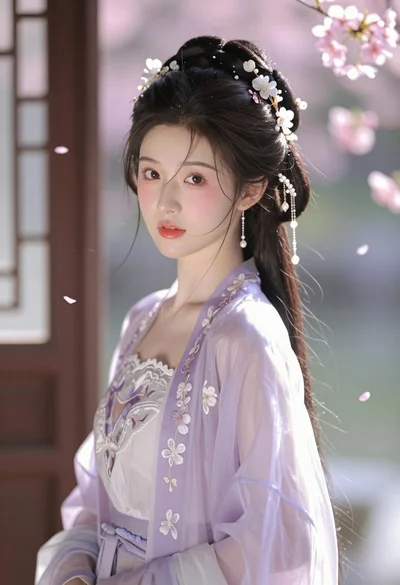
Portrait of young asian woman in lavender hanfu near window with cherry

Woman seated on mid century chair wearing beige suit

Close up portrait of woman in champagne gown with brown hair

Blonde woman in black satin mini dress at upscale lounge setting
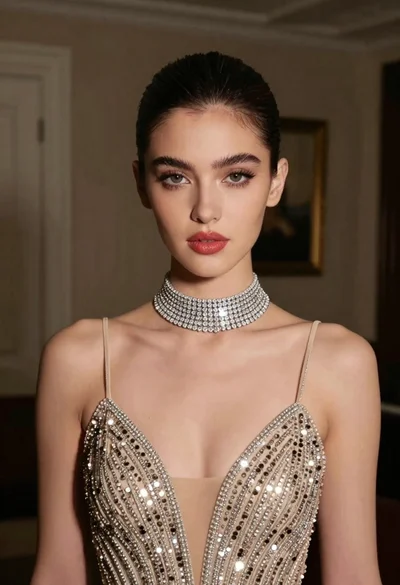
Glamorous portrait of young woman in champagne gown indoors

Full length shot of woman in dusty pink lace gown at indoor
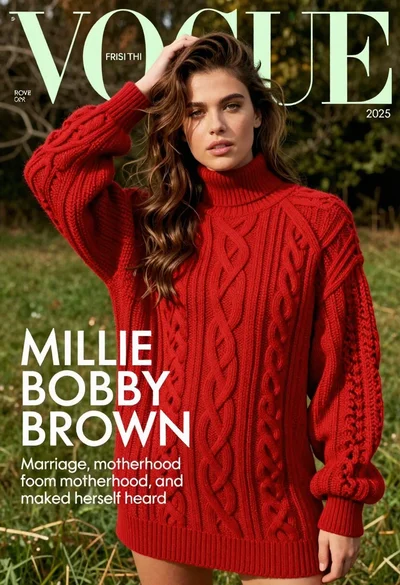
Young woman in red sweater dress standing in grassy field fashion shoot