

Blonde woman in black satin mini dress at upscale lounge setting
Prompt
A glamorous woman with blonde wavy bob hair stands confidently in a dimly lit upscale lounge setting.

Subject: A fair-skinned woman with striking blue eyes and a soft, confident expression, featuring a sleek blonde bob haircut that frames her face.

Clothing: She wears a form-fitting black satin mini dress with an asymmetrical off-the-shoulder neckline and voluminous puffed sleeves on one side, highlighting a deep sweetheart bodice.

Action: Her hands are placed firmly on her hips in a poised stance, looking directly at the camera with a subtle, alluring smile.

Environment: The background features a sophisticated interior with dark walls, large green leafy plants, and a round table draped in a white cloth holding a floral arrangement and small candles.

Camera: Shot from a medium close-up angle with a shallow depth of field that keeps the subject sharp while softly blurring the ambient background details.

Lighting: Warm, low-key lighting creates soft highlights on her skin and the glossy texture of the dress, casting gentle shadows to enhance the intimate atmosphere.

Style Details: The image exhibits a high-fashion editorial aesthetic with rich color grading, smooth skin textures, and a polished, cinematic quality typical of celebrity event photography.
Description
This prompt is useful for creating magazine cover editorials, luxury brand advertising campaigns, and intimate portraiture showcasing evening wear. The combination of 'dimly lit upscale lounge setting' with 'warm, low-key lighting' ensures that the 'glossy texture of the dress' catches just enough light to read as luxurious, while the 'shallow depth of field' isolates the subject against the rich background details.
Suggestions
- Change 'blonde wavy bob hair' to 'sleek blonde curtain bangs' for a modern update.
- Swap 'black satin mini dress' for 'deep emerald velvet gown' to shift the color palette.
- Adjust 'small candles' to 'crystal chandelier reflections' for more dramatic highlights.
Category
Tags
BlondeBrunetteCasual WearFair SkinFemaleIndoorsPortrait ShotRealistic
Date added
June 19, 2026
Added by
PromptDexter Team
Related Prompts
More prompts with similar categories and tags.

Blonde woman looking back over shoulder against white wall

Close up portrait of blonde woman in hot pink gown at event

Blonde woman in black coat leaning against white wall by window

Smiling woman in royal blue gown on red carpet with green foliage

Fair skinned woman with red hair in brown satin dress against gray
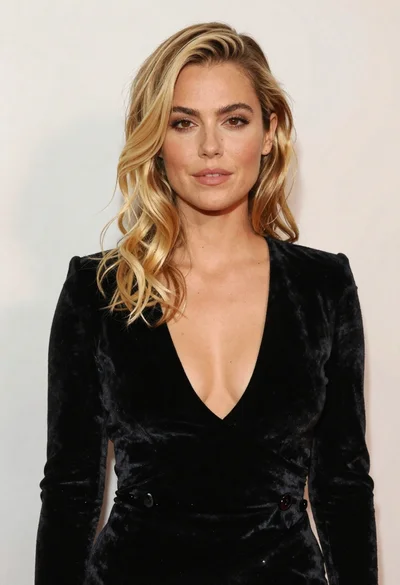
Portrait of blonde woman in black velvet dress against light wall

Fair skinned woman in black velvet dress at white step and repeat
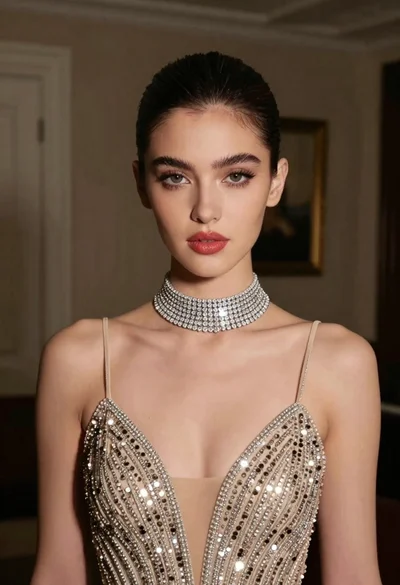
Glamorous portrait of young woman in champagne gown indoors

Blonde woman reading at a cafe table with roses

Smiling blonde woman in black leather outfit at an indoor evening event
