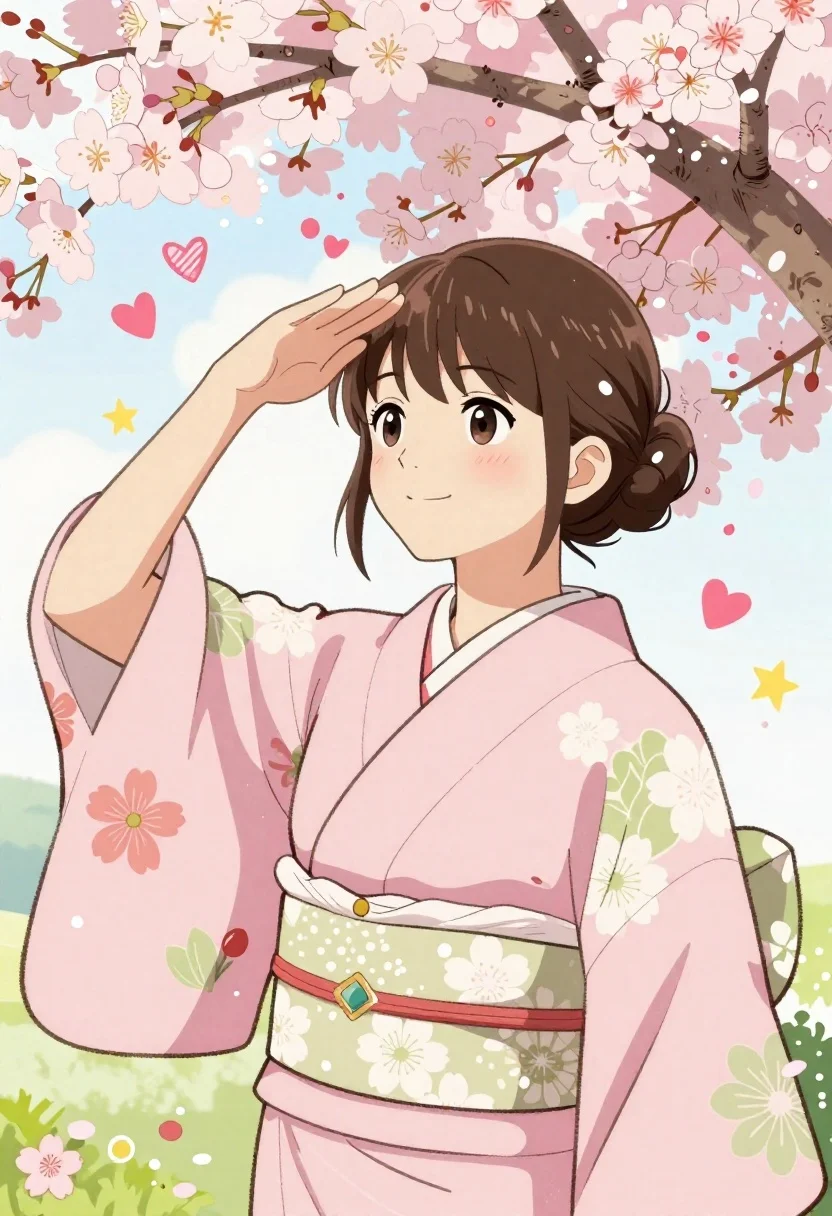
Young woman in pink kimono under cherry blossom branches shielding eyes
Prompt
A cheerful young woman with brown hair styled in a bun stands beneath a canopy of blooming cherry blossom branches, gently shielding her eyes with one hand as if looking into the distance.

Subject: A smiling young woman with large dark eyes, rosy cheeks, and short brown hair tied back in a neat bun with loose strands framing her face.

Clothing: She wears a traditional Japanese kimono featuring a light pink upper body with floral patterns and a green lower section with white floral designs, secured by a wide white obi sash with a decorative diamond-shaped brooch.

Action: The woman raises her right hand to her forehead in a saluting or shielding gesture, looking forward with a gentle, pleasant expression.

Environment: The background is bright and airy, filled with falling cherry blossom petals, floating hearts, stars, and whimsical doodles like flowers and leaves scattered around the scene.

Camera: A medium close-up shot focusing on the upper body, framed to include the overhead branches and surrounding decorative elements.

Lighting: Soft, diffused daylight illuminates the scene evenly, creating a gentle and dreamy atmosphere with minimal harsh shadows.

Style Details: The image features a vibrant, hand-drawn illustration style with bold outlines, flat colors, and playful decorative motifs reminiscent of modern Japanese manga or anime art.
Description
This prompt is useful for creating whimsical character portraits, storybook illustrations, and promotional artwork for anime merchandise. The combination of 'soft, diffused daylight' with a 'vibrant, hand-drawn illustration style' ensures that the delicate details like the falling petals and 'floating hearts' remain visible without being washed out by harsh light, perfectly complementing the playful motifs.
Suggestions
- Change 'light pink upper body' to 'peach kimono' for a warmer tone.
- Replace 'floating hearts' with 'iridescent butterflies' for more movement.
- Adjust 'medium close-up shot' to 'upper body portrait' to emphasize the obi sash.
Category
Tags
AnimeBrown HairFemaleMedium ShotNatureOutdoorsTraditional Wear
Date added
June 26, 2026
Added by
PromptDexter Team
Related Prompts
More prompts with similar categories and tags.
Young girl with short brown hair sits on a rock in sunlit
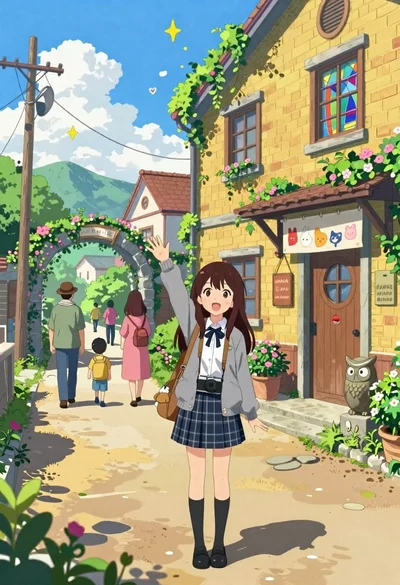
Cheerful young girl waving at viewer on village street with yellow building
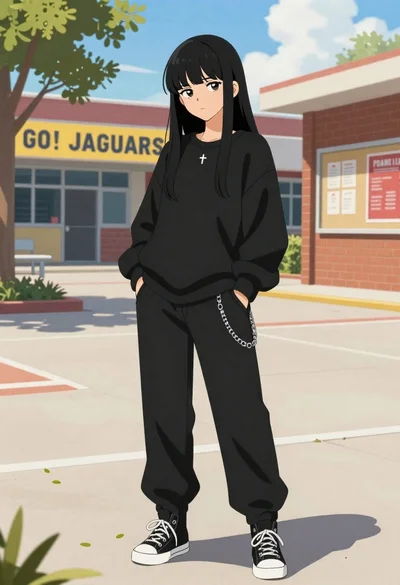
Young woman in black streetwear standing in a sunny school courtyard
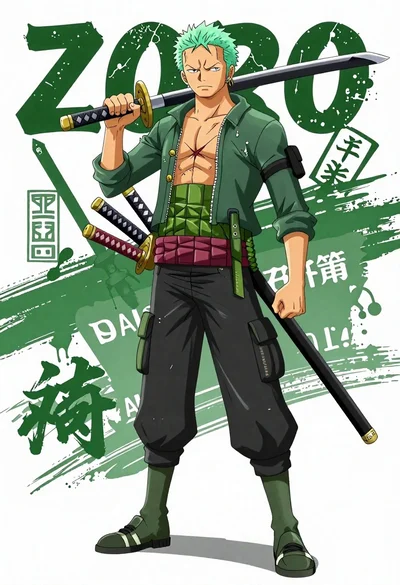
Anime illustration of roronoa zoro standing with three katanas on his waist
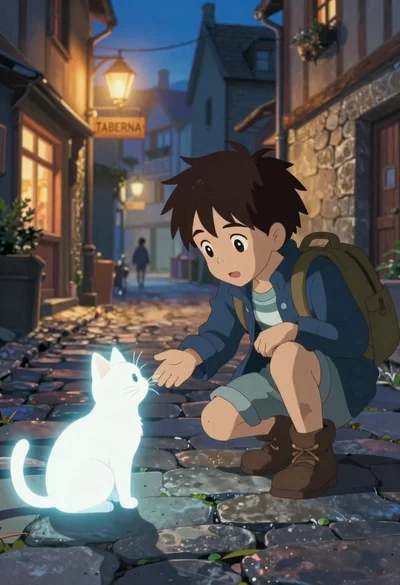
Young boy crouches on cobblestone street reaching out to glowing white cat
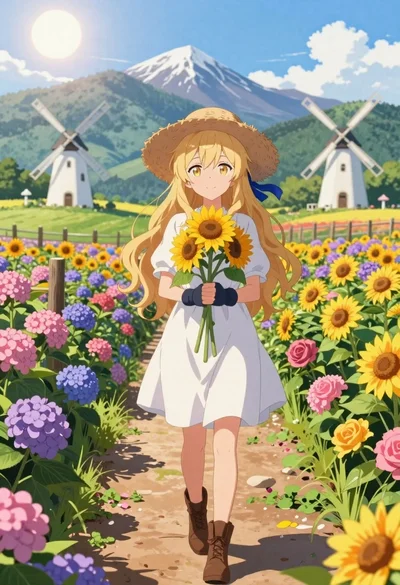
Anime girl in flower field with windmills and mountains
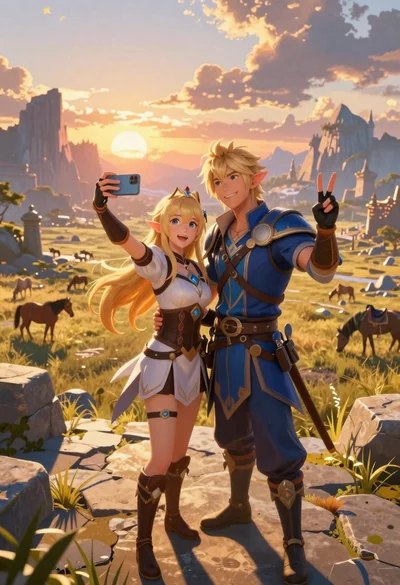
Anime couple taking selfie overlooking fantasy kingdom sunset
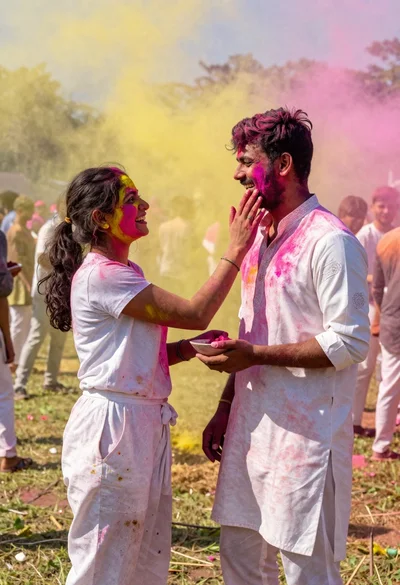
Joyful couple covered in colored powder during outdoor festival celebration