
Young woman in red bikini sitting by turquoise swimming pool at sunset
Prompt
A woman with long wavy dark hair sits on the edge of a swimming pool, looking back over her shoulder at the camera.

Subject: A young woman with long, voluminous dark brown wavy hair and a fair complexion.

Clothing: She wears a red string bikini with thin straps and tie-side bottoms.

Action: She is seated on the tiled pool deck with her legs dangling into the water, looking back over her left shoulder with a soft smile.

Environment: A luxurious outdoor swimming pool with clear turquoise water, bordered by a stone wall and lush green foliage in the background.

Camera: Medium shot capturing the subject from the waist up, framed slightly from behind to show her profile and face.

Lighting: Warm golden hour sunlight illuminates the scene from the side, casting soft shadows and highlighting the texture of her hair and skin.

Style Details: High-resolution photography with a shallow depth of field that keeps the subject sharp while softly blurring the background foliage and pool tiles.
Description
This prompt is useful for creating resort lifestyle advertising, swimwear lookbooks, and romantic portraiture featuring water elements. The combination of 'warm golden hour sunlight' casting soft shadows and the 'shallow depth of field' ensures that the subject remains sharply focused against a softly blurred background, which directs all viewer attention to her profile and the vibrant red bikini.
Suggestions
- Change 'red string bikini' to 'navy blue high-waisted bikini' for a different color contrast.
- Add 'bokeh effect' to emphasize the soft blur of the foliage.
- Modify 'looking back over her left shoulder' to 'gazing out towards the horizon' for a more contemplative mood.
Category
Tags
Brown HairFair SkinFemaleMedium ShotOutdoorsOver The ShoulderPortrait ShotRealisticSwimwear
Date added
June 21, 2026
Added by
PromptDexter Team
Related Prompts
More prompts with similar categories and tags.
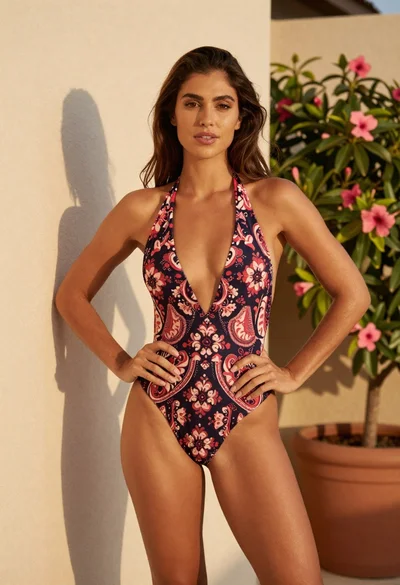
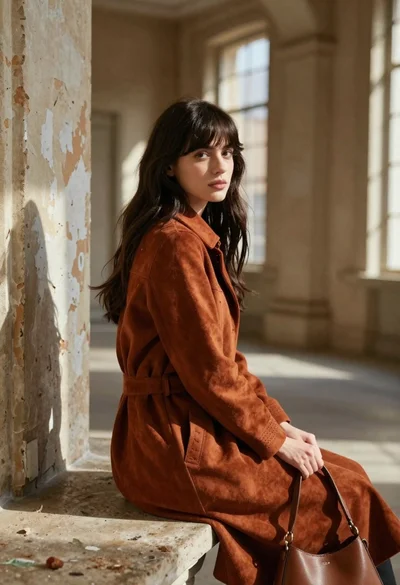
Fit woman in patterned swimsuit standing outdoors by cream wall
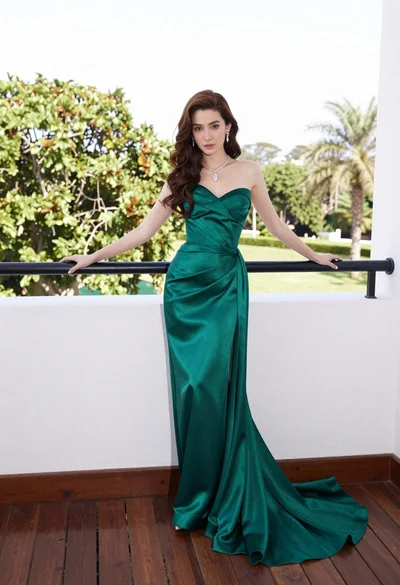
Woman in emerald green gown standing on an outdoor balcony overlooking trees
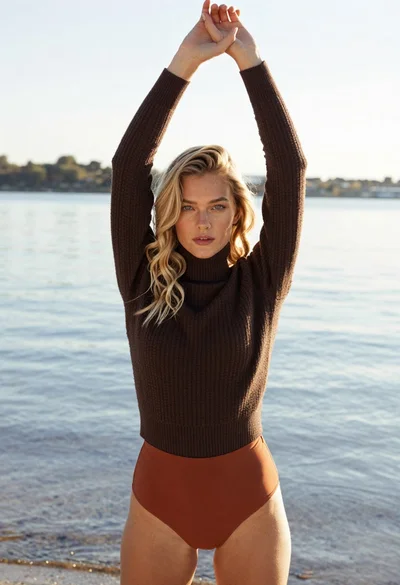
Blonde woman in turtleneck and swim bottoms on a beach

Young woman in yellow bikini sitting outdoors near poolside lounge chair
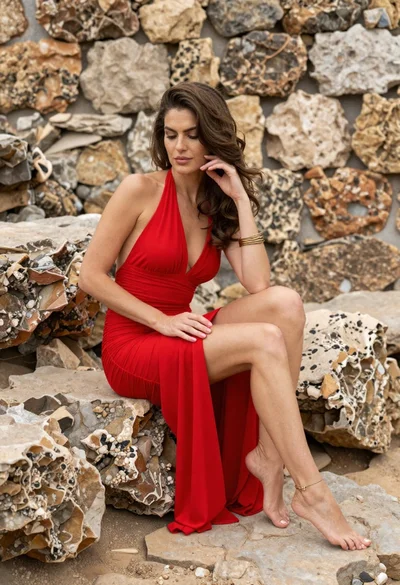
Woman in red halter dress sitting on stones against textured rock wall

Woman in fuchsia saree posing against textured beige stone wall

Woman in lace bodysuit in a snowy forest setting

Woman in black dress by window overlooking ocean at golden hour