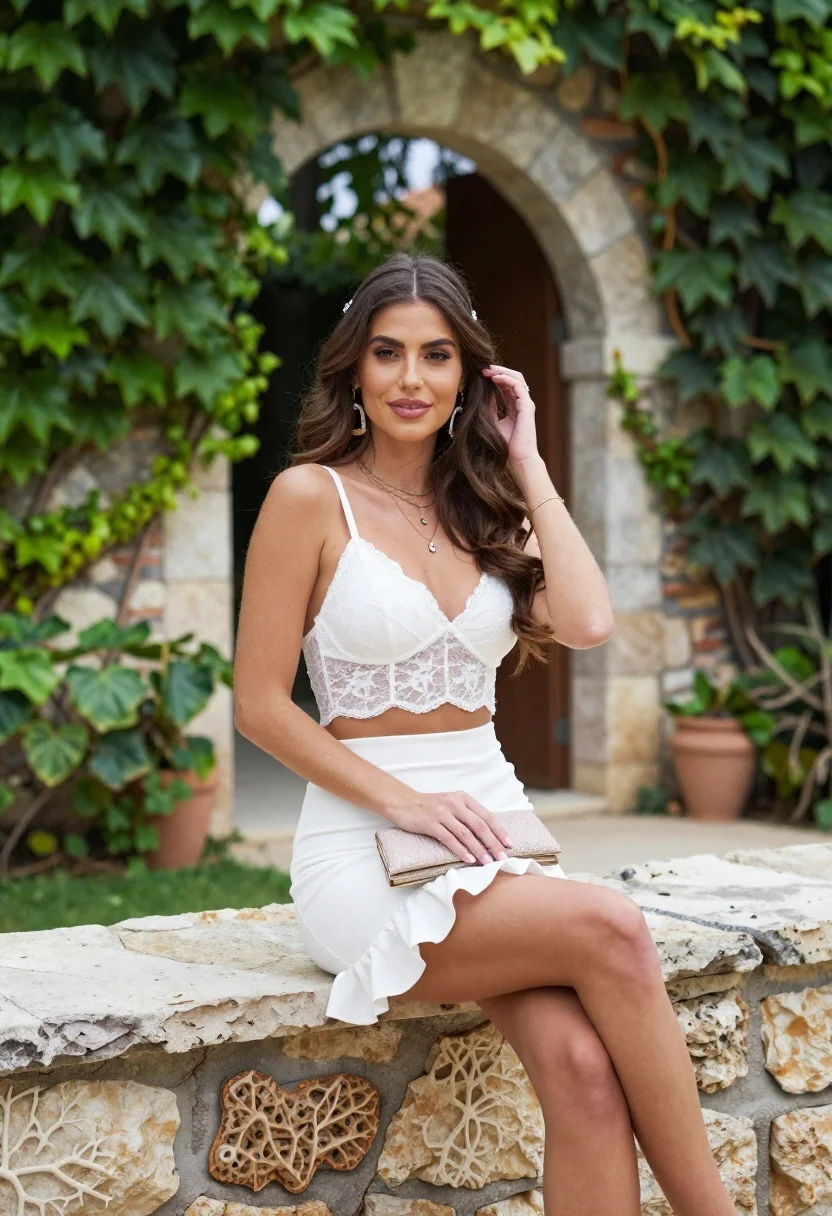
Young woman in white lace outfit sitting on stone ledge in garden
Prompt
A woman sits gracefully on a stone ledge in an outdoor garden setting.

Subject: A young woman with long, wavy brown hair styled with a small decorative clip near her temple, featuring warm skin tones and a gentle smile.

Clothing: She wears a white lace bralette top paired with a high-waisted white skirt that has a ruffled hemline and a thigh-high slit, accessorized with layered gold necklaces, large dangling earrings, a thin bracelet, and a small sparkly clutch purse held in her lap.

Action: She is seated with one hand gently touching her hair near her ear while the other rests on her leg holding the clutch, looking directly at the camera with a relaxed posture.

Environment: The setting is a lush garden featuring an arched stone doorway behind her, overgrown green ivy climbing the walls and trees, and a rustic stone wall she is sitting on.

Camera: Shot from a slightly low angle in a medium shot that frames her upper body and legs, utilizing a shallow depth of field to blur the background foliage and archway for focus on the subject.

Lighting: Soft natural daylight illuminates the scene evenly, creating gentle highlights on her skin and clothing with minimal harsh shadows, contributing to a bright and airy mood.

Style Details: The image has a polished fashion photography aesthetic with vibrant yet natural colors, smooth skin texture, and a clean composition that emphasizes elegance and summer vibes.
Description
This prompt is useful for creating bridal editorial spreads, romantic lifestyle advertising, and high-end catalog lookbooks emphasizing delicate femininity. The combination of 'white lace' against the 'overgrown green ivy' grounds the image in a natural setting while the 'soft natural daylight' ensures that the intricate details of the lace remain visible without harsh shadows, which is crucial for showcasing fine textiles.
Suggestions
- Change 'small decorative clip' to 'pearl hair comb' for a more classic feel.
- Swap 'gold necklaces' for 'delicate silver chains' to alter the metallic tone.
- Adjust 'medium shot' to 'full body' to better showcase the skirt and slit.
Category
Tags
Brown HairFair SkinFemaleFull BodyMedium ShotNatureOutdoorsPortrait ShotRealistic
Date added
June 21, 2026
Added by
PromptDexter Team
Related Prompts
More prompts with similar categories and tags.

Young woman with braided hair in misty woodland setting

Young woman in green jacket holding plush toy at festive carousel
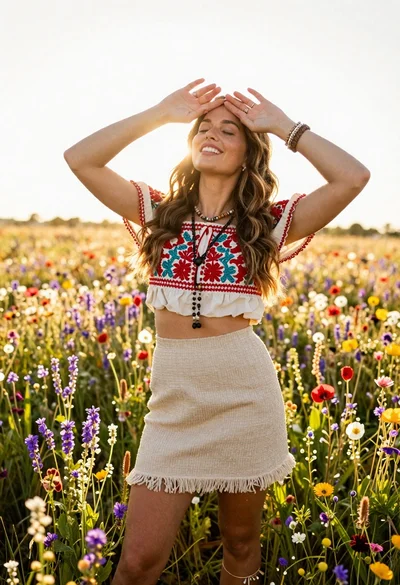
Smiling woman in embroidered top standing in field of wildflowers

Young woman in sage green outfit leaning against textured wall in sunlight

Young woman in red saree sitting in wooden boat on calm water
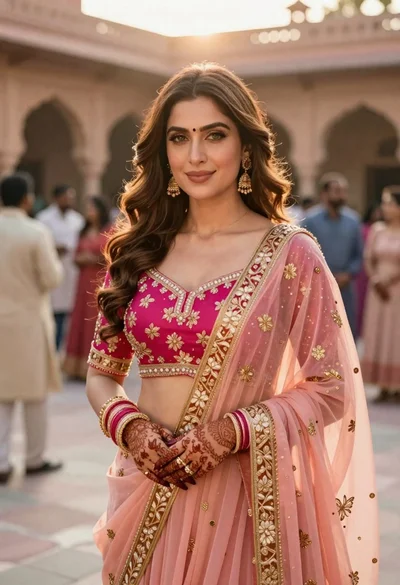
Indian woman in pink and peach traditional dress in sunlit courtyard
Woman in rust dress looking back over shoulder on stone staircase at
Young woman in pink lace gown standing in misty wildflower field