

Woman in emerald green gown standing on an outdoor balcony overlooking trees
Prompt
A woman stands elegantly on a balcony wearing a floor-length emerald green satin gown with a sweetheart neckline and a long train trailing across the wooden deck.

Subject: A woman with wavy brown hair, fair skin, and a confident expression looking directly at the camera.

Clothing: She wears a strapless, form-fitting emerald green gown made of lustrous satin fabric that features a draped detail on the hip and a long train flowing onto the floor. She is accessorized with a sparkling diamond necklace and matching earrings.

Action: She stands with her arms extended to rest her hands on the black metal railing behind her, leaning slightly forward in a poised pose.

Environment: The setting is an outdoor balcony with white walls and dark wood decking, featuring a view of lush green trees and palm trees against a bright sky.

Camera: A full-body shot taken from a straight-on angle with a medium telephoto lens that compresses the background foliage while keeping the subject sharp.

Lighting: Bright natural daylight illuminates the scene evenly, creating soft highlights on the satin dress and minimal harsh shadows.

Style Details: High-fashion editorial photography style with high resolution, vibrant color saturation, and a clean, polished aesthetic.
Description
This prompt is useful for creating luxury fashion editorials, architectural lifestyle spreads, and formal portraiture showcasing opulent gowns. The combination of 'lustrous satin fabric' against the 'dark wood decking' ensures that the gown catches light beautifully without appearing overly glossy, while the 'medium telephoto lens' compresses the background foliage to keep focus tightly on the subject's poised stance.
Suggestions
- Change 'emerald green' to 'sapphire blue' for a cooler color shift.
- Add 'dramatic sidelight' to enhance the satin's sheen.
- Swap 'black metal railing' for 'ornate wrought iron' to match the formality.
Category
Tags
Brown HairFair SkinFemaleFormal WearFull BodyMedium ShotOutdoorsPortrait ShotRealistic
Date added
June 19, 2026
Added by
PromptDexter Team
Related Prompts
More prompts with similar categories and tags.
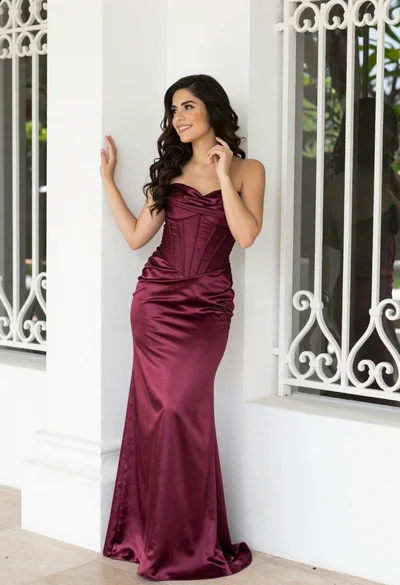
Smiling woman in burgundy satin gown by white architectural pillar

Young woman with braided hair in misty woodland setting
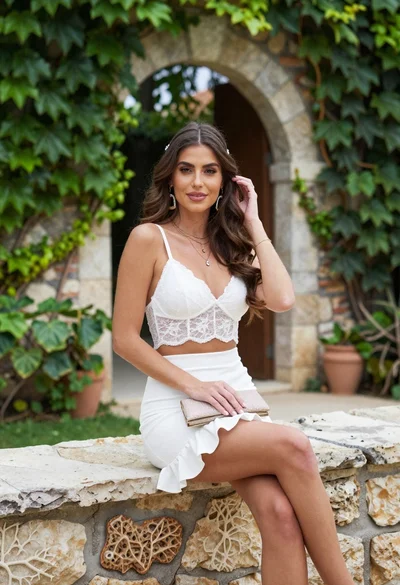
Young woman in white lace outfit sitting on stone ledge in garden

Young woman in green jacket holding plush toy at festive carousel

Young woman in sage green outfit leaning against textured wall in sunlight
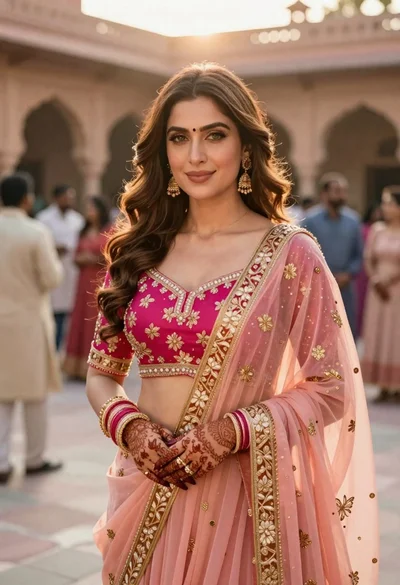
Indian woman in pink and peach traditional dress in sunlit courtyard
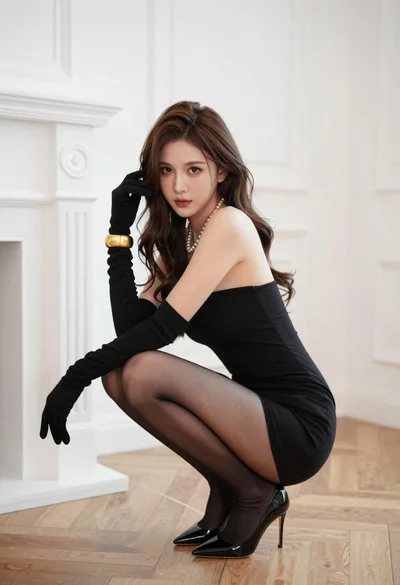
Woman in black strapless mini dress crouching in luxurious room

Young woman leaning against white wall with beige handbag under bright sunlight
Young woman in grey top and white skirt by water at dusk

Fair skinned woman in green papaya swimsuit by vintage yellow car on
