
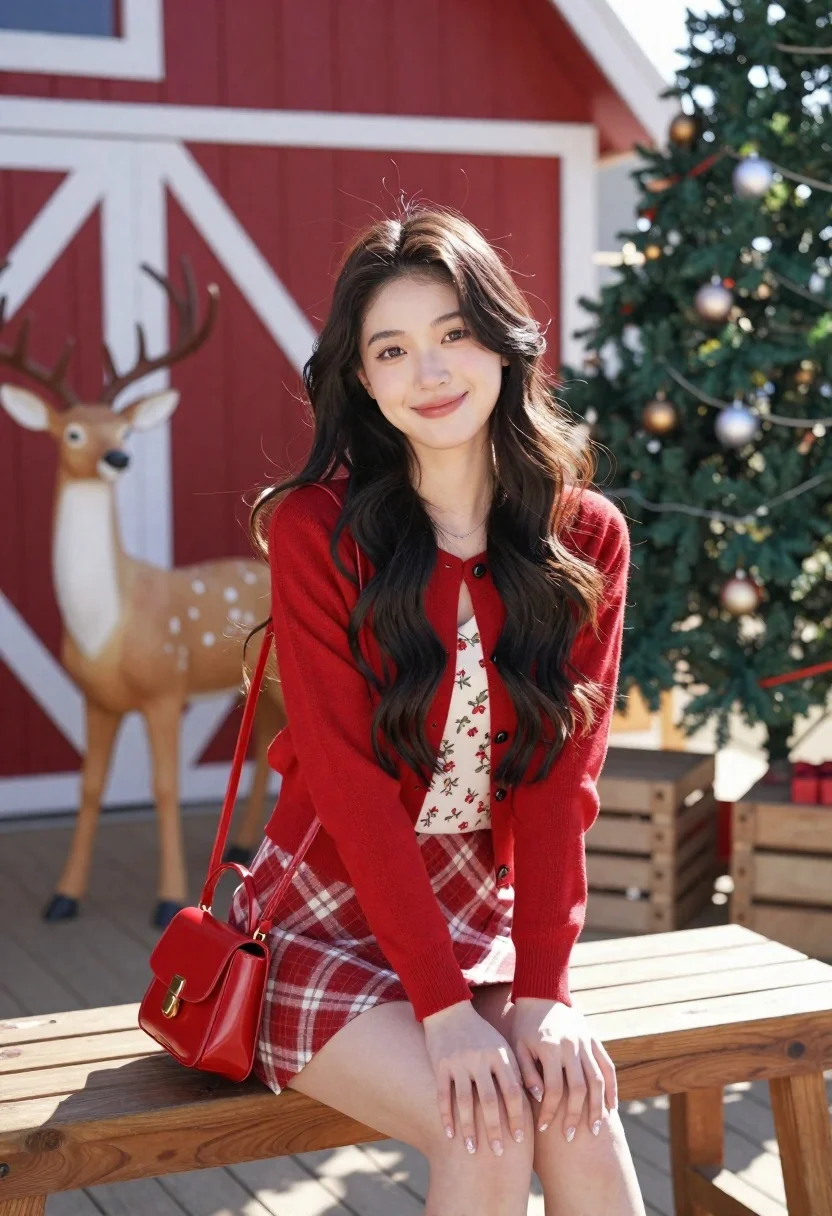
Young woman in red cardigan sitting on bench near christmas tree
Prompt
A young woman with long dark wavy hair sits smiling on a wooden bench in a festive outdoor setting.

Subject: A young woman with long dark wavy hair and warm skin tone.

Clothing: She wears a red knit cardigan over a floral print top, paired with a red and beige plaid mini skirt.

Action: She is seated with her hands resting on her knees, looking directly at the camera with a gentle smile.

Environment: The background features a large red barn wall with white trim, a life-sized deer statue to the left, and a decorated Christmas tree to the right.

Objects: A glossy red handbag hangs from her shoulder, and wooden crates are visible near the tree.

Lighting: Bright natural sunlight illuminates the scene from the side, casting soft shadows and highlighting the textures of her clothing.

Camera: The shot is framed at eye level with a shallow depth of field that keeps the subject sharp while softly blurring the background elements.

Style Details: High-resolution photography with vibrant colors and a crisp, clean aesthetic typical of modern fashion portraiture.
Description
This prompt is useful for creating seasonal catalog imagery, holiday lifestyle advertisements, and personal portrait collections featuring autumnal or winter themes. The combination of 'bright natural sunlight' casting soft shadows against the 'red knit cardigan' ensures that the subject remains the focal point while the shallow depth of field keeps the background elements—like the Christmas tree and barn wall—from becoming distracting visual noise.
Suggestions
- Change 'red knit cardigan' to 'burgundy cable-knit cardigan' for a richer fall tone.
- Add 'bokeh effect' to enhance the soft blur on the background objects.
- Swap 'wooden bench' for 'wicker garden bench' to change the material texture.
Category
Tags
Black HairFemaleFull BodyMedium ShotOutdoorsPortrait ShotRealistic
Date added
June 21, 2026
Added by
PromptDexter Team
Related Prompts
More prompts with similar categories and tags.
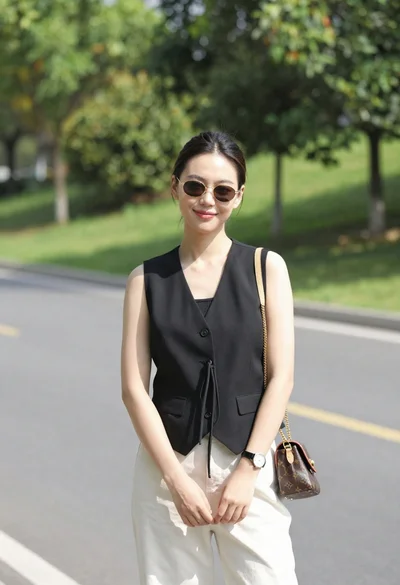
Stylish young woman in black vest standing on paved road near green
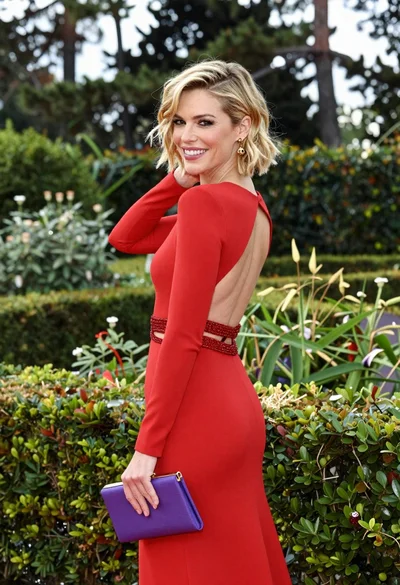
Blonde woman smiling over shoulder in lush garden setting
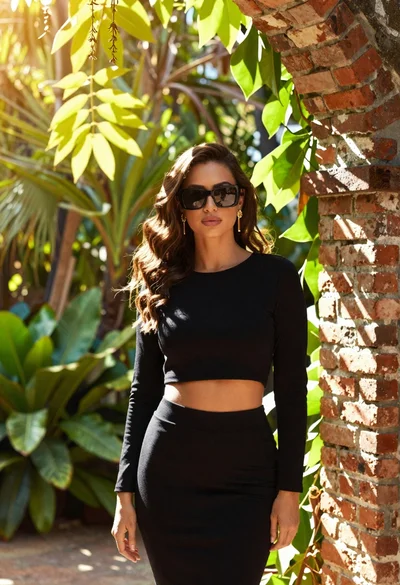
Woman in black outfit standing in lush garden by brick archway

Young woman with dark hair in black top standing in sunlit desert

Young woman with braided hair in misty woodland setting
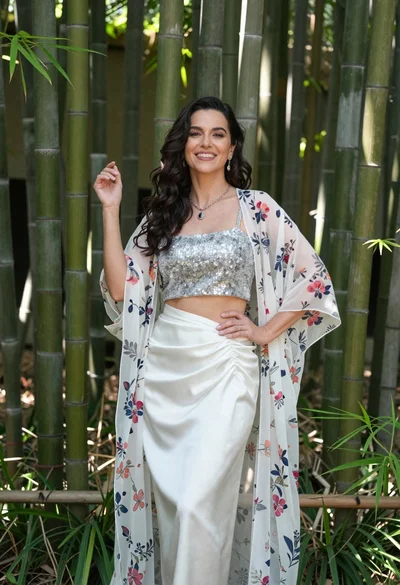
Smiling woman in silver top and white skirt within lush bamboo grove
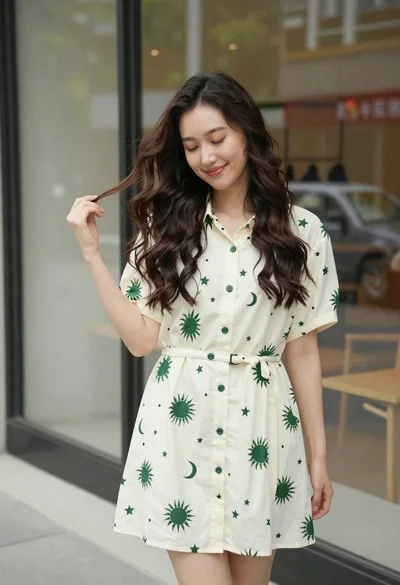
Smiling young woman in cream dress near large glass window outdoors
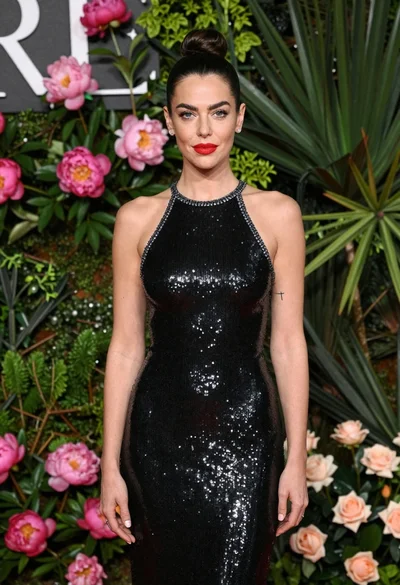
Glamorous woman in black sequin dress with peonies and roses
