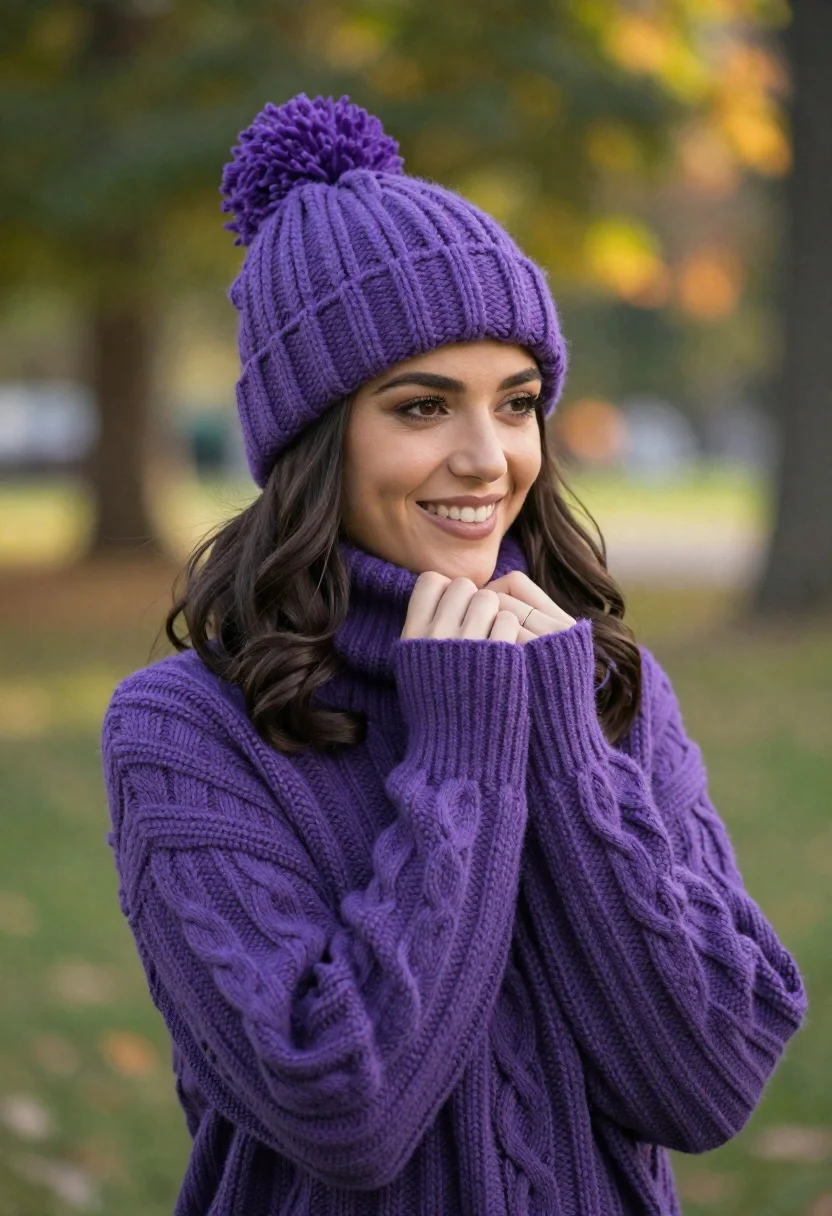
Smiling young woman in purple knit beanie and sweater in sunny park
Prompt
A smiling young woman wearing a matching purple knit beanie with a pom-pom and a chunky cable-knit sweater stands in a sunlit park.

Subject: A young woman with long dark wavy hair, fair skin, and a warm, happy expression looking off to the side.

Clothing: She wears a thick, textured purple ribbed knit beanie with a fluffy pom-pom on top and a matching oversized chunky cable-knit sweater with high cuffs.

Action: Her hands are gently clasped together near her chin in a relaxed pose, conveying warmth and comfort.

Environment: A soft-focus outdoor park setting with blurred green trees and dappled sunlight filtering through the leaves in the background.

Lighting: Soft, natural daylight creates a gentle glow on her face and highlights the texture of her knitwear, with warm bokeh circles visible in the background.

Camera: Medium close-up shot with a shallow depth of field that keeps the subject sharp while blurring the background into creamy bokeh.

Style Details: High-resolution portrait photography with a cinematic color palette emphasizing rich purples and natural greens, featuring a soft, dreamy aesthetic.
Description
This prompt is useful for creating lifestyle blog features, seasonal catalog imagery, and personal portrait collections that evoke cozy feelings. The combination of 'soft, natural daylight' and the 'shallow depth of field' ensures the subject remains crisp while the background bokeh prevents visual clutter, perfectly framing the rich purples against the blurred greens.
Suggestions
- Change 'purple knit beanie' to 'burgundy knit beanie' for a deeper autumnal tone.
- Swap 'dappled sunlight' for 'overcast soft light' if you want less contrast.
- Adjust 'medium close-up shot' to 'waist up' to show more of the sweater's pattern.
Category
Tags
Black HairFair SkinFemaleMedium ShotNatureOutdoorsPortrait ShotRealistic
Date added
June 21, 2026
Added by
PromptDexter Team
Related Prompts
More prompts with similar categories and tags.
Blonde woman in striped blazer standing in lush green garden setting

Smiling young woman in pink top and white skirt before sandstone palace

Young woman in white lace outfit sitting on stone ledge in garden
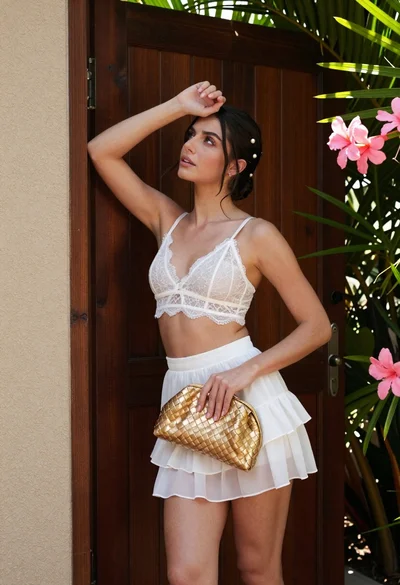
Young woman in white lace outfit standing by tropical leaves and flowers
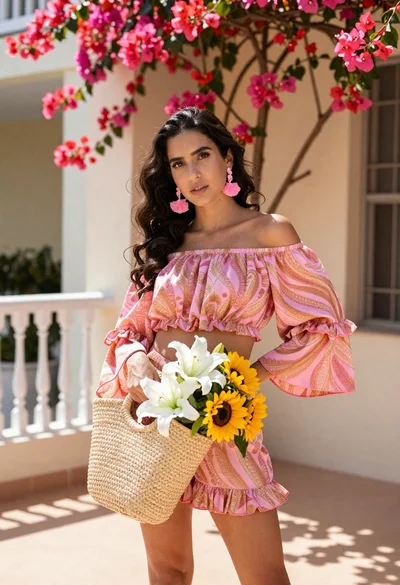
Young woman in pink outfit holding flower basket near bougainvillea flowers

Young woman in fur hat at cozy outdoor cafe during christmas
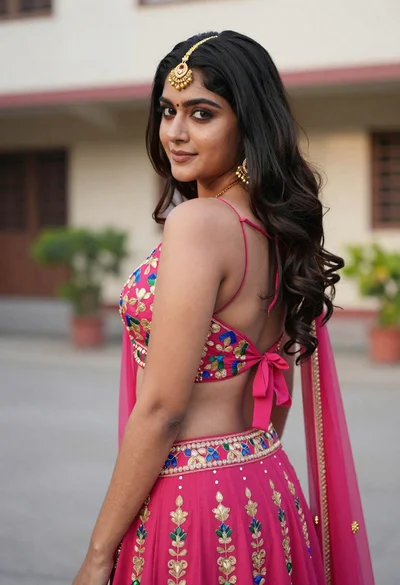
Young woman in pink lehenga looking back over shoulder in courtyard

Woman in black dress by window overlooking ocean at golden hour