
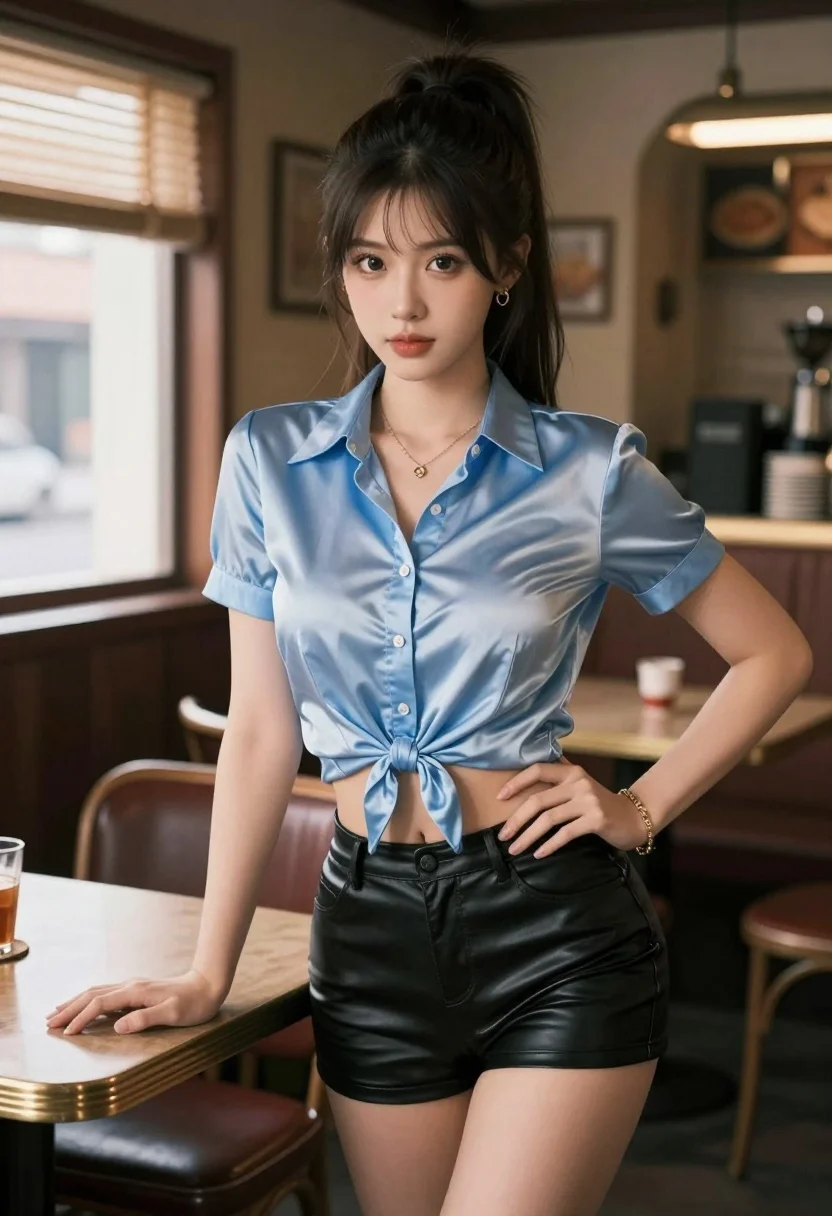
Young woman in satin shirt and leather shorts leaning on wooden table
Prompt
A young woman with dark hair tied in a high ponytail stands confidently indoors.

Subject: A young woman with fair skin and large expressive eyes, her dark hair pulled back into a high ponytail with loose strands framing her face.

Clothing: She wears a light blue short-sleeved button-up shirt made of a shiny, satin-like fabric that is tied in a knot at the waist to expose her midriff; she also wears tight black leather shorts and gold jewelry including earrings, a necklace, and bracelets.

Action: She leans forward with one hand resting on a wooden table and the other placed on her hip, looking directly at the viewer with a calm expression.

Environment: The setting is a dimly lit room resembling a vintage diner or bar, featuring wooden furniture, chairs, and a window with blinds in the background.

Camera: A medium shot captures the subject from the thighs up, utilizing a shallow depth of field to blur the background details while keeping the focus sharp on her face and upper body.

Lighting: Soft natural light streams in from the left side through the window, creating gentle highlights on her skin and clothing while casting warm ambient tones throughout the scene.

Style Details: The image features a hyper-realistic digital art style with smooth textures, detailed facial features, and a cinematic color palette that emphasizes warm lighting against cool shadows.
Description
This prompt is useful for creating editorial fashion moodboards, character concept art for film stills, and stylized portrait photography showcasing modern edge. The combination of 'shiny, satin-like fabric' with the 'black leather shorts' juxtaposed against the 'dimly lit room' setting creates a high-contrast visual tension that anchors the subject while the 'shallow depth of field' ensures the viewer's attention remains fixed on her direct gaze.
Suggestions
- Change 'light blue' to 'deep emerald green' for a richer color contrast.
- Swap 'wooden table' for 'chrome bar top' to modernize the setting.
- Adjust 'soft natural light' to 'single spotlight' for more dramatic shadows.
Category
Tags
Black HairCasual WearFair SkinFemaleIndoorsMedium ShotRealistic
Date added
July 3, 2026
Added by
PromptDexter Team
Related Prompts
More prompts with similar categories and tags.
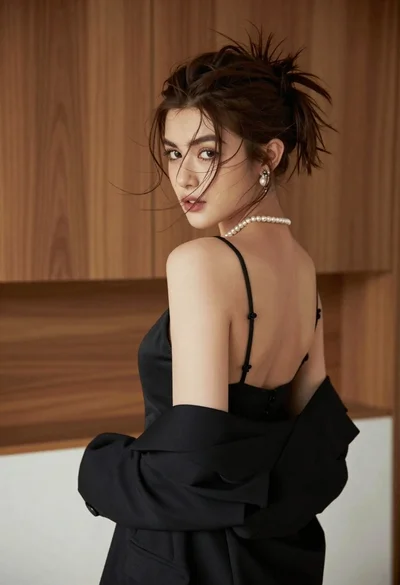
Young woman looking back over shoulder in black dress indoors
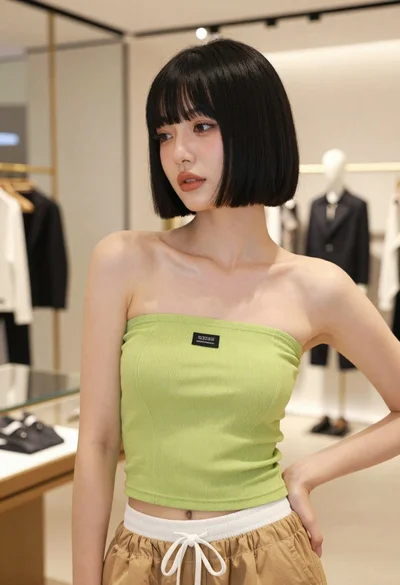
Young woman in lime green top posing inside a modern fashion boutique
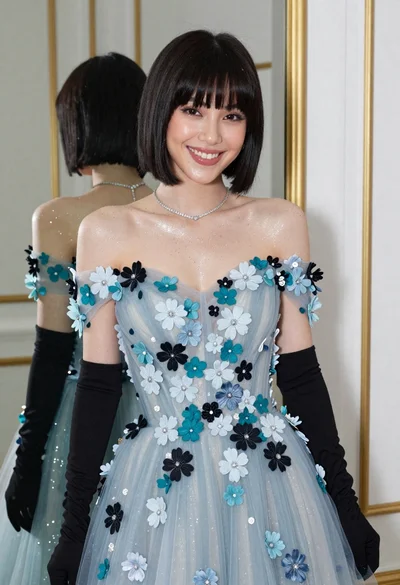
Smiling woman in blue floral dress posing before a mirror indoors
Young woman in pink crop top and denim jeans posing in bedroom
Young woman with long dark hair in blue top and denim shorts
Woman in black leather corset dress standing indoors with gold jewelry

Young woman in white lace dress seated against soft floral backdrop
Smiling woman in floral kurta dress indoors with sheer dupatta drape

Blonde woman in striped swimsuit seated on sofa indoors studio shot
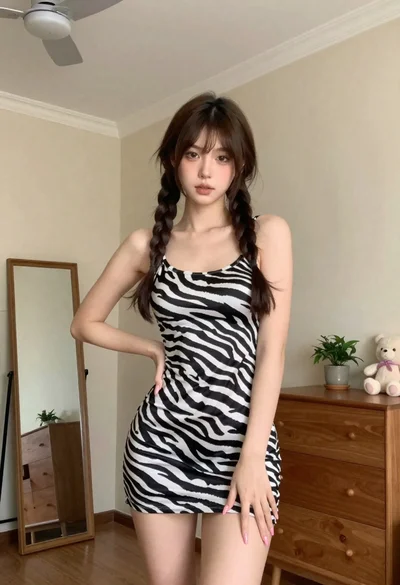
Young woman in zebra print dress indoors near wooden dresser
