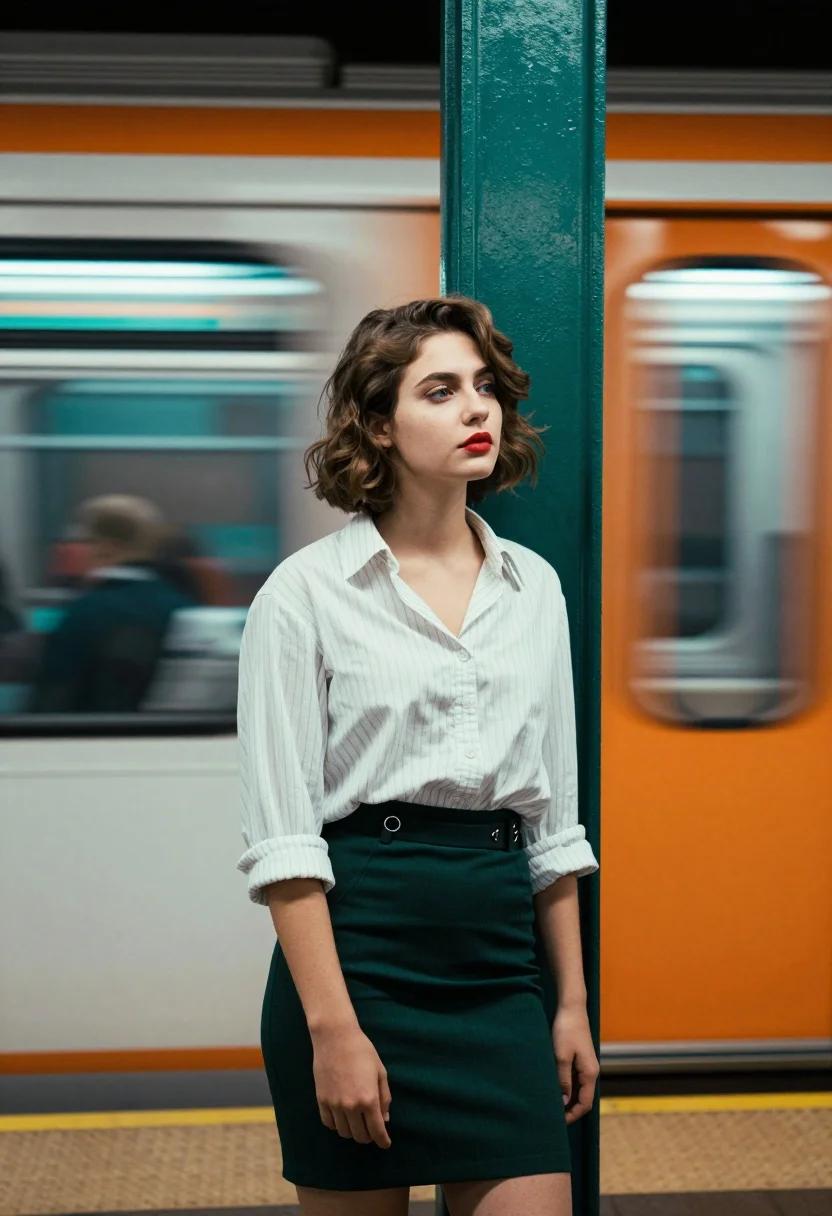
Young woman in striped shirt by green pillar at subway platform
Prompt
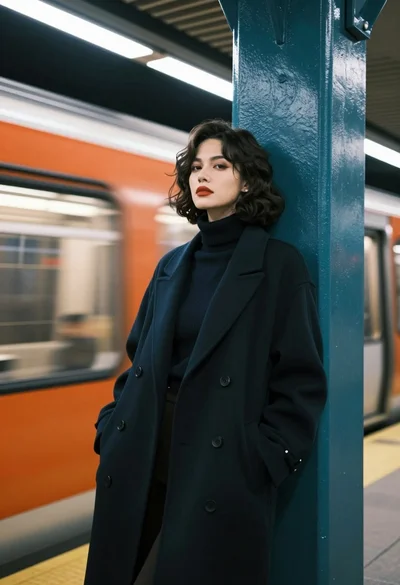
A young woman with short wavy brown hair stands leaning against a textured green pillar at a subway platform.

Subject: A young woman with fair skin and short, wavy brown hair styled in a bob cut. She has blue eyes and wears red lipstick. Her expression is calm and she looks slightly away from the camera.

Clothing: She wears a white button-down shirt with thin vertical stripes, featuring rolled-up sleeves and a collar. On her lower half, she wears a dark green or black pencil skirt secured with a belt that has silver hardware.

Action: The woman stands in a relaxed pose, leaning back against the pillar with her left hand resting near her thigh. Her body is angled slightly towards the right while her head turns to face forward.

Environment: The setting is an urban subway station platform. Behind the woman, a train is captured in motion blur, creating streaks of teal and orange light that fill the background. A green pillar stands vertically next to her on the right side.

Lighting: The scene features high-contrast lighting with strong color separation. Cool teal tones illuminate the left side of her face and hair, while warm orange light washes over the background and the right side of her body, creating a vibrant split-color effect.

Camera: The image is shot with a shallow depth of field that keeps the woman in sharp focus while rendering the moving train as horizontal motion blur lines. The angle is eye-level, capturing the subject from the mid-thigh up.

Style Details: The image exhibits a cinematic aesthetic with vivid color grading and a distinct teal-and-orange complementary color palette. It has a film-like quality with soft shadows and a moody atmosphere.
Description
This prompt is useful for creating cinematic character portraits, editorial street photography featuring strong color contrast, and mood pieces evoking urban isolation. The combination of 'cool teal tones' on one side and 'warm orange light' washing over the other achieves a dramatic split-color effect that immediately signals a high-concept, moody atmosphere suitable for these stylized uses.
Suggestions
- Change 'thin vertical stripes' to 'pinstripes' for a more tailored look.
- Swap 'dark green or black pencil skirt' for 'tweed A-line skirt' to change the texture.
- Adjust 'teal and orange complementary color palette' to 'deep blue and amber complementary color palette' for variation.
Category
Tags
Brown HairCasual WearFair SkinFemaleRealisticStreetUrban
Date added
August 5, 2026
Added by
PromptDexter Team
Related Prompts
More prompts with similar categories and tags.
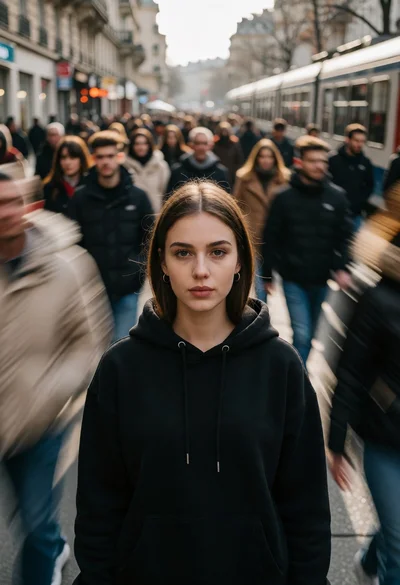
Young woman standing still on busy street amidst motion blurred crowd
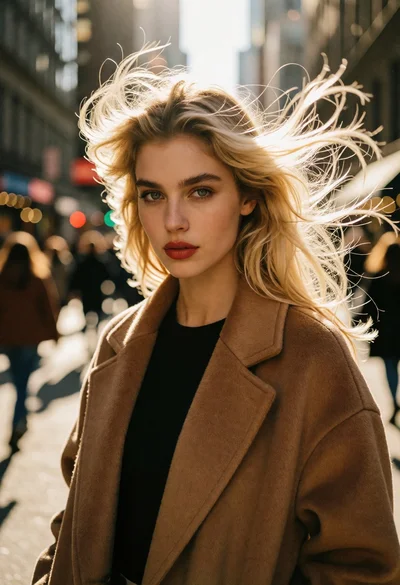
Young woman with blonde hair on busy city street under strong sunlight
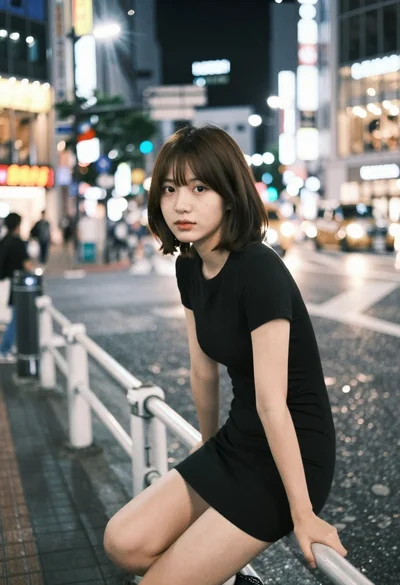
Young east asian woman on railing in busy japanese city street at
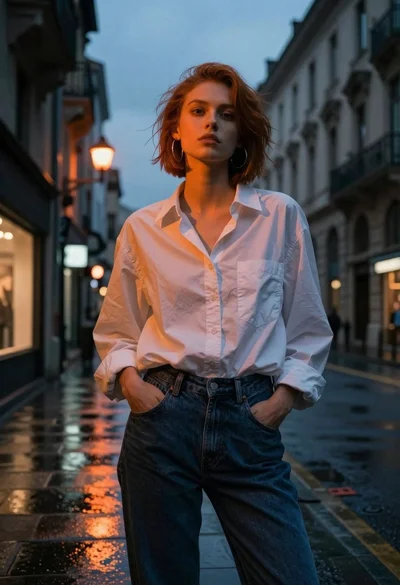
Young woman in white shirt on wet european street at dusk
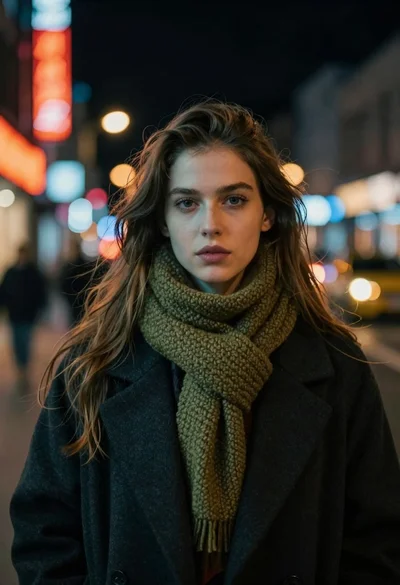
Medium close up portrait of young woman in coat on city street
Close up portrait of young woman with dark hair looking back over
Contemplative young woman by rainstreaked window overlooking wet city street
Young woman in red sweatshirt standing on blurred city street at night
Young woman with brown hair holding roses on an urban street at
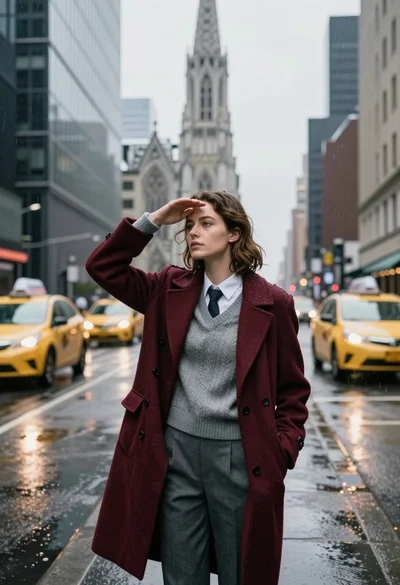
Young woman shielding eyes from rain on wet city street near cathedral