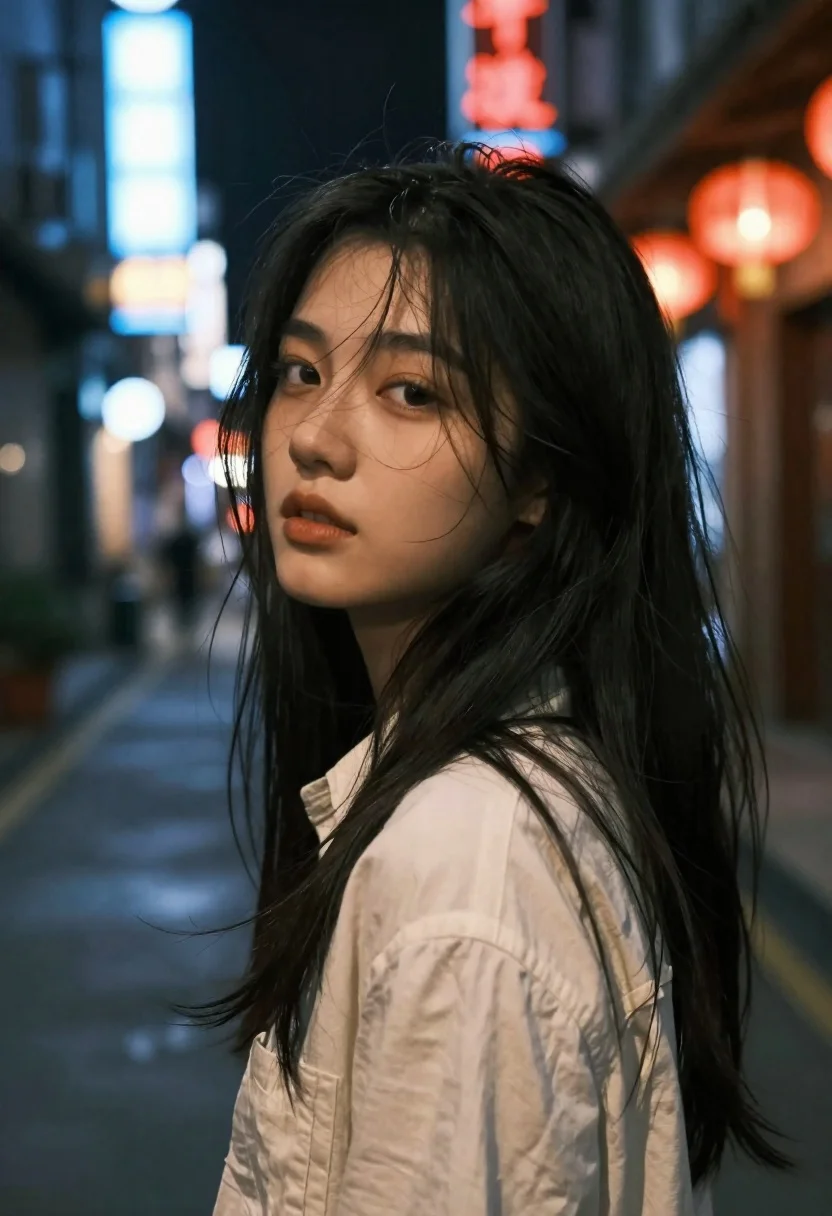
Close up portrait of young woman with dark hair looking back over
Prompt
A close-up portrait of a young woman with long dark hair looking back over her shoulder in a dimly lit urban street at night.

Subject: A young woman with very long, dark, slightly messy hair that partially covers her face and shoulders. She has fair skin, defined eyebrows, and a soft, contemplative expression with her lips slightly parted. Her gaze is directed towards the camera.

Clothing: She wears a light-colored, possibly cream or off-white, collared shirt or jacket with a textured fabric appearance.

Action: The subject is looking back over her left shoulder at the viewer while standing still. Loose strands of hair are blowing across her face and neck, suggesting a gentle breeze.

Environment: A narrow, dark city street at night filled with colorful neon lights in the background. There are blurred blue and red signs, including glowing red lanterns on the right side, creating a bokeh effect. The ground appears wet or reflective, mirroring the ambient light.

Camera: Shot as a close-up portrait with a shallow depth of field that keeps the subject's face sharp while blurring the background significantly. The angle is slightly low, looking up at the subject.

Lighting: Low-key lighting dominated by cool blue tones from street signs and warm red tones from lanterns in the background. Soft light illuminates her face, creating a moody atmosphere with high contrast between the bright lights and deep shadows.

Style Details: The image has a cinematic, film-like quality with a grainy texture and a slightly desaturated color palette that emphasizes the neon glow.
Description
This prompt is useful for creating moody character portraits, neo-noir concept art, and atmospheric editorial spreads capturing urban solitude. The combination of 'low-key lighting' with contrasting 'cool blue tones' and 'warm red tones' establishes the high contrast necessary to make the subject pop against the richly colored, blurred background bokeh.
Suggestions
- Change 'dimly lit urban street at night' to 'rain-slicked alleyway' for more reflections.
- Swap 'light-colored, possibly cream or off-white, collared shirt' for 'black leather jacket' to increase contrast.
- Adjust the lighting by adding 'single overhead sodium vapor lamp glow' for a different color cast.
Category
Tags
Casual WearClose UpFair SkinFemaleLow AngleOver The ShoulderRealisticStreetUrban
Date added
June 26, 2026
Added by
PromptDexter Team
Related Prompts
More prompts with similar categories and tags.

Young east asian woman on railing in busy japanese city street at
Young woman in white shirt on wet european street at dusk
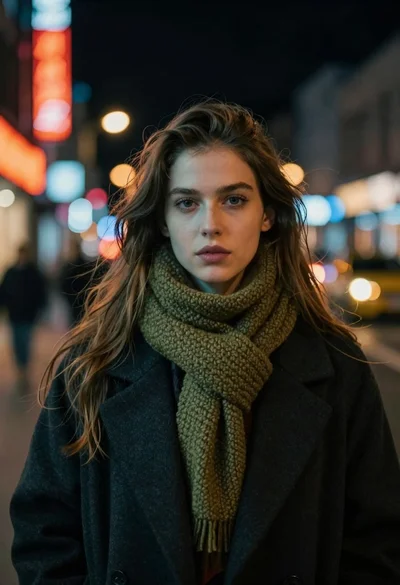
Medium close up portrait of young woman in coat on city street
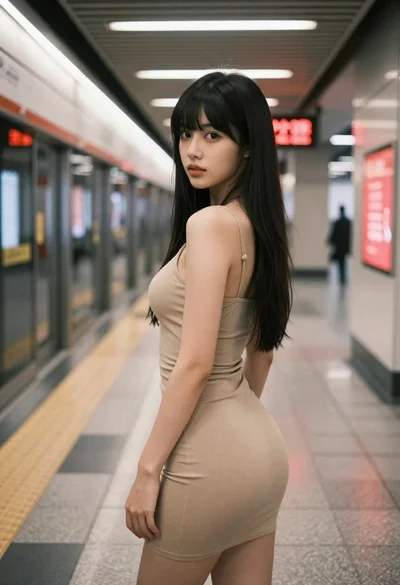
Young woman in beige mini dress looking back at camera on subway
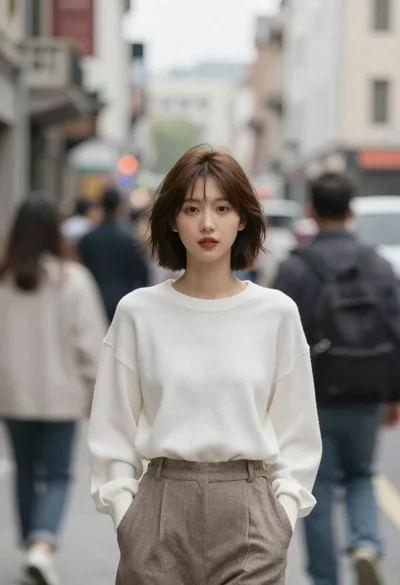
Young woman with short brown hair standing sharp in blurred city street
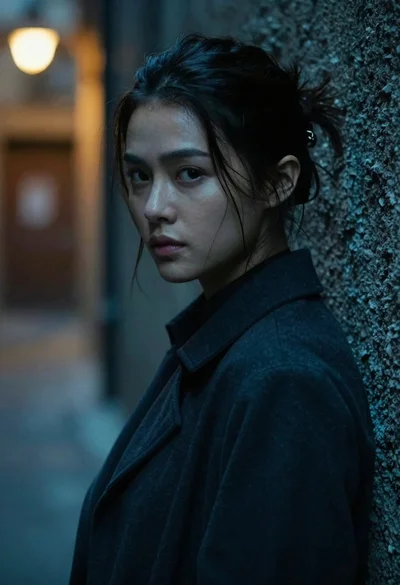
Young woman with dark hair looking over shoulder in alleyway
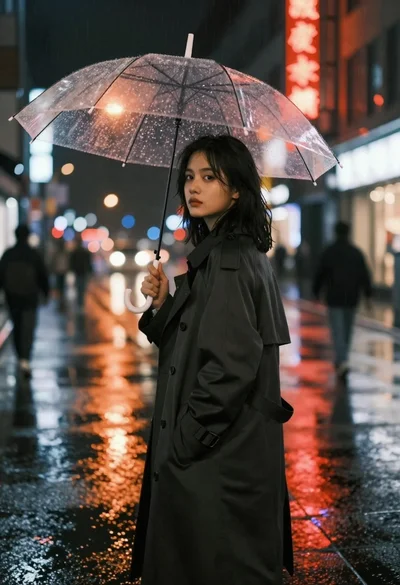
Young woman in trench coat under transparent umbrella on wet city street
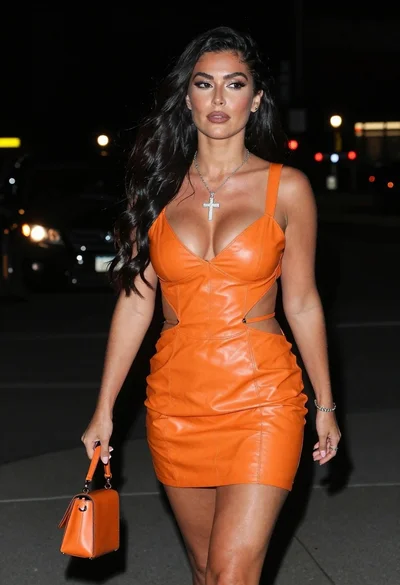
Woman walking down a dark urban street at night in orange leather