Young woman in white blazer suit holding woven handbag against plain wall
Prompt
A confident woman with long wavy dark red hair stands against a plain wall holding a brown woven handbag.

Subject: A young woman with fair skin and long, voluminous wavy hair dyed a deep reddish-brown color that cascades over her shoulders. She has a soft, pleasant expression with a slight smile and is looking directly at the camera.

Clothing: She wears a structured white blazer suit consisting of a tailored jacket and matching shorts. The fabric appears smooth and matte. Her hands are clasped gently in front of her holding the bag.

Action: She stands in a relaxed, three-quarter pose, leaning slightly against the wall while cradling a large handbag with both hands near her waist.

Environment: The setting is a minimalist indoor space featuring a plain off-white wall and a section of light beige vertical curtains on the right side.

Objects: A large brown leather handbag with a distinct woven texture and gold-tone hardware is held securely in her arms.

Lighting: Soft, diffused natural light illuminates the scene from the right, casting gentle shadows and highlighting the texture of her hair and the bag.

Camera: The shot is a medium-full length view capturing the subject from head to mid-thigh with a straight-on angle and shallow depth of field that keeps the background slightly soft.

Style Details: The image features a clean, high-fashion editorial aesthetic with a neutral color palette dominated by white, beige, and brown tones.
Description
This prompt is useful for creating minimalist fashion editorials, professional lifestyle branding shots, and lookbooks emphasizing texture contrast. The combination of 'structured white blazer suit' against the 'plain off-white wall' ensures that the focus remains entirely on the subject and the rich details of the 'brown woven handbag,' while the 'soft, diffused natural light' prevents harsh shadows from flattening the matte fabric.
Suggestions
- Change 'deep reddish-brown color' to 'platinum blonde' for a cooler contrast.
- Swap 'plain off-white wall' for 'exposed concrete wall' for an industrial edge.
- Adjust 'medium-full length view' to 'waist shot' to emphasize the blazer structure.
Category
Tags
BrunetteCasual WearFair SkinFemaleMedium ShotPortrait ShotRealisticRed Hair
Date added
June 19, 2026
Added by
PromptDexter Team
Related Prompts
More prompts with similar categories and tags.

Smiling woman in royal blue gown on red carpet with green foliage

Blonde woman looking back over shoulder against white wall
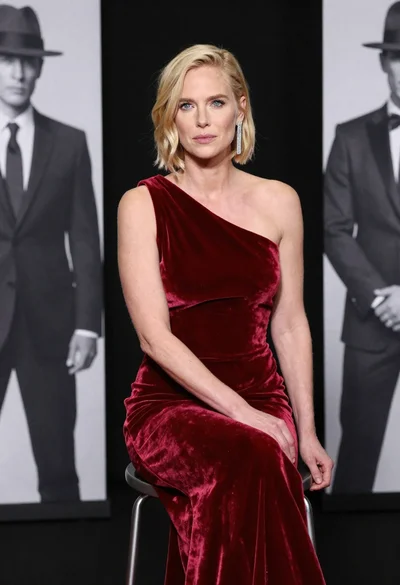
Blonde woman in deep red velvet gown sitting on stool studio portrait

Fair skinned woman in black sequined outfit sitting elegantly indoors
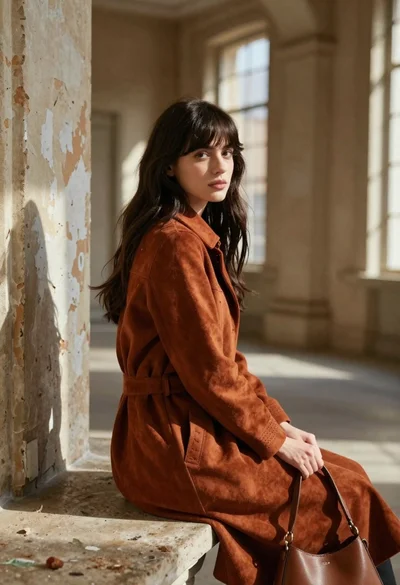
Young woman in rust suede coat seated in weathered architectural corridor

Blonde woman reading at a cafe table with roses

Close up portrait of blonde woman in hot pink gown at event

Stylish young woman in denim shirt holding tablet indoors
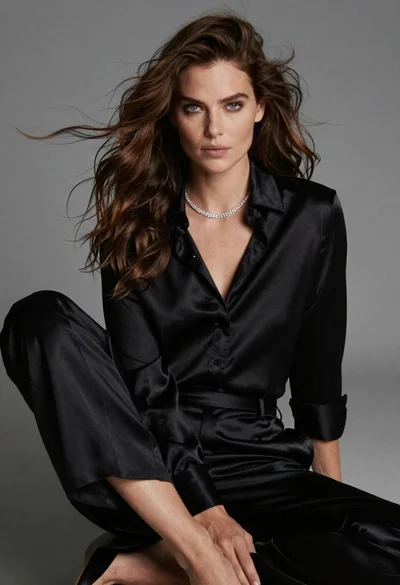
Fairskinned woman in black satin outfit seated for high fashion portrait

Young woman in black velvet dress looking over shoulder at event