Young woman in white crop top standing in a bathroom setting
Prompt
A confident young woman with dark hair pulled back stands in a bathroom wearing large sunglasses and a white crop top.

Subject: A young woman with a fair complexion and dark hair styled in a sleek bun or ponytail. She has a prominent nose ring and is looking slightly to the side with a cool, neutral expression. Her lips are glossy and full.

Clothing: She wears a tight-fitting, white ribbed crop top with short sleeves and a deep scoop neckline that reveals her midriff. She accessorizes with large silver hoop earrings, a delicate gold choker necklace, a gold ring on her finger, and a beaded bracelet on her wrist.

Action: Her left hand is raised near her shoulder in a relaxed pose, fingers slightly curled. She stands facing forward but angled slightly to the right.

Environment: The setting appears to be an indoor bathroom or dressing area with a grey wall behind her. To the left, there is a glass shower door reflecting warm light from a window, and a white bathtub edge is visible at the bottom. A small circular vent or fixture is mounted on the wall to the right.

Camera: The shot is a medium close-up framed vertically, capturing the subject from the waist up with a shallow depth of field that blurs the background slightly.

Lighting: The lighting is soft and diffused, creating gentle shadows and highlighting her skin tone without harsh contrasts, giving the image a calm, indoor atmosphere.

Style Details: The image has a grainy, film-like texture with muted colors and a vintage aesthetic reminiscent of analog photography or Instagram filters.
Description
This prompt is useful for creating intimate fashion editorials, personal lifestyle content, and mood boards capturing a 'getting ready' vibe. The combination of 'soft and diffused' lighting and the 'grainy, film-like texture' prevents harsh highlights on the 'white ribbed crop top' while the shallow depth of field keeps focus tightly on the subject's expression against the detailed bathroom environment.
Suggestions
- Change 'grey wall' to 'terrazzo tile' for more visual interest.
- Swap 'large silver hoop earrings' for 'pearl drop earrings' for a softer look.
- Adjust 'vintage aesthetic' to 'Kodak Portra 400 film grain' for specific color grading.
Category
Tags
Black HairCasual WearFair SkinFemaleIndoorsRealistic
Date added
June 19, 2026
Added by
PromptDexter Team
Related Prompts
More prompts with similar categories and tags.
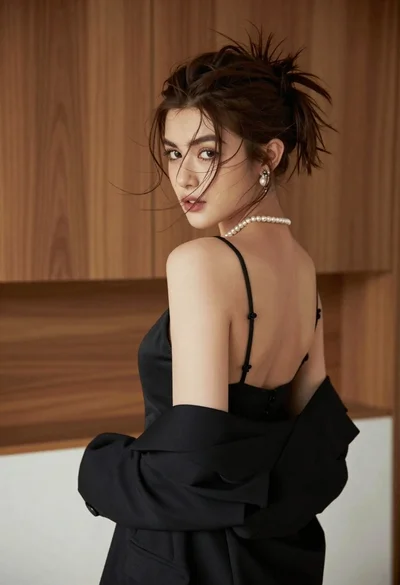
Young woman looking back over shoulder in black dress indoors
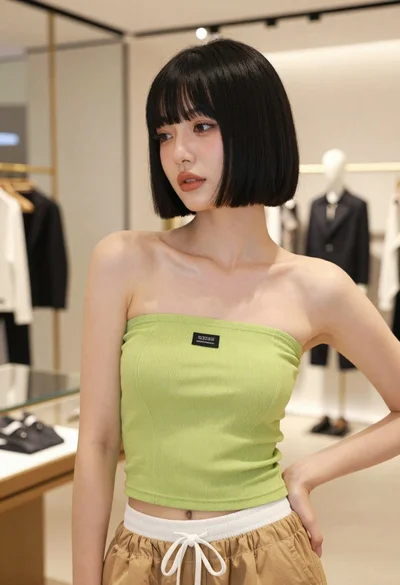
Young woman in lime green top posing inside a modern fashion boutique
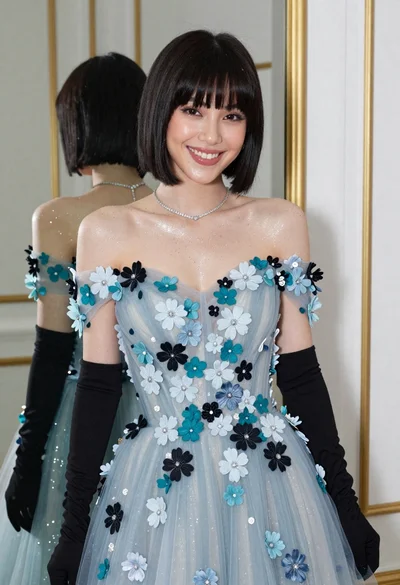
Smiling woman in blue floral dress posing before a mirror indoors
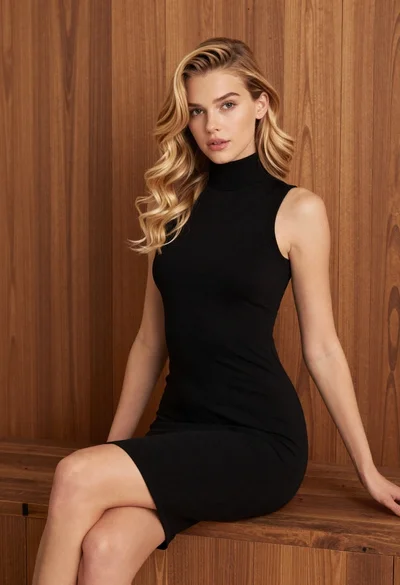
Blonde woman in black dress against wooden paneling
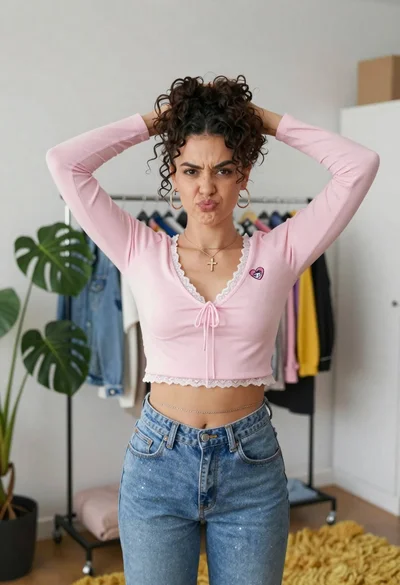
Young woman in pink crop top and denim jeans posing in bedroom
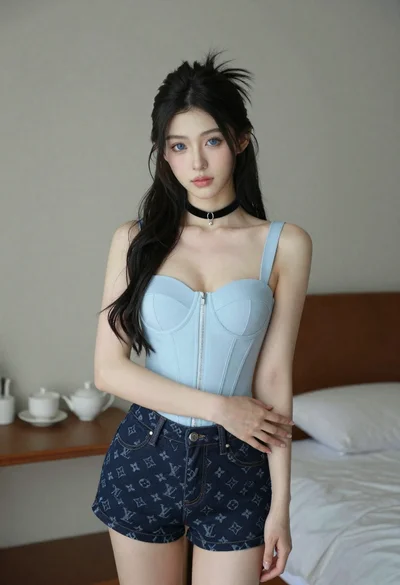
Young woman with long dark hair in blue top and denim shorts
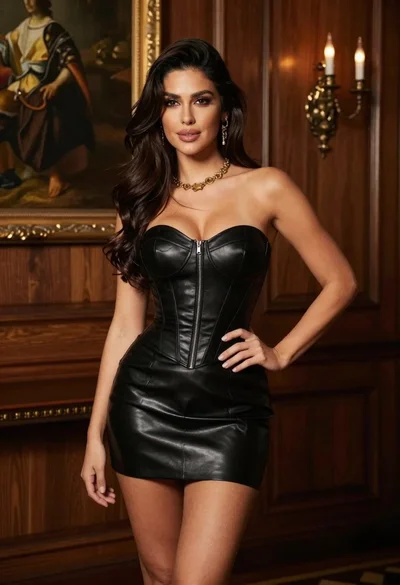
Woman in black leather corset dress standing indoors with gold jewelry
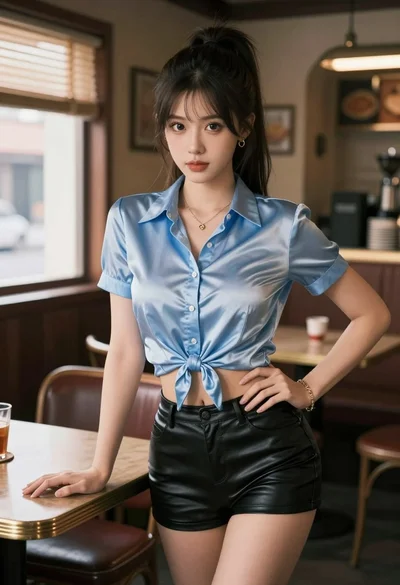
Young woman in satin shirt and leather shorts leaning on wooden table

Young woman in white lace dress seated against soft floral backdrop
Young woman posing indoors with blonde hair