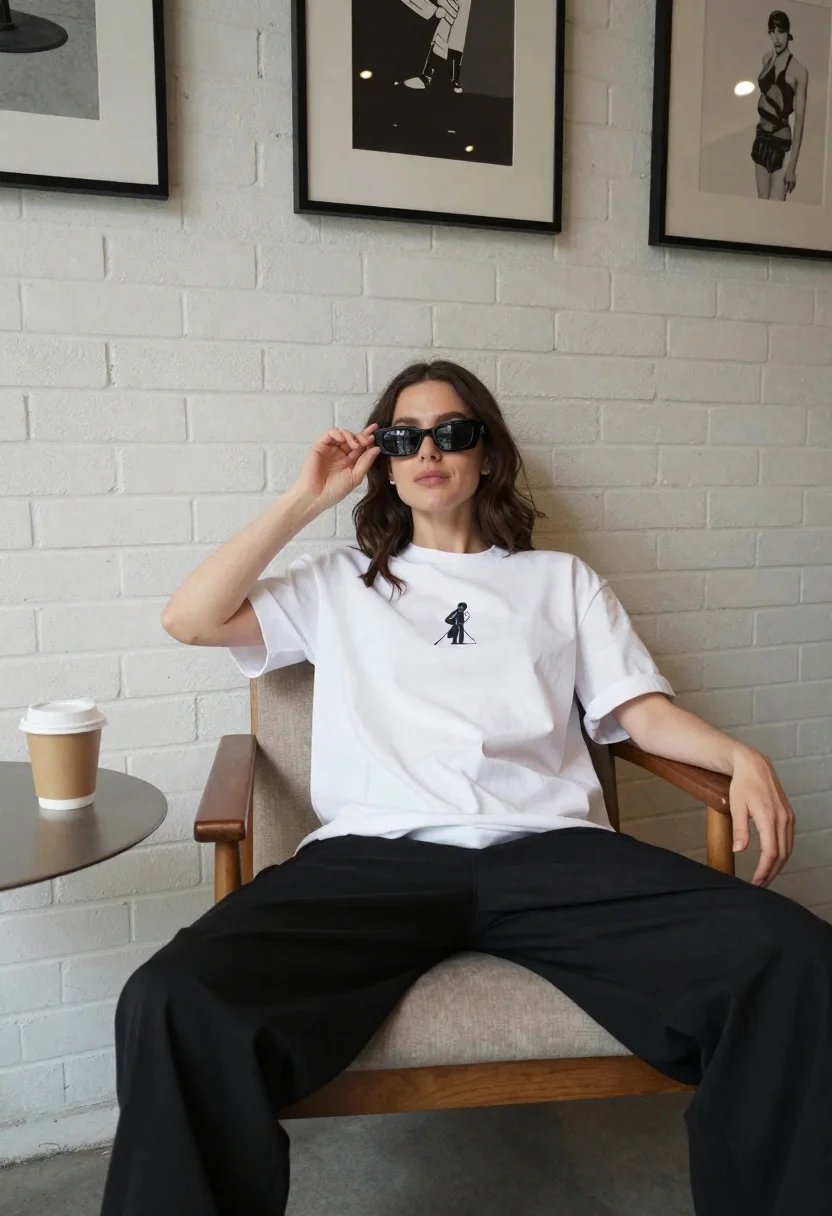
Young woman in white tshirt seated indoors near brick wall art
Prompt
A woman sits in a wooden armchair with her legs spread wide and one hand resting on the armrest while she adjusts her sunglasses with the other.

Subject: A young woman with shoulder-length wavy brown hair wearing dark rectangular sunglasses, looking slightly upward with a relaxed expression.

Clothing: An oversized white t-shirt featuring a small black-and-white graphic print of a figure on the chest, paired with loose-fitting black trousers.

Action: She is seated in a casual, confident pose with her left hand touching the frame of her sunglasses and her right arm resting along the side of the chair.

Environment: An indoor setting with a white painted brick wall behind her, adorned with three framed art prints hanging at eye level. A round grey table sits in front of her holding a disposable coffee cup.

Camera: Medium shot capturing the subject from the waist up, framed to include the surrounding furniture and wall art, suggesting a slightly wide-angle lens for interior space.

Lighting: Soft, diffused natural light illuminates the scene from the left, casting gentle shadows on the brick wall and highlighting the texture of her clothing.

Style Details: Minimalist aesthetic with a clean composition, muted color palette dominated by white, black, and beige tones, evoking a modern fashion editorial look.
Description
This prompt is useful for creating lifestyle magazine features, minimalist interior design blogs, and casual portrait sessions that require an artful backdrop. The combination of 'soft, diffused natural light' and the 'white painted brick wall' ensures gentle illumination that prevents harsh shadows, while the inclusion of specific props like a 'disposable coffee cup' grounds the scene in relatable modern daily life.
Suggestions
- Change 'oversized white t-shirt' to 'fitted white silk top' for more drape.
- Swap 'black-and-white graphic print' for 'small embroidered detail' for subtlety.
- Adjust 'medium shot' to 'close up portrait' to focus solely on the face and hands.
Category
Tags
Brown HairBrunetteCasual WearFemaleIndoorsMedium ShotPortrait ShotRealistic
Date added
June 19, 2026
Added by
PromptDexter Team
Related Prompts
More prompts with similar categories and tags.

Fair skinned woman in black sequined outfit sitting elegantly indoors
Smiling woman in navy top sitting on black chair against white wall

Stylish young woman in denim shirt holding tablet indoors
Woman in red satin top seated by blue wall with wooden masks
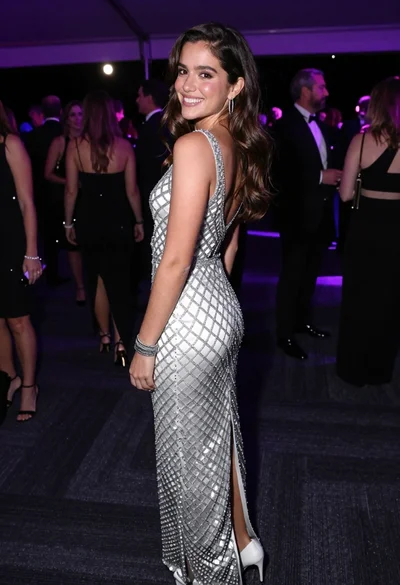
Smiling young woman in crystal gown looking over shoulder at indoor gala
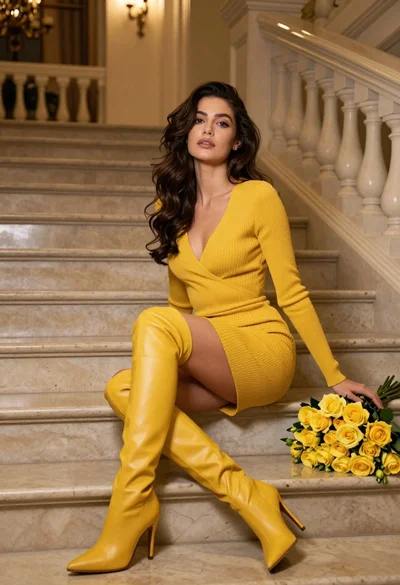
Woman in yellow dress sitting on grand marble staircase with roses

Young woman with brown hair smiling on edge of white bathtub in
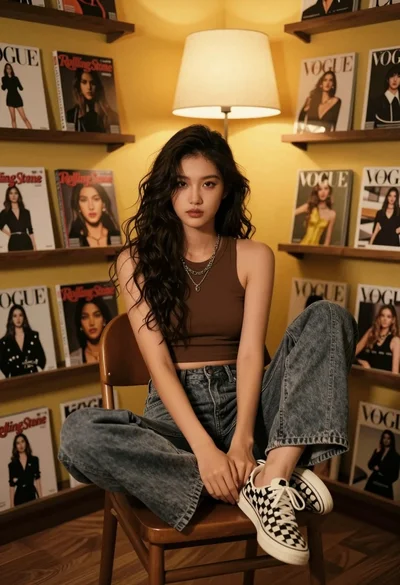
Young woman with dark wavy hair seated indoors among magazine shelves
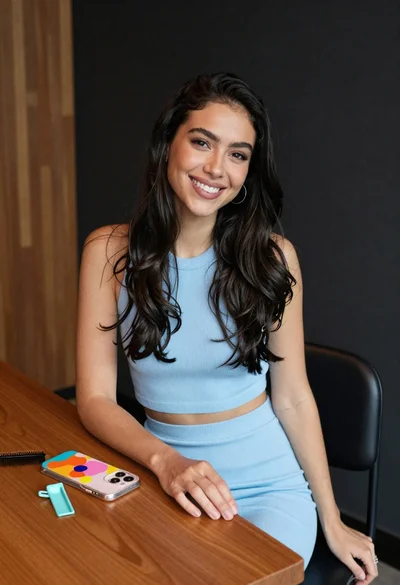
Smiling woman with dark hair at wooden table wearing blue ribbed outfit

Woman seated in armchair near large windows with greenery