

Young woman in yellow dress on historic rooftop overlooking cobblestone street
Prompt
A young woman sits casually on the edge of a tiled rooftop in a historic European city, holding a red and white striped popcorn box while looking upward with a relaxed expression.

Subject: A young woman with long brown hair, wearing a mustard-yellow sleeveless dress and tan strappy sandals, sitting on a roof ledge with her legs dangling over the street below.

Clothing: She wears a flowing yellow sundress with small white floral details near the hem and tan leather sandals; she holds a classic red-and-white striped popcorn box in her hands.

Action: The woman sits sideways on the roof edge, holding a popcorn box near her chest, looking up and to the left with a soft smile as popcorn kernels float gently around her in mid-air.

Environment: A narrow cobblestone street winds between tall beige buildings with terracotta-tiled roofs and shuttered windows; balconies feature potted plants; in the background, a large domed cathedral rises against a hazy sky.

Camera: Shot from a high angle looking down the alleyway, emphasizing the verticality of the buildings and the depth of the street below.

Lighting: Warm golden sunlight bathes the scene, casting soft shadows and highlighting the texture of the rooftops and the woman’s dress.

Style Details: Photorealistic cinematic style with shallow depth of field, warm color grading, and a dreamy atmosphere enhanced by floating popcorn particles.
Description
This prompt is useful for creating whimsical street photography, travel blog features about European cities, and lifestyle advertisements for summer fashion. The combination of 'warm golden sunlight' and the 'floating popcorn particles' establishes a highly cinematic mood that draws the viewer into the scene, while the 'high angle looking down the alleyway' composition emphasizes both the subject's casual interaction with the environment and the architectural depth of the cobblestone street.
Suggestions
- Change 'mustard-yellow sleeveless dress' to 'terracotta floral sundress' for better color harmony.
- Swap 'popcorn kernels float gently around her in mid-air' for 'scattered petals drift around her' to change the theme.
- Adjust 'high angle looking down the alleyway' to 'eye-level medium shot' if you want a more intimate portrait.
Category
Tags
Brown HairCasual WearFemaleFull BodyHigh AngleOutdoorsRealisticRooftopStreetUrban
Date added
June 19, 2026
Added by
PromptDexter Team
Related Prompts
More prompts with similar categories and tags.

Blonde woman eating pizza on wet city sidewalk at night

Joyful young woman in pink overalls jumping next to giant ice cream

Smiling woman in beige linen dress holding honey jar on rustic wooden
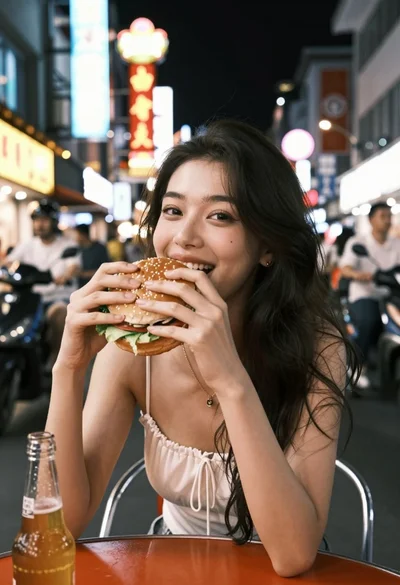
Young woman eating burger at crowded neon lit city street table

Blonde woman eating ice cream by riverbank with city skyline background

Young man eating burger on grey sofa in sunlight
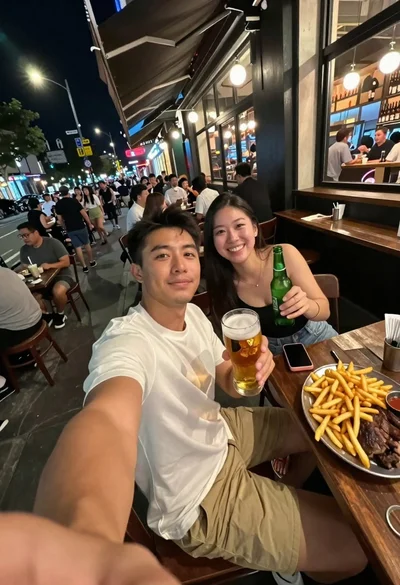
Man taking a selfie at a crowded outdoor night eatery

Two smiling children holding red kitkat bars against a blue sky

Young woman in red outfit taking selfie with glazed strawberries on street

Smiling group enjoying dinner at a wooden table in a luxurious city