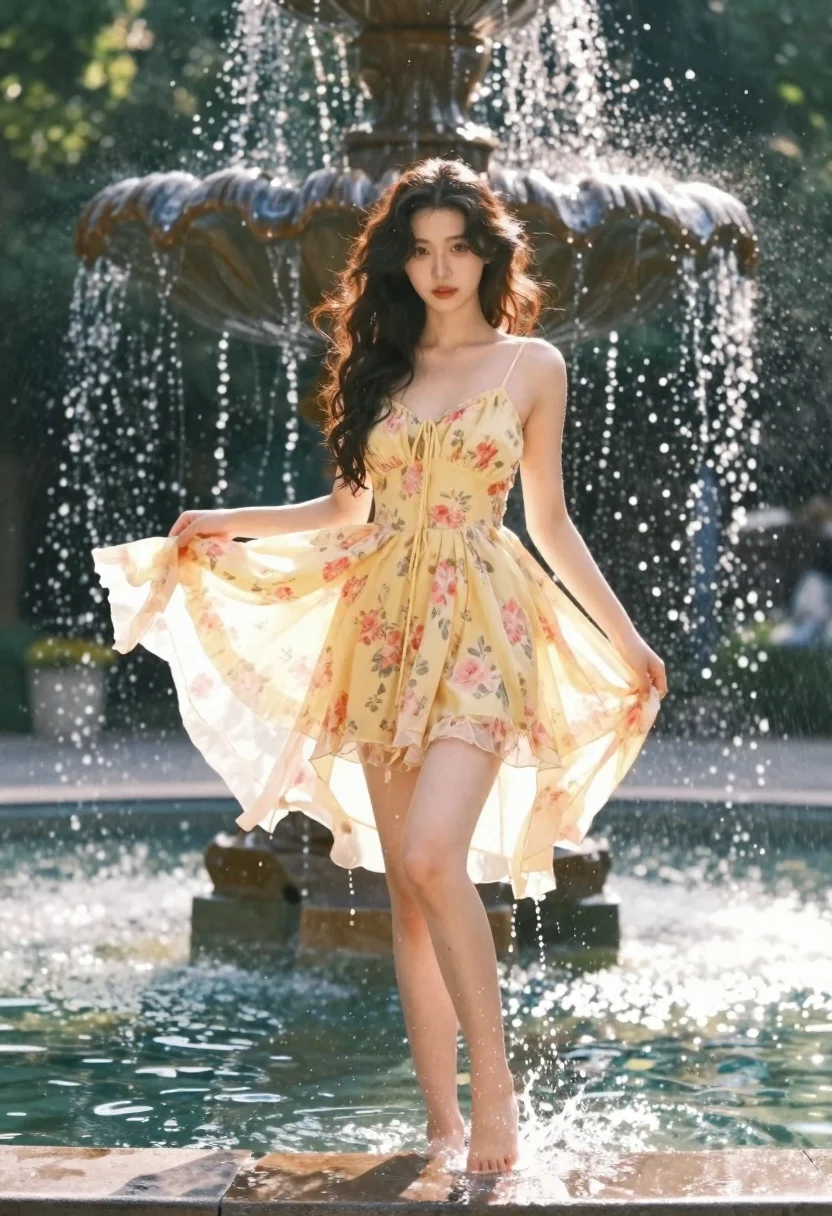
Young woman in yellow floral dress stepping through fountain water
Prompt
A young woman with long dark wavy hair stands barefoot in a shallow pool of water at the base of a stone fountain, wearing a flowing yellow floral dress that flutters around her legs as she steps through splashing droplets.

Subject: A young woman with long dark wavy hair and a soft expression looking directly at the camera.

Clothing: She wears a sleeveless spaghetti strap mini dress in shades of yellow and pink with a delicate floral pattern, made of sheer fabric that catches the light.

Action: The woman is captured mid-step in the water, holding the hem of her dress with one hand to let it billow out, while water droplets spray around her feet and dress.

Environment: She stands in front of a large stone fountain with water cascading down in the background, surrounded by lush green trees under a bright sky.

Camera: The shot is taken from a low angle looking up at the subject, emphasizing her height against the fountain, with a shallow depth of field that blurs the background foliage and fountain details.

Lighting: Strong golden sunlight streams from behind the fountain, creating a dramatic backlight effect that illuminates the water droplets and casts a warm glow on the woman's hair and dress.

Style Details: The image features a cinematic and dreamy aesthetic with high contrast between the bright highlights and deep shadows, emphasizing the texture of the water and fabric.
Description
This prompt is useful for creating editorial fashion editorials, romantic lifestyle photography, and dynamic advertising campaigns for swimwear or resort wear. The combination of 'low angle looking up' with 'strong golden sunlight' dramatically emphasizes the subject's height and the movement captured in the 'splashing droplets,' while the 'sheer fabric' ensures the yellow floral dress catches light beautifully against the deep shadows.
Suggestions
- Change 'yellow floral dress' to 'ivory lace maxi dress' for a more ethereal feel.
- Modify 'strong golden sunlight' to 'overcast softbox lighting' for less harsh highlights.
- Adjust 'low angle looking up' to 'eye-level medium shot' for a more intimate portrait.
Category
Tags
Brown HairFemaleFull BodyLow AngleOutdoorsRealistic
Date added
June 19, 2026
Added by
PromptDexter Team
Related Prompts
More prompts with similar categories and tags.
Fit woman in black cutout swimsuit standing on lush outdoor patio
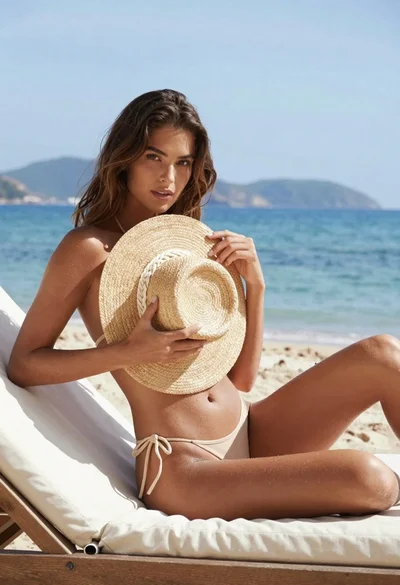
Young woman in beige bikini sitting by ocean with straw hat
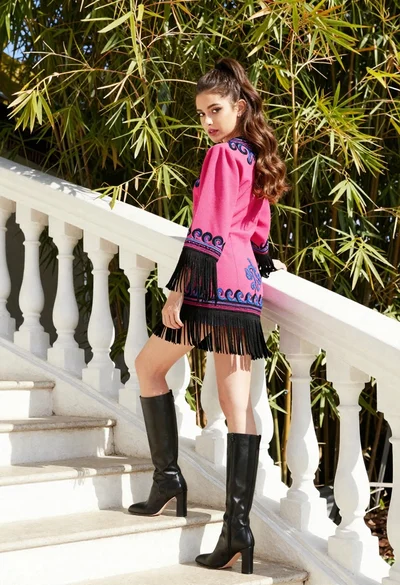
Young woman in pink embroidered dress on white stone staircase outdoors
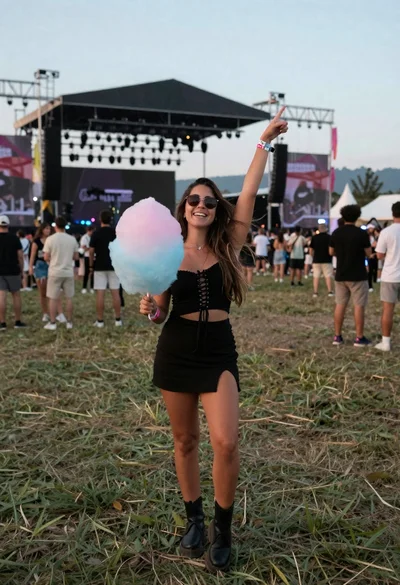
Joyful woman at outdoor music festival holding cotton candy against stage

Young woman in red swimsuit by sunny poolside with beer glass
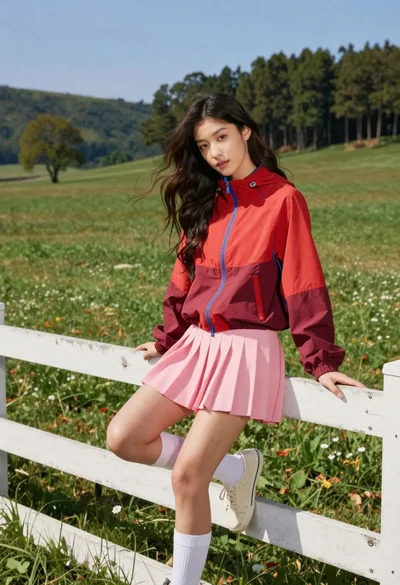
Young woman in red jacket on white fence in green meadow
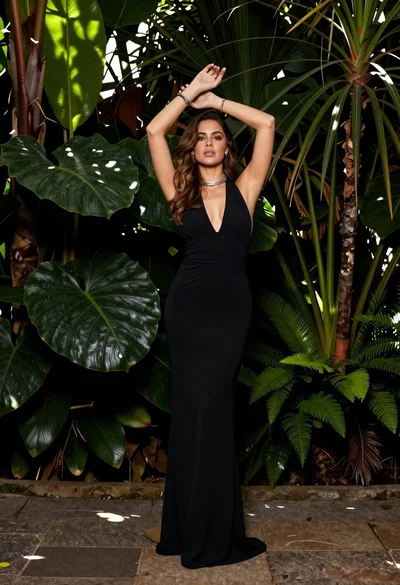
Woman in black gown standing confidently in lush tropical garden setting
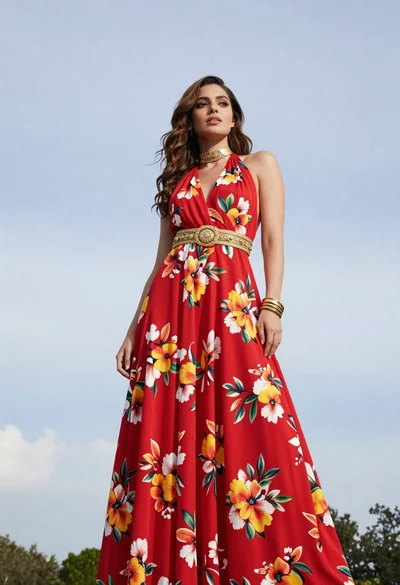
Woman in red floral gown standing against pale blue sky and green
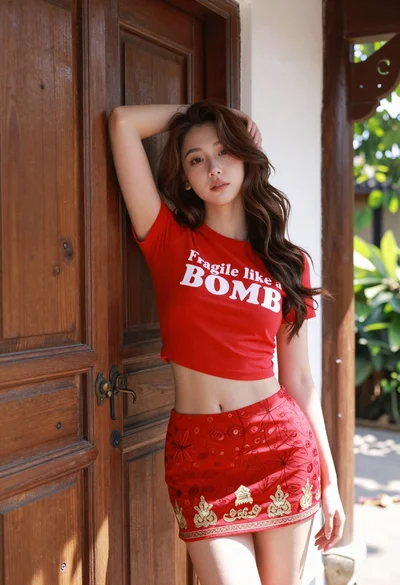
Young woman leaning against ornate wooden door with green foliage background
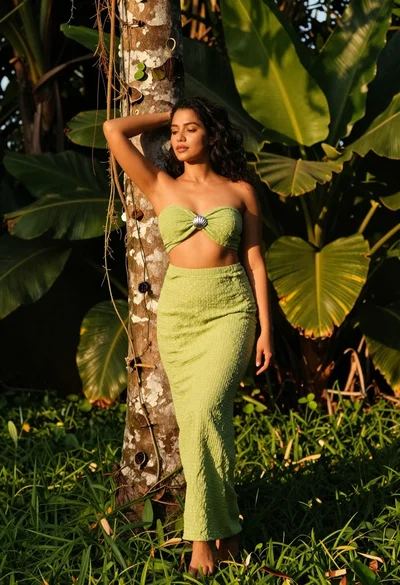
Woman in green outfit leaning on tree in lush garden at golden