
Young woman lying on beige sofa in bright indoor living room setting
Prompt
A young woman lies on her back on a beige sofa with her legs raised and crossed at the ankles.

Subject: A young woman with long dark hair lying on her back, gazing directly at the camera with a soft expression.

Clothing: She wears a light blue and white striped ribbed tank top, pink drawstring shorts, and a pink zip-up hoodie draped open over her shoulders.

Action: Lying down in a relaxed pose with legs extended upward and crossed at the ankles, looking up at the viewer.

Environment: A bright indoor living room setting featuring a beige sofa, wooden flooring, and green potted plants in the background near a window.

Lighting: Soft natural sunlight streaming from the side, casting gentle shadows and highlighting her skin and clothing textures.

Camera: High-angle shot looking down at the subject, with shallow depth of field blurring the background slightly to emphasize the foreground.

Style Details: Clean, high-resolution digital photography style with smooth skin tones, vibrant pastel colors, and a warm, airy atmosphere.
Description
This prompt is useful for creating lifestyle magazine spreads, intimate portraiture featuring domestic settings, and mood boards emphasizing soft femininity. The combination of 'soft natural sunlight streaming from the side' and the 'shallow depth of field blurring the background slightly' directs all focus onto the subject's relaxed pose and visible textures of the 'light blue and white striped ribbed tank top', preventing the detailed living room elements from becoming distracting.
Suggestions
- Change 'beige sofa' to 'velvet chaise lounge' for a richer texture.
- Add 'golden hour glow' to the lighting description for warmer tones.
- Swap 'pink drawstring shorts' for 'cream knit shorts' to match the airy feel.
Category
Tags
Brown HairFair SkinFemaleFull BodyHigh AngleRealistic
Date added
July 3, 2026
Added by
PromptDexter Team
Related Prompts
More prompts with similar categories and tags.
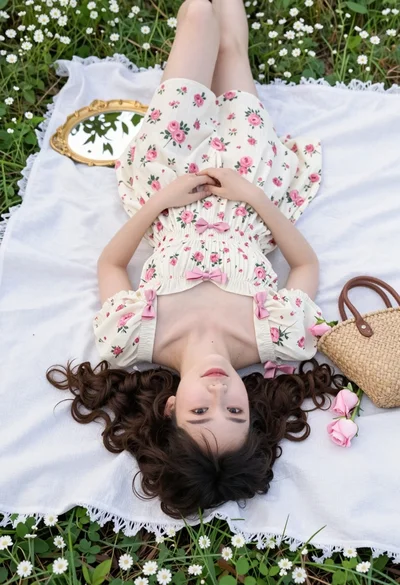
Young woman in floral dress lying on white blanket in green meadow
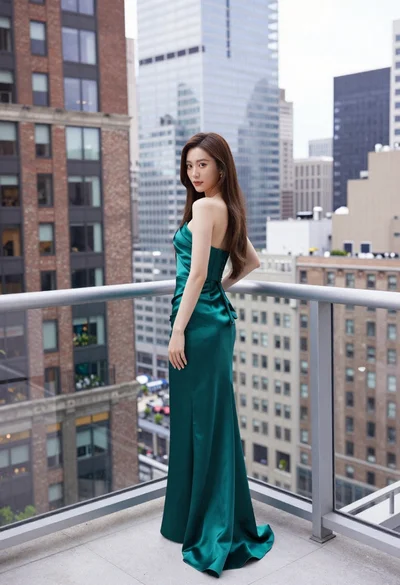
Young woman in emerald gown on high rise balcony overlooking city

Young woman sitting among colorful clothes in minimalist studio setting
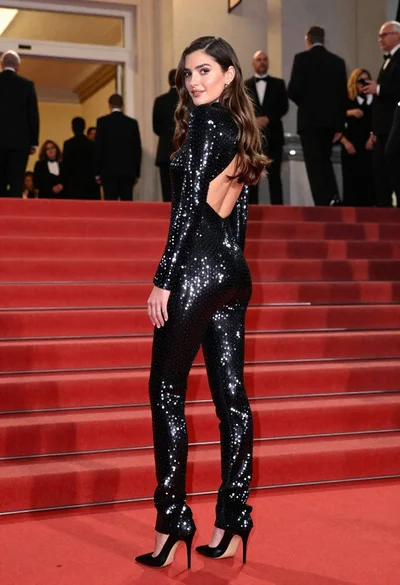
Glamorous woman in sequined jumpsuit on grand red carpet staircase

Woman sitting on cobblestone street in old european alley

Fair skinned woman in black sequined outfit sitting elegantly indoors

Fashion model in white hoodie against orange background

Woman in rust gown posing on white step and repeat backdrop

Young woman with brown hair sitting on green velvet chair indoors
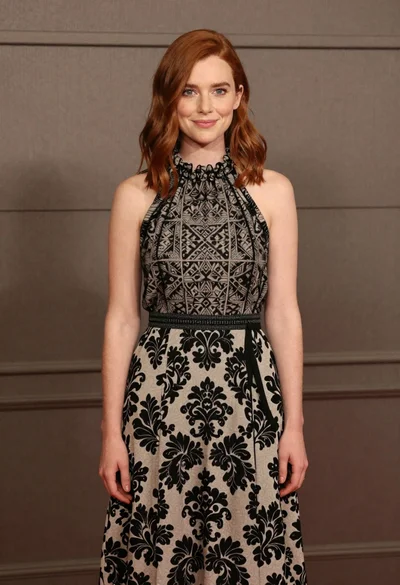
Full body portrait of woman in patterned halter dress against neutral paneling