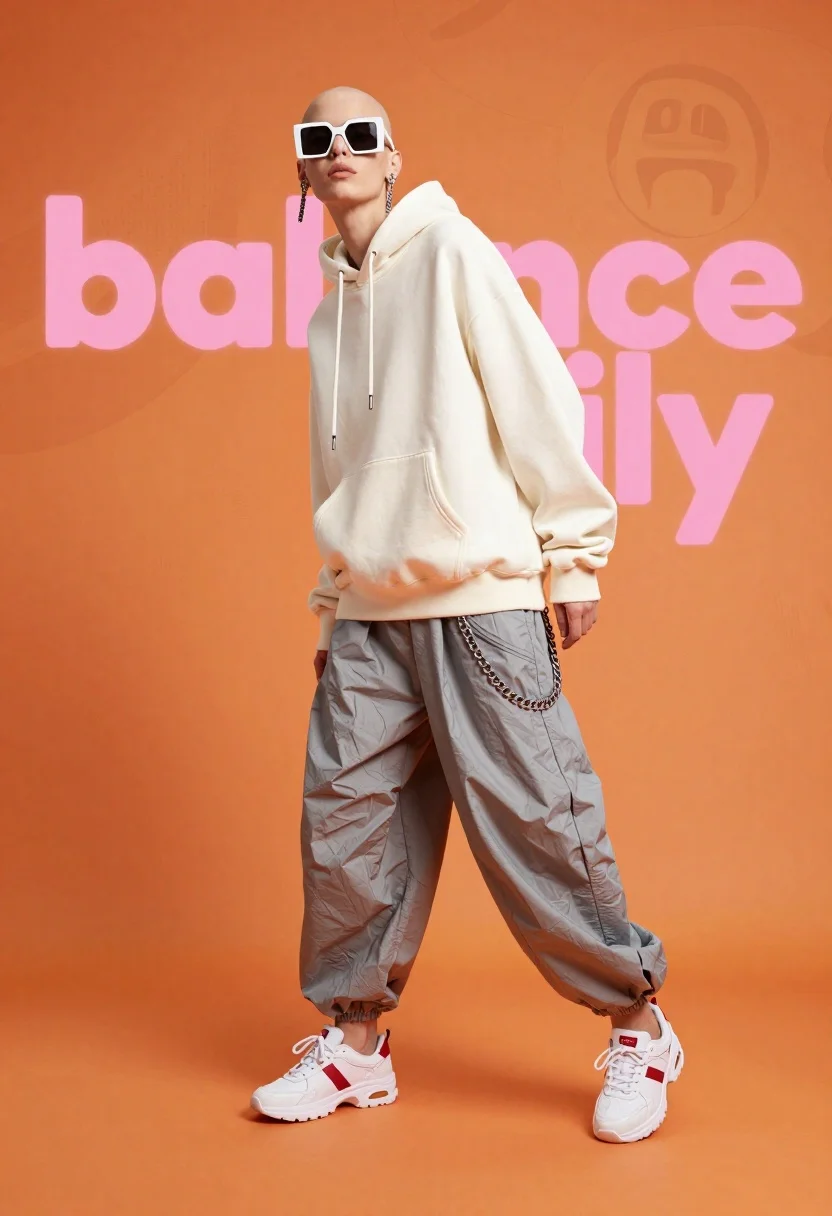
Fashion model in white hoodie against orange background
Prompt
A full-body studio shot of a fashion model in a dynamic pose against a vibrant orange background

Subject: A bald figure with fair skin wearing oversized white sunglasses and dangling earrings, displaying a confident expression

Clothing: An extremely loose-fitting off-white hoodie worn as an outer layer over baggy grey draped trousers that bunch around the ankles. Accessories: Thick silver chains hang from the waist of the hoodie. Footwear: Chunky white athletic sneakers with red accents on the heel tab and side stripes.

Action: Standing in a relaxed stance, leaning slightly forward into the frame; head tilted back looking up at an angle.

Environment: A solid monochromatic orange background featuring large stylized pink text graphic elements behind the model that read 'balance' and other abstract shapes.

Lighting: Bright studio lighting with soft shadows under the subject's feet and clothing folds, creating a high-key fashion aesthetic

Style Details: High-fashion editorial photography style with crisp focus on texture details of fabric and metal hardware.
Description
This prompt is useful for creating sportswear lookbooks, avant-garde magazine spreads, and conceptual advertising campaigns. The combination of 'bright studio lighting' and the 'high-key fashion aesthetic' ensures that the crisp focus on texture details of fabric and metal hardware remains visible, preventing the oversized clothing from looking flat against the vibrant orange background.
Suggestions
- Change 'oversized white sunglasses' to 'reflective chrome sunglasses' for a harder edge.
- Swap 'vibrant orange background' for 'burnt sienna background' for a warmer tone.
- Add 'shot on Hasselblad X1D II' for increased photographic realism.
Category
Tags
Casual WearFair SkinFemaleFull BodyHigh AngleRealisticSportswearStudioWide Shot
Date added
June 19, 2026
Added by
PromptDexter Team
Related Prompts
More prompts with similar categories and tags.
Fair blonde woman in slip dress seated in minimalist studio setting
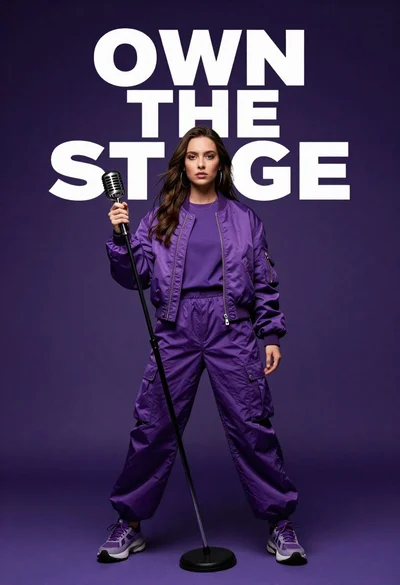
Singer in purple outfit with microphone against violet background

Young woman sitting among colorful clothes in minimalist studio setting
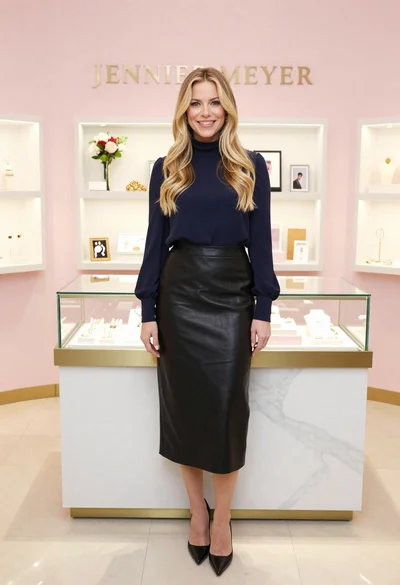
Smiling blonde woman in boutique wearing navy blouse and black skirt
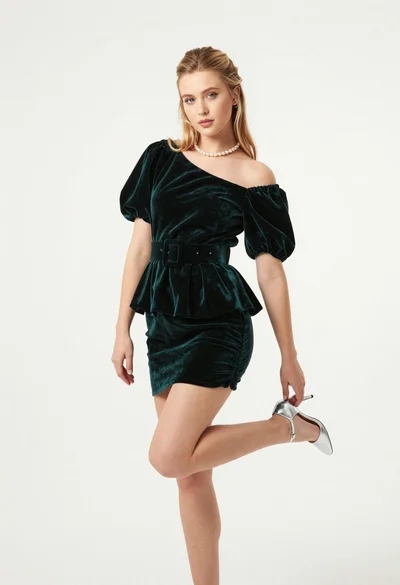
Full body studio portrait of blonde woman in dark green velvet mini
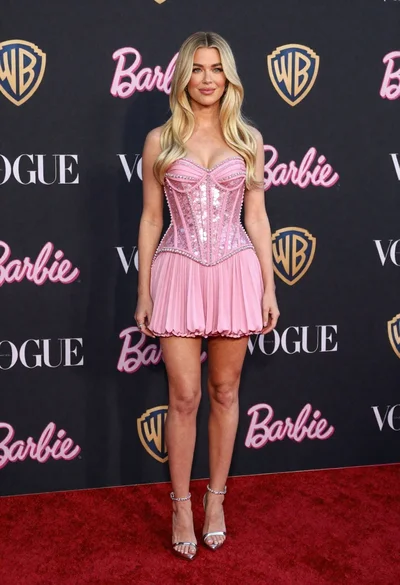
Full length portrait of blonde woman in sparkly pink mini dress on
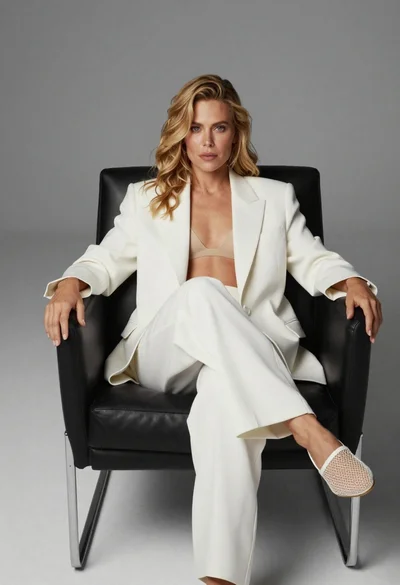
Blonde woman sitting in black leather chair against plain grey background

Blonde woman sitting on chair in bright white studio setting