
Young woman pointing up in red velvet dress against anime character backdrop
Prompt
A young woman with long dark hair smiles warmly while pointing her index finger upward in a playful gesture.

Clothing: She wears a red velvet off-shoulder dress trimmed with white faux fur and fluffy pom-poms at the neckline, paired with large white bunny ears on a red headband.

Environment: The background features a stylized anime-style illustration of a blue-haired character with glowing eyes, set against soft pink and teal gradients. A social media profile interface overlays the image with Chinese text, including a verified checkmark next to the name 李岳 and visible follower counts.

Lighting: Lighting is bright and even, highlighting her face and outfit with minimal shadows. The composition uses a close-up framing that emphasizes her expression and gesture, with a shallow depth of field blurring the background slightly.

Style Details: digital illustration mixed with photorealistic portrait rendering, vibrant color palette, clean lines, and modern social media aesthetic.
Description
This prompt is useful for creating character concept art, playful promotional material, or stylized cosplay photography mockups. The combination of 'digital illustration mixed with photorealistic portrait rendering' allows the subject to pop against the vibrant background elements like the blue-haired character and soft pink and teal gradients, preventing the entire scene from looking like a single, flat piece of artwork.
Suggestions
- Change 'red velvet off-shoulder dress' to 'black velvet off-shoulder dress' for a moodier contrast.
- Replace 'soft pink and teal gradients' with 'deep indigo and gold gradients' for a more dramatic feel.
- Adjust the gesture by changing 'pointing her index finger upward' to 'waving both hands playfully'.
Category
Tags
AnimeClose UpFemalePortrait ShotRealistic
Date added
July 3, 2026
Added by
PromptDexter Team
Related Prompts
More prompts with similar categories and tags.
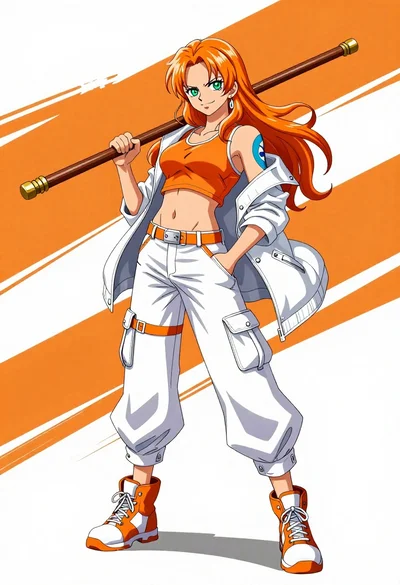
Confident anime woman with orange hair holding a wooden staff in sports
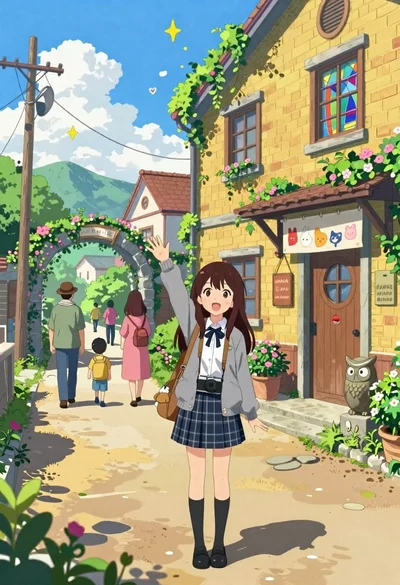
Cheerful young girl waving at viewer on village street with yellow building

Young woman in pink kimono under cherry blossom branches shielding eyes
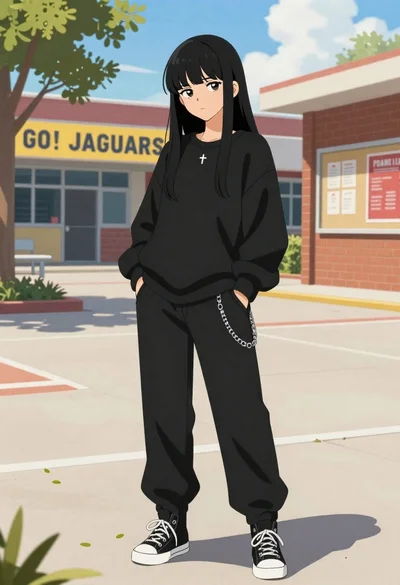
Young woman in black streetwear standing in a sunny school courtyard
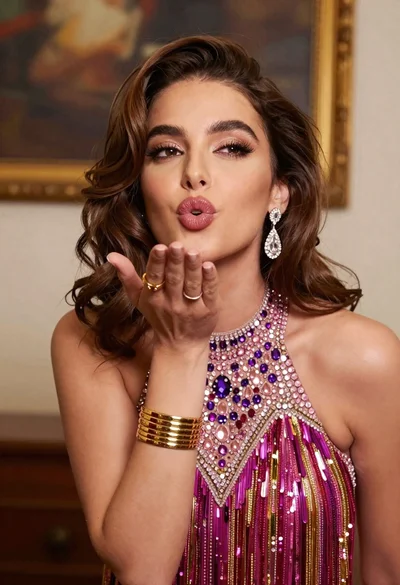
Glamorous young woman blowing a kiss in an elegantly decorated studio
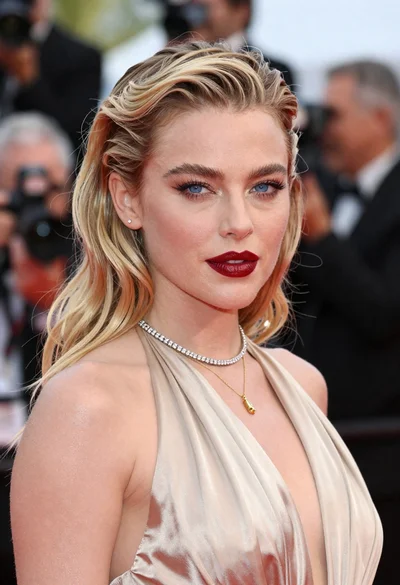
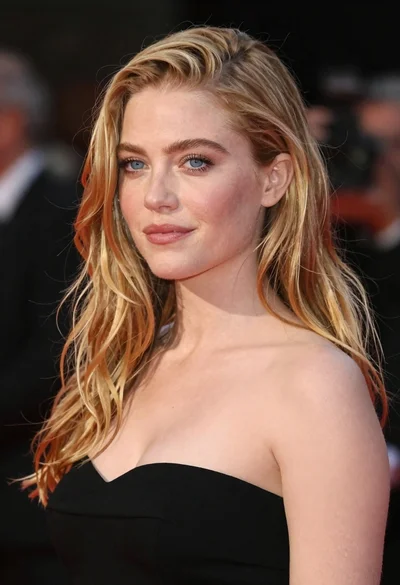
Close up portrait of blonde woman in champagne gown at gala
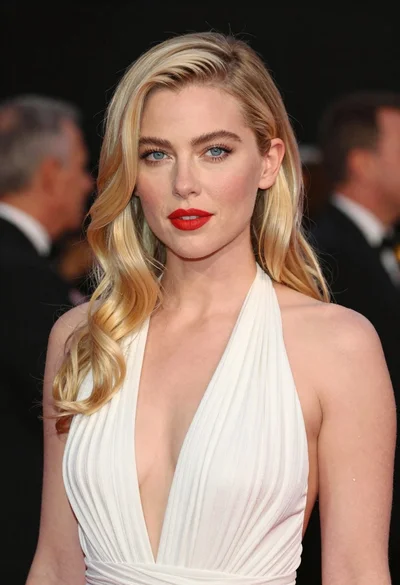
Close up portrait of fair woman with platinum blonde hair and blue
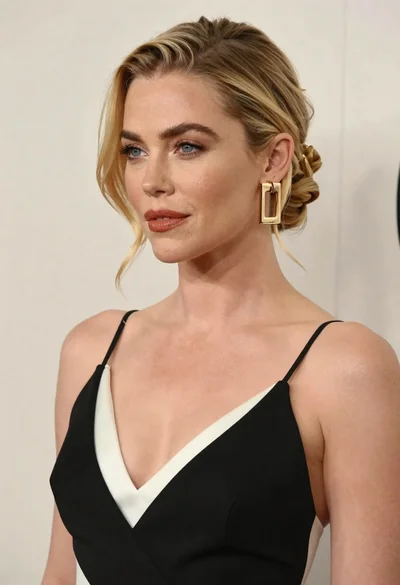
Close up portrait of blonde woman in black and white dress
Young woman in red hanfu with crimson birds
Close up portrait of woman touching hair in green garden setting