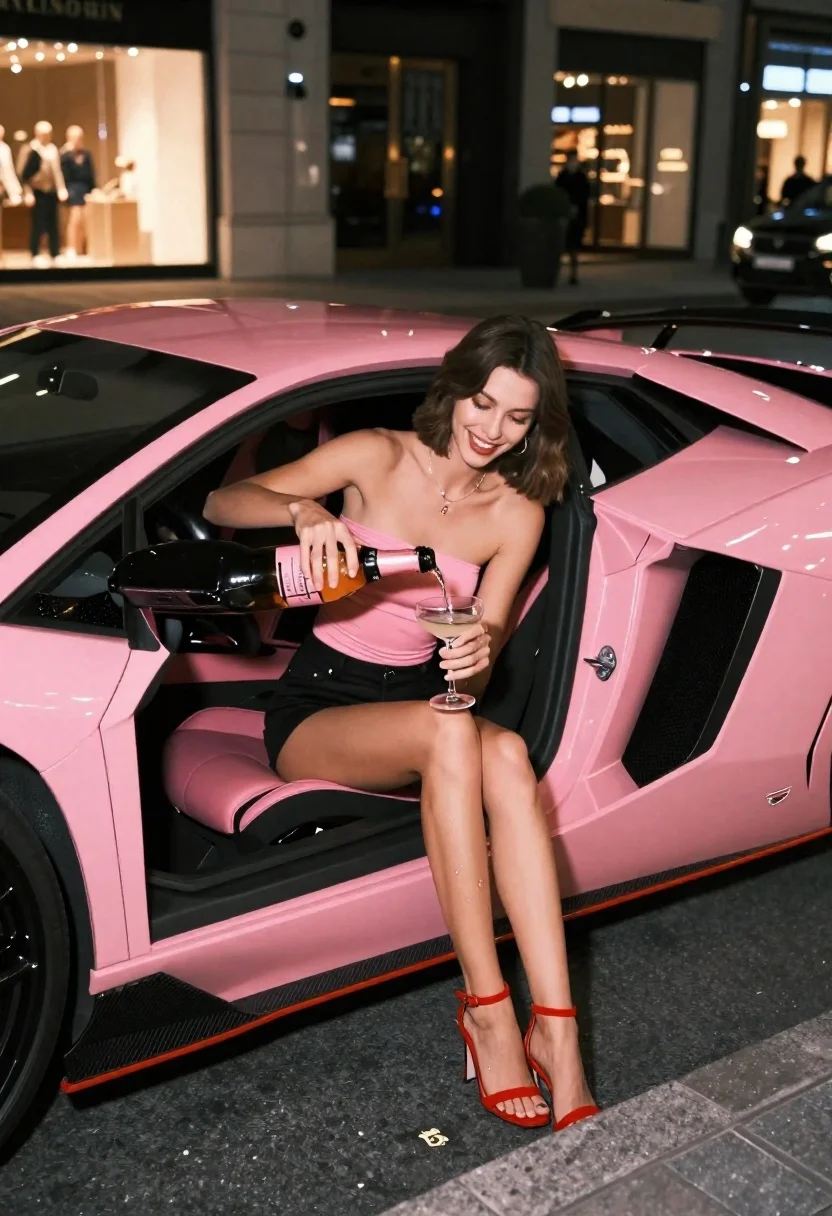
Young woman pouring champagne in pink lamborghini at night
Prompt
A young woman with short brown hair sits in the open door of a bright pink Lamborghini Aventador at night, pouring champagne into a glass while smiling.

Subject: A young woman with shoulder-length brown hair and fair skin sitting inside the driver's seat of a luxury sports car.

Clothing: She wears a strapless pink tube top that matches the car, black shorts, and red strappy high-heeled sandals.

Action: She is pouring champagne from a bottle into a coupe glass held in her left hand, with liquid spilling slightly onto her leg, while looking down at the glass with a smile.

Environment: The scene takes place on a city street at night, featuring a paved stone sidewalk and blurred storefronts with warm lights in the background.

Camera: Shot from a low side angle emphasizing the car's profile and the subject's legs, utilizing a shallow depth of field to blur the urban background.

Lighting: Illuminated by artificial street lighting that creates soft highlights on the glossy pink paint and the champagne bottle, casting gentle shadows inside the car interior.

Objects: A pink champagne bottle, a coupe glass, and the black wheels and carbon fiber accents of the Lamborghini Aventador are prominent.

Style Details: High-gloss commercial photography with vibrant color saturation, sharp focus on the subject and vehicle, and a polished urban night aesthetic.
Description
This prompt is useful for creating luxury automotive advertisements, high-end nightlife editorial spreads, and aspirational lifestyle marketing materials. The combination of 'low side angle' emphasizing the car's profile and the subject's legs, paired with 'high-gloss commercial photography' and 'vibrant color saturation,' ensures that both the vehicle's paint reflectivity and the subject's outfit details remain sharp against a softly blurred urban background.
Suggestions
- Change 'bright pink Lamborghini Aventador' to 'metallic magenta Lamborghini Aventador' for more depth.
- Add 'bokeh effect from neon signs' to enhance the background blur.
- Swap 'strapless pink tube top' for 'sequined pink bodysuit' to increase visual texture.
Category
Tags
Brown HairFair SkinFemaleFull BodyLow AngleRealisticSide ProfileStreetUrbanVehicle
Date added
June 26, 2026
Added by
PromptDexter Team
Related Prompts
More prompts with similar categories and tags.
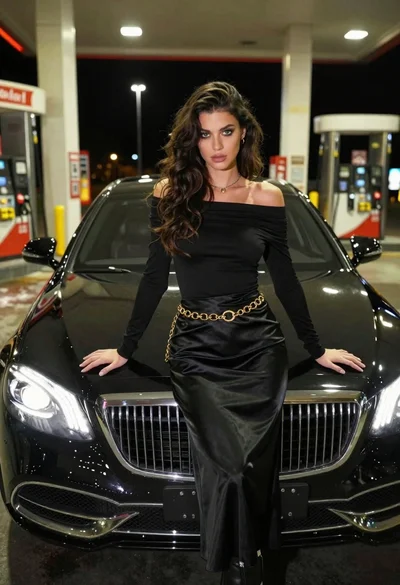
Confident woman in black dress posing by luxury sedan at gas station
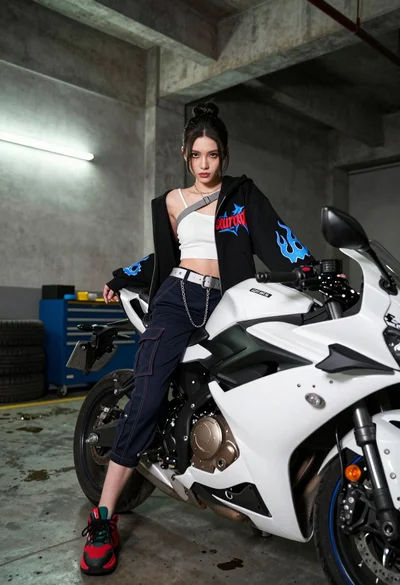
Young woman sitting on sport motorcycle in industrial garage setting
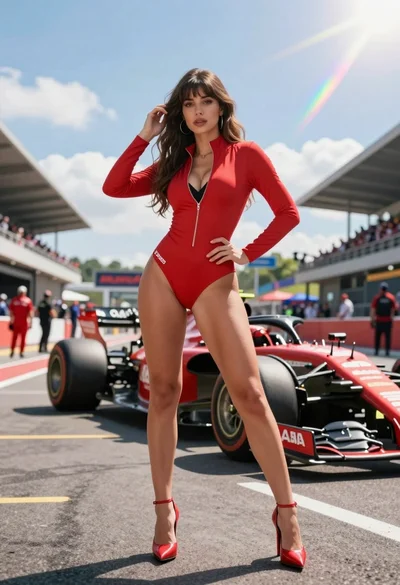
Confident woman in red bodysuit posing at formula one race track low
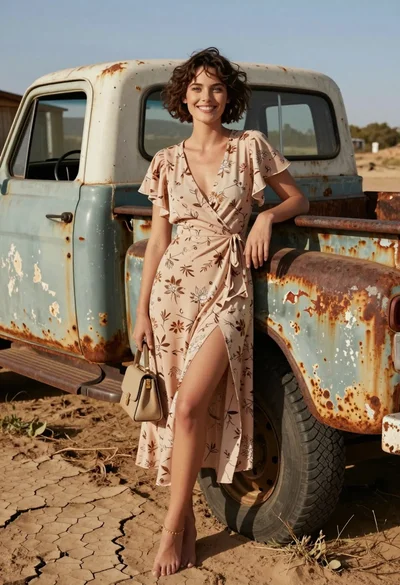
Smiling woman in floral dress by rusty vintage pickup truck in dry
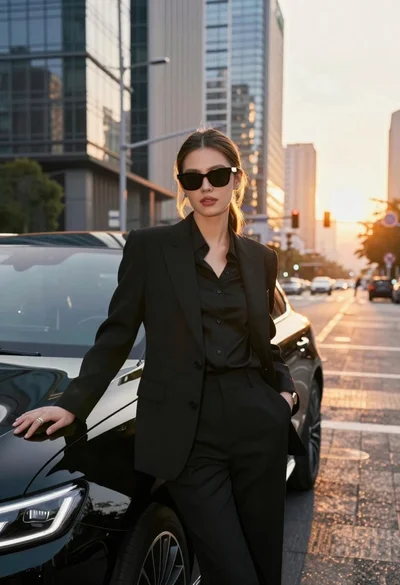
Confident woman in black suit leaning on car at sunset city street
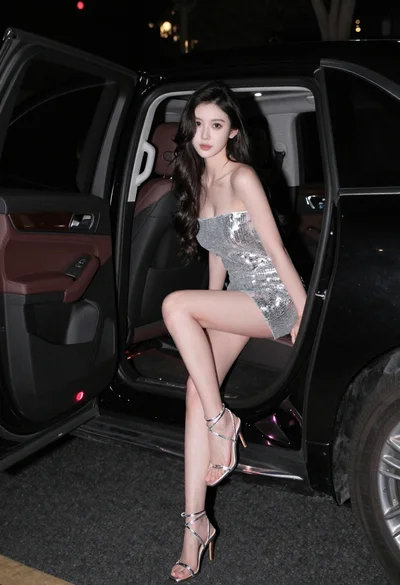
Glamorous woman in silver sequin dress sitting in luxury car at night
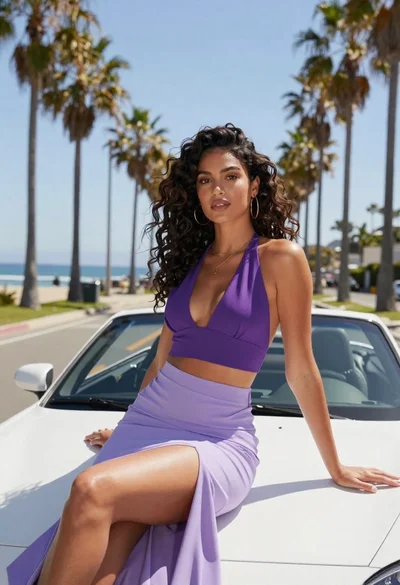
Glamorous woman in purple dress sitting on white convertible car hood
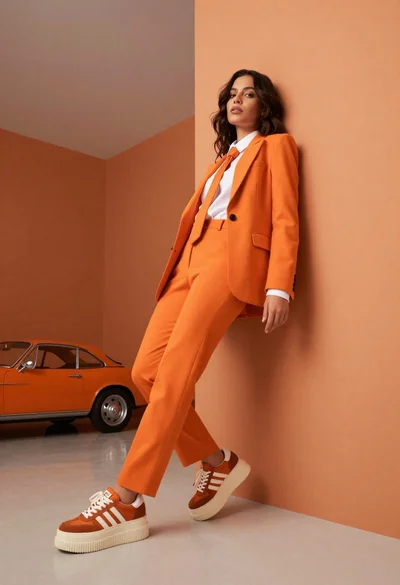
Woman in orange suit leaning against geometric wall in minimalist studio