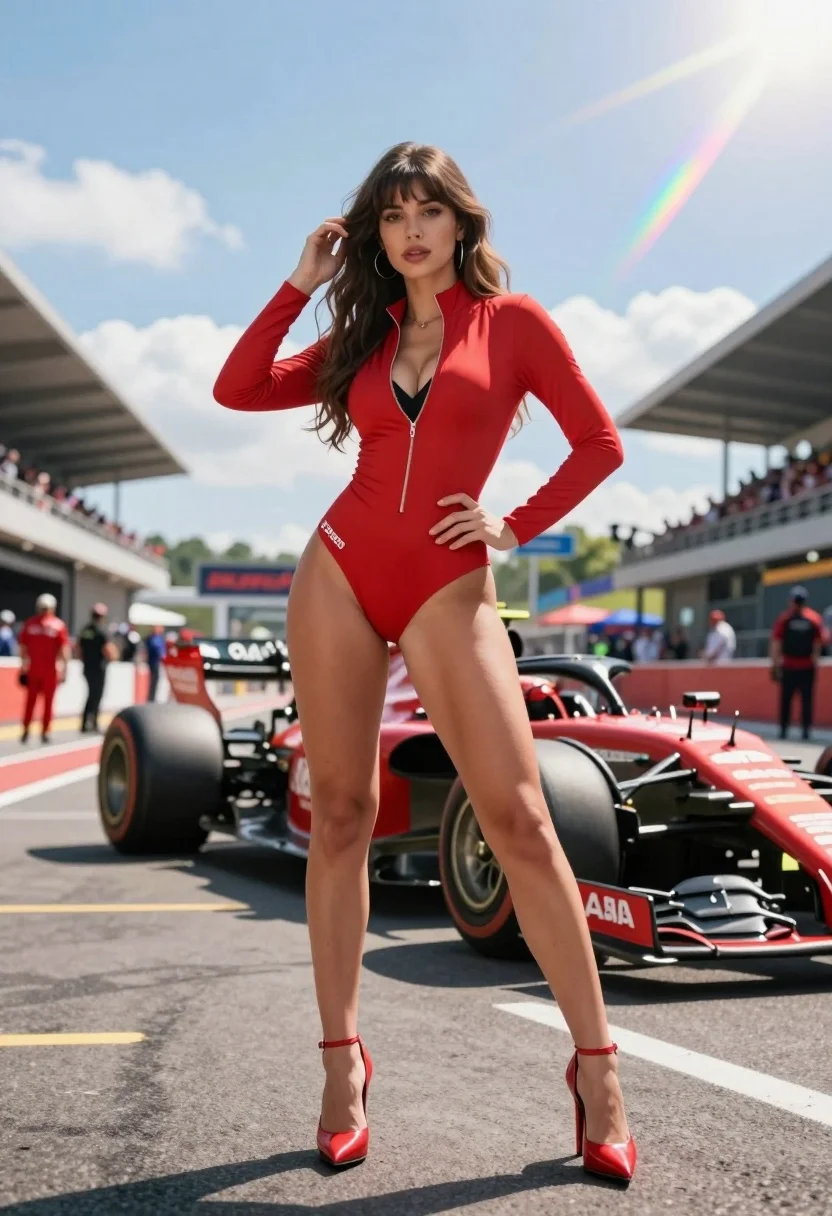
Confident woman in red bodysuit posing at formula one race track low
Prompt
A confident woman stands in the foreground at a Formula One race track, posing with one hand on her hip and the other touching her hair.

Subject: A young woman with long, wavy brown hair featuring bangs, fair skin, and a confident expression looking directly at the camera.

Clothing: She wears a form-fitting, bright red, long-sleeved bodysuit with a high collar and a deep front zipper revealing black undergarments; white text is visible on her left hip; she wears matching red stiletto heels with ankle straps.

Action: She stands in a relaxed but poised pose with one hand resting on her hip and the other raised to brush back her hair, displaying a confident stance.

Environment: The setting is a Formula One pit lane or grid area under a bright blue sky with scattered clouds; blurred grandstands filled with spectators are visible in the background along with race team personnel in red uniforms.

Camera: The shot is taken from a low angle looking up at the subject, emphasizing her height and presence against the backdrop of the track and cars.

Lighting: Bright natural sunlight creates strong highlights on her skin and hair, casting distinct shadows on the asphalt; lens flare and rainbow light artifacts streak across the upper right portion of the frame.

Objects: Two Formula One racing cars are positioned behind her on either side, with visible tires and aerodynamic components.

Style Details: The image features a hyper-realistic, high-definition rendering style with vibrant colors, sharp focus on the subject, and a cinematic composition enhanced by atmospheric lens flare effects.
Description
This prompt is useful for creating editorial fashion moodboards, dynamic fitness advertising campaigns, and automotive lifestyle photography. The combination of 'low angle looking up at the subject' and 'bright natural sunlight' exaggerates the model's presence against the industrial backdrop, while the inclusion of 'lens flare' adds a dramatic, cinematic energy suitable for high-impact visual marketing.
Suggestions
- Change 'Formula One pit lane or grid area' to 'concrete racetrack curbing' for more immediate foreground detail.
- Swap 'bright red, long-sleeved bodysuit' for 'black latex catsuit' to increase contrast with the environment.
- Adjust 'lens flare and rainbow light artifacts' to 'golden hour rim lighting' for a softer mood.
Category
Tags
Brown HairFair SkinFemaleLow AngleOutdoorsPortrait ShotRealisticStreetUrban
Date added
August 5, 2026
Added by
PromptDexter Team
Related Prompts
More prompts with similar categories and tags.
Blonde woman in racing uniform holding umbrella at sunny pit lane
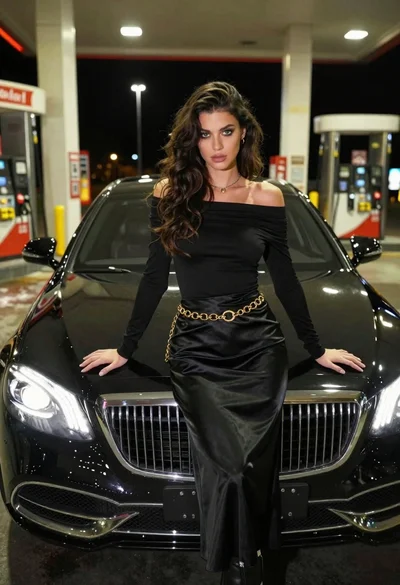
Confident woman in black dress posing by luxury sedan at gas station
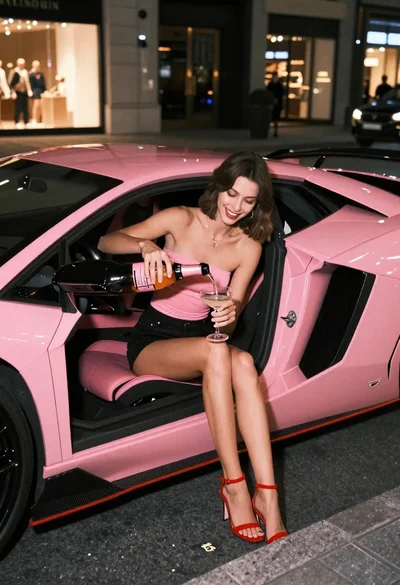
Young woman pouring champagne in pink lamborghini at night
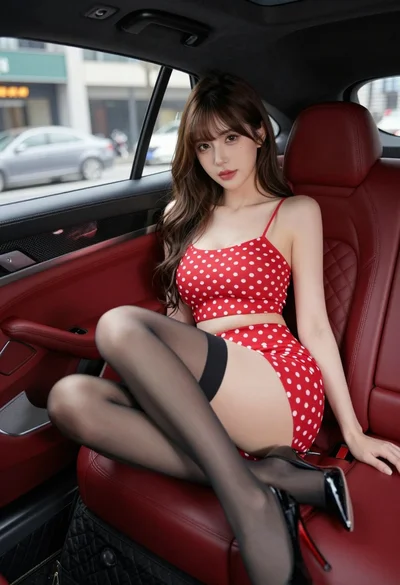
Young woman in red polka dot outfit seated inside luxury car cabin
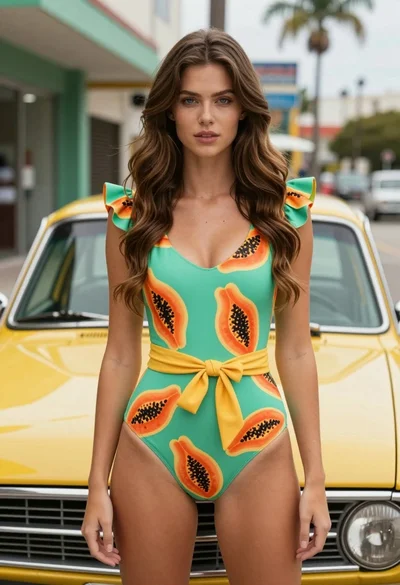
Fair skinned woman in green papaya swimsuit by vintage yellow car on
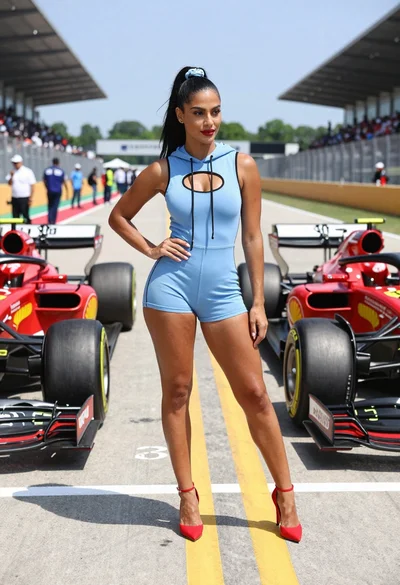
Confident woman in blue bodysuit between two formula one race cars
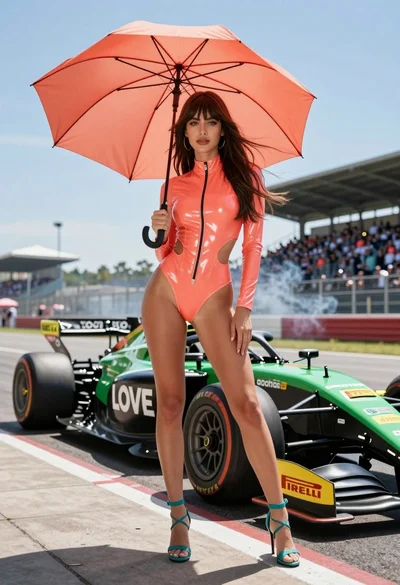
Woman in coral latex bodysuit holding umbrella near race car pit lane

Young woman leaning against white wall with beige handbag under bright sunlight
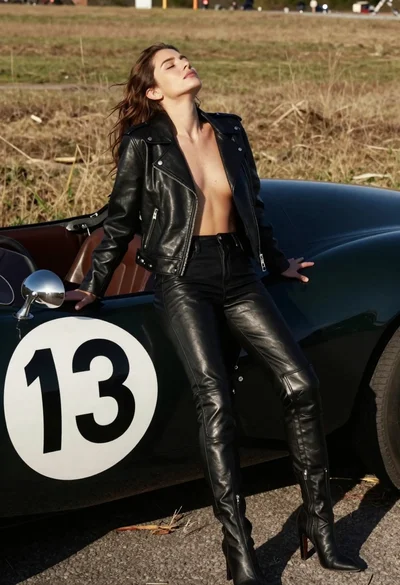
Woman leaning against vintage race car in dry grassy field
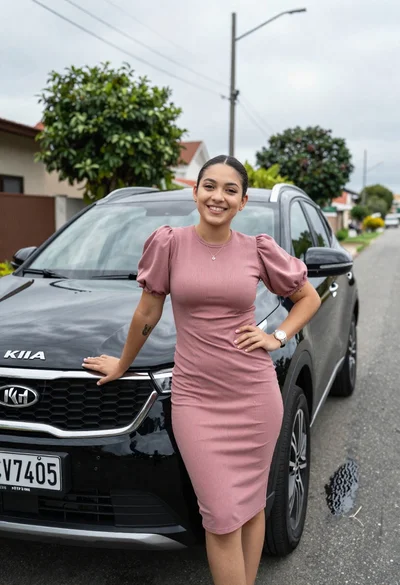
Smiling young woman leaning on black suv parked on paved street