
Young woman singing into microphone on stage with gold bokeh lights
Prompt
A woman stands center stage singing into a microphone stand against a backdrop of shimmering gold lights and bokeh circles.

Subject: A young woman with voluminous dark curly hair, smiling warmly while holding a microphone.

Clothing: She wears a short, sleeveless red mini dress covered in sparkling sequins or glitter, paired with high-heeled metallic gold pumps.

Action: She stands confidently with her hands gripping the microphone stand, singing into the mic with an open mouth and engaging expression.

Environment: A stage setting featuring a floor that reflects the lights and a background composed of bright golden bokeh lights and out-of-focus circular patterns.

Camera: Full-body shot capturing the subject from head to toe, framed vertically with a shallow depth of field blurring the background lights.

Lighting: Bright stage lighting illuminates the scene from above and behind, creating a warm glow that highlights the sparkle on her dress and skin.

Style Details: High-gloss photography with vibrant colors, sparkling textures, and a festive, glamorous atmosphere.
Description
This prompt is useful for creating concert promotional posters, album art featuring vocalists, and high-energy event recap photography. The combination of 'shimmering gold lights' and the 'high-gloss photography' style ensures that the sequins on her dress catch the light dramatically, preventing the background bokeh from becoming a flat wash of color while keeping the focus squarely on her 'engaging expression'.
Suggestions
- Change 'red mini dress' to 'sequined black mini dress' for a more dramatic contrast.
- Add 'sweat-proof microphone' to ground the prop detail.
- Adjust 'bright stage lighting' to 'spotlight from above' for more defined shadows.
Category
Tags
FemaleFull BodyPortrait ShotRealisticStudio
Date added
June 19, 2026
Added by
PromptDexter Team
Related Prompts
More prompts with similar categories and tags.
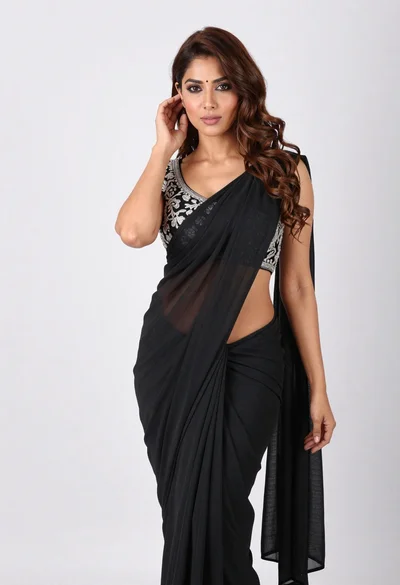
Full body portrait of woman in black saree against white seamless background
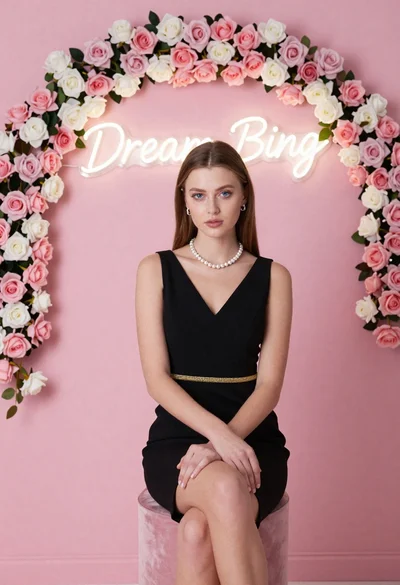
Portrait of woman in black dress with rose arch backdrop
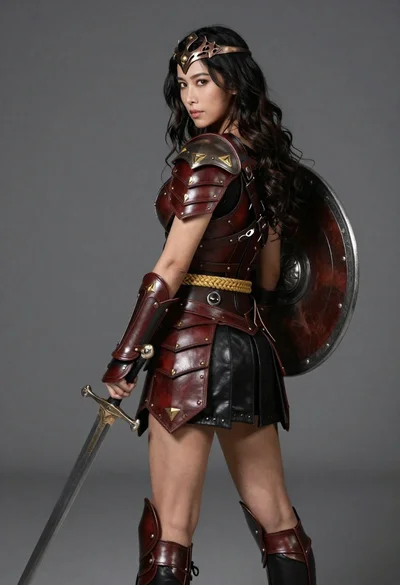
Female warrior portrait in detailed bronze and leather armor
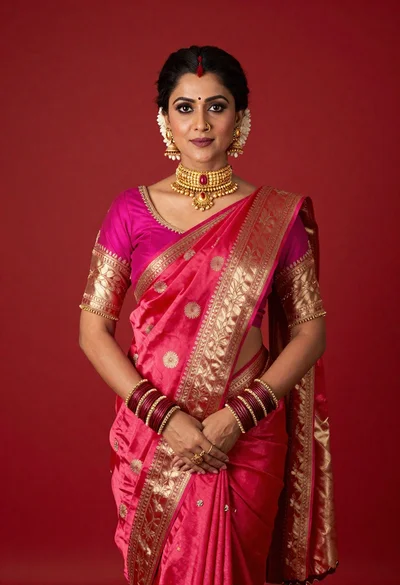
Poised woman in vibrant pink and red silk saree against solid red
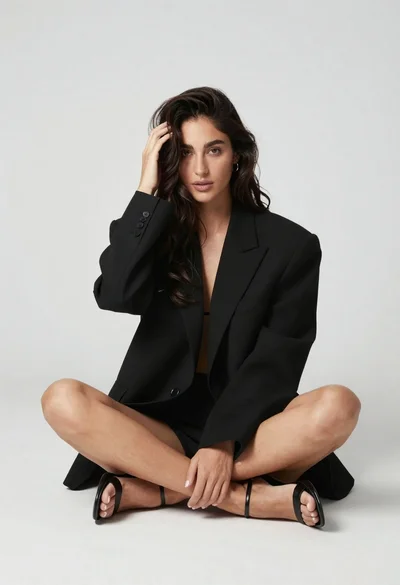
Woman in oversized blazer sitting cross legged studio portrait
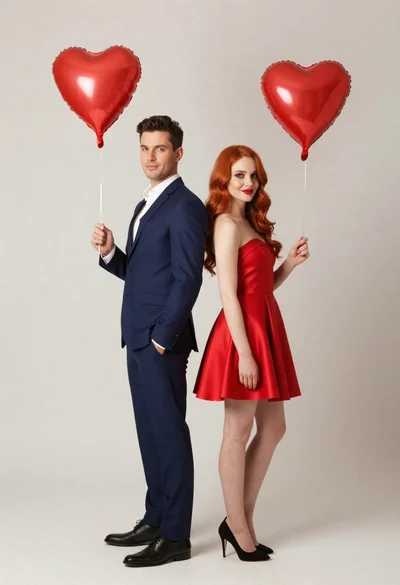
Man and woman in formal attire holding red heart balloons
Teenage girl in purple dress holding number balloons
Black and white portrait of woman with dramatic shadows
Poised woman in pink saree against a plain white studio background
Woman in vibrant red knit sweater dress seated in white studio