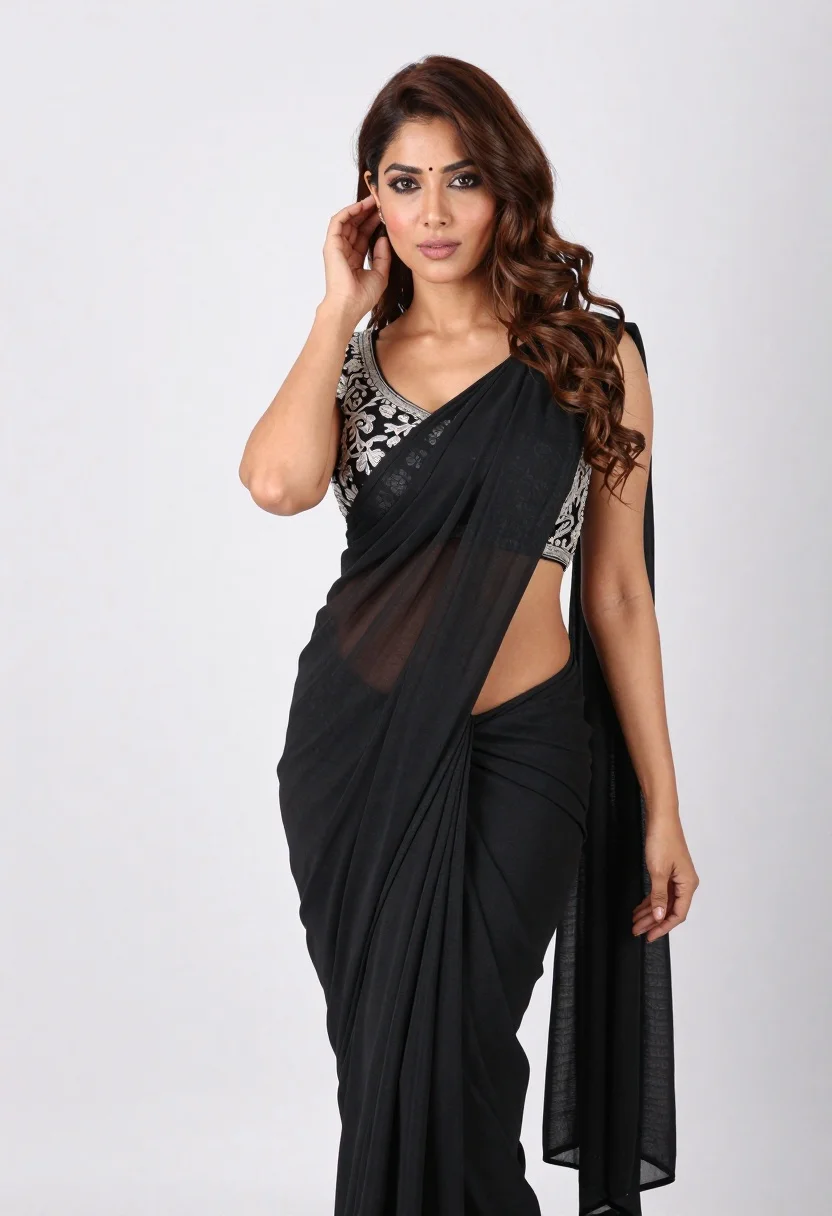
Full body portrait of woman in black saree against white seamless background
Prompt
A full-body studio portrait of a woman with long wavy brown hair and dark eyes looking directly at the camera.

Subject: A woman with fair skin, defined eyebrows, and dark eyes gazing forward with a neutral expression.

Clothing: She wears an elegant black saree draped over one shoulder with a cutout waist revealing her midriff, paired with a sleeveless blouse featuring intricate silver embroidery on the neckline and sleeves.

Action: Her right hand is raised to touch her hair near her ear while her left arm hangs relaxed by her side.

Environment: A plain white seamless background providing a clean studio setting.

Camera: Medium shot framing the subject from head to mid-thigh with a slight downward angle emphasizing her posture.

Lighting: Soft diffused studio lighting creating gentle shadows and highlighting the texture of the fabric and skin tones.

Style Details: High-resolution fashion photography with sharp focus on the subject and smooth color grading.
Description
This prompt is useful for creating e-commerce catalog shots, bridal lookbooks, and fine art portraiture requiring absolute background neutrality. The combination of 'plain white seamless background' and 'soft diffused studio lighting' ensures that the intricate silver embroidery on the blouse remains visible without harsh reflections, allowing the viewer to focus solely on the texture of the black saree against the subject's fair skin.
Suggestions
- Change 'medium shot framing the subject from head to mid-thigh' to 'full body shot' for more context.
- Swap 'intricate silver embroidery' for 'gold zari work' if you want a warmer metallic tone.
- Adjust 'neutral expression' to 'subtle, knowing smile' for a softer mood.
Category
Tags
Brown HairFair SkinFemaleFull BodyMedium ShotPortrait ShotRealisticStudio
Date added
June 19, 2026
Added by
PromptDexter Team
Related Prompts
More prompts with similar categories and tags.

Photorealistic portrait of woman in red gold armor holding shield studio shot
Young woman pointing playfully at cheek in deep red studio dress
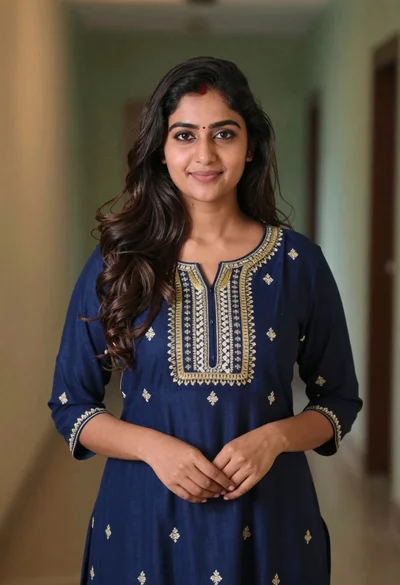
Young woman in navy embroidered traditional dress indoors medium shot
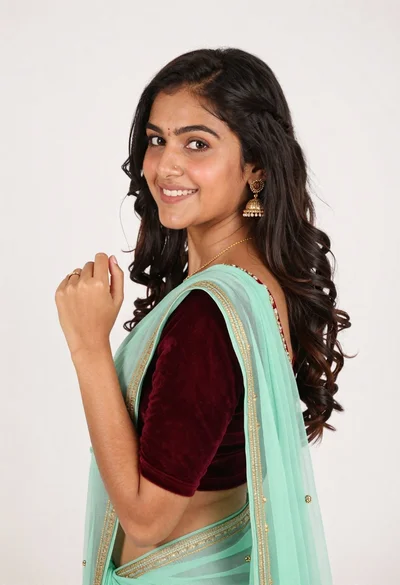
Smiling young woman in maroon velvet and mint saree studio portrait

Woman leaning on silver sports car in showroom
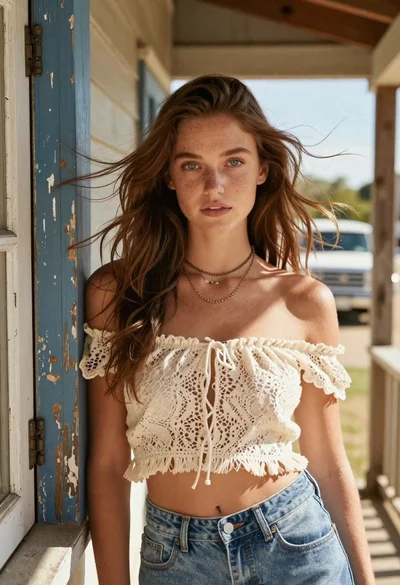
Young woman with brown hair on a sunlit rustic porch
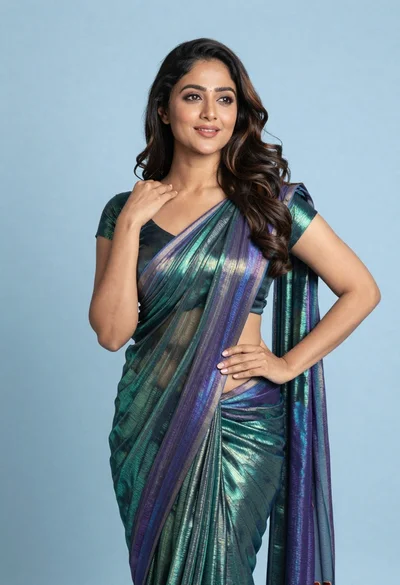
Woman in shimmering green saree posing confidently against soft blue studio backdrop
Woman with dark brown hair seated in wooden chair against green backdrop
Close up portrait of woman with brown hair against solid orange background
Woman with brown hair forming heart shape in white strapless dress