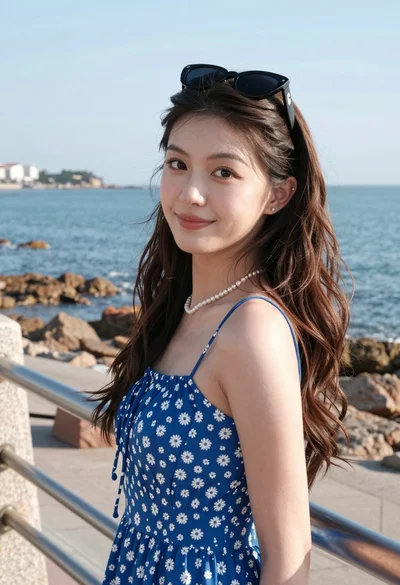
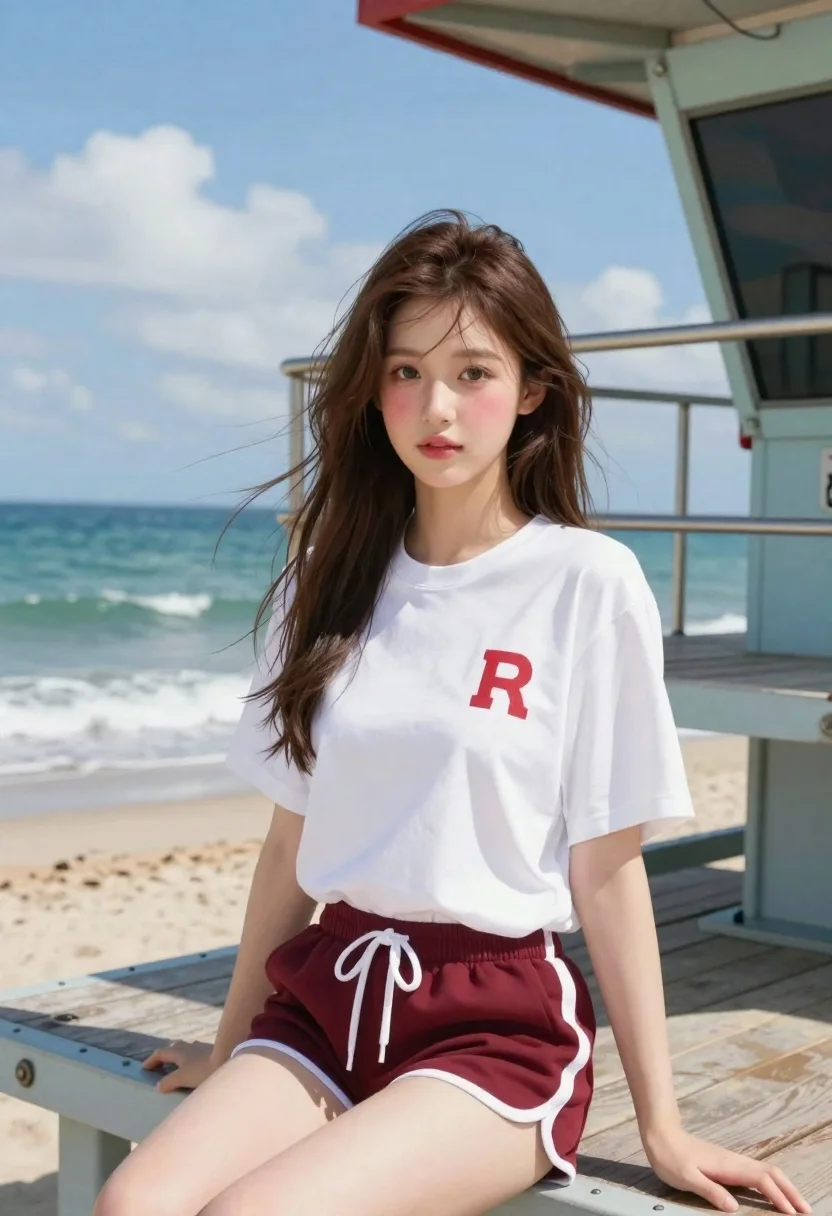
Young woman sitting on lifeguard tower by turquoise ocean
Prompt
A photorealistic portrait of a young woman sitting on the edge of a lifeguard tower by the ocean

Subject: A youthful girl with large expressive eyes and soft blush cheeks, wearing long brown hair that flows gently in the breeze

Clothing: She wears an oversized white t-shirt featuring a red logo on the chest paired with maroon athletic shorts detailed with white drawstrings and side stripes

Environment: The setting is a sunny beachfront with turquoise ocean waves rolling into the shore behind her under a bright blue sky dotted with fluffy clouds; to her right stands a gray metal lifeguard tower with wooden planks, red roof accents, and safety railings.

Lighting: Bright natural daylight illuminates the scene from above, casting soft shadows on her face and legs while highlighting skin texture and clothing folds for a crisp, realistic look

Camera: Captured in an eye-level medium close-up shot that emphasizes facial expression and upper body posture with shallow depth of field softly blurring the background water.
Description
This prompt is useful for creating lifestyle advertising featuring athletic wear, travel blogs documenting beach escapes, and magazine features on summer fashion. The combination of 'bright natural daylight' casting soft shadows while maintaining a 'shallow depth of field' ensures the subject remains crisp against the softly blurred turquoise ocean background, which directs all viewer attention to her expressive face and posture.
Suggestions
- Change 'oversized white t-shirt' to 'fitted athletic tank top' for a more active feel.
- Swap 'maroon athletic shorts' for 'navy board shorts' to complement the water tones.
- Adjust 'bright natural daylight' to 'late afternoon sun' for warmer highlights.
Category
Tags
BeachBrown HairCasual WearFemaleMedium ShotOutdoorsPortrait ShotRealisticSportswear
Date added
June 19, 2026
Added by
PromptDexter Team
Related Prompts
More prompts with similar categories and tags.
Smiling young woman walking on tropical beach path with palm trees

Two smiling women holding purple drinks in front of glass windows

Smiling woman in red dress sitting in white macrame hanging chair

Smiling woman on a busy japanese city street

Woman with brown hair seated on red bench against weathered white wall

Young woman in olive saree leaning on railing outdoors during golden hour

Young woman with dark hair at wooden table in open air setting

Young woman in red knit top on beach with wet brown hair
