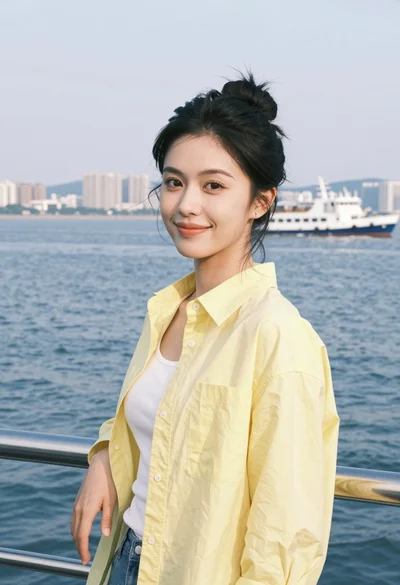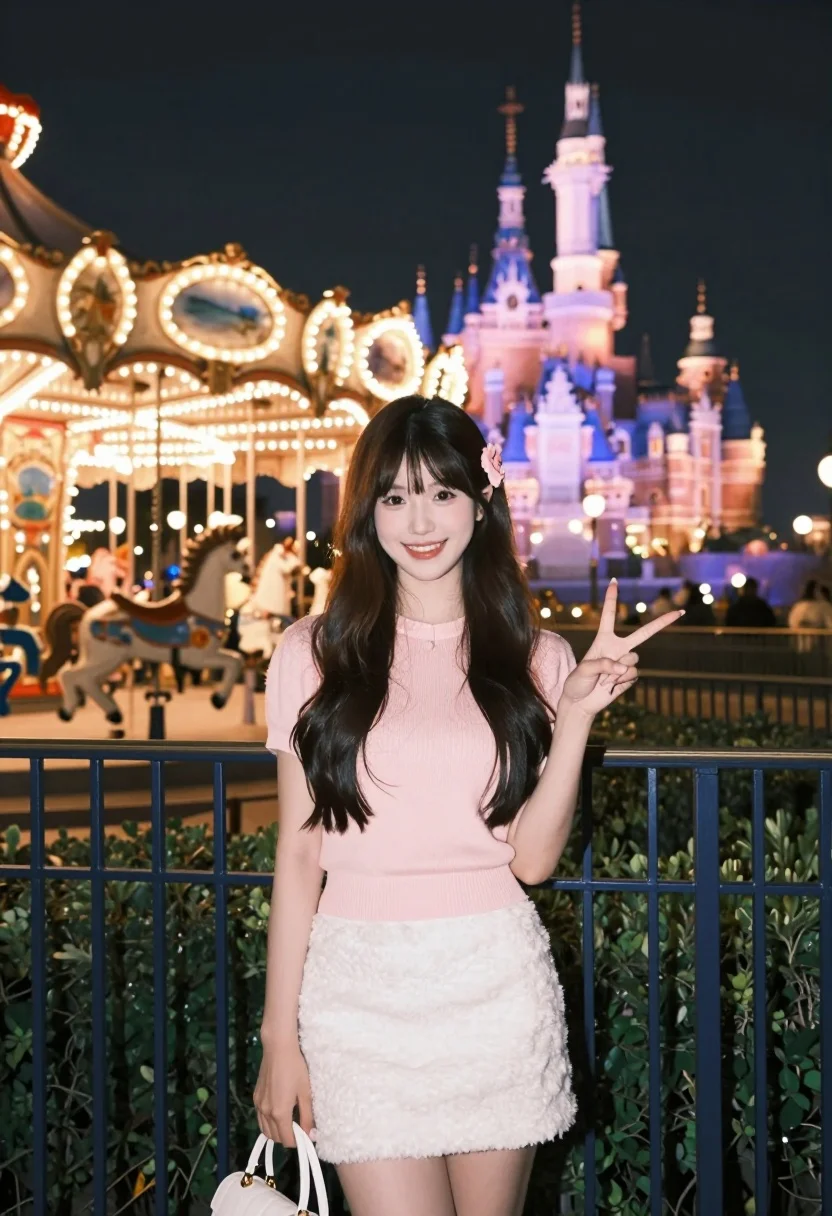
Young woman smiling at amusement park carousel and illuminated castle at night
Prompt
A young woman with long dark hair stands smiling at the camera in a vibrant amusement park setting at night.

Subject: A young woman with long, dark brown hair styled with a small pink flower accessory on one side of her head. She has fair skin and is looking directly at the viewer with a bright smile.

Clothing: She wears a light pink, short-sleeved knit top and a fluffy, textured white mini-skirt. She holds a white handbag in her left hand.

Action: She is making a finger heart gesture with her right hand while standing slightly angled towards the camera.

Environment: The background features a brightly lit carousel with horses on the left and a large, illuminated castle structure glowing in blue and purple lights in the distance. A dark blue metal railing runs along the foreground.

Lighting: The scene is lit by the warm glow of amusement park lights and the colorful neon illumination from the castle, creating a magical nighttime atmosphere with soft highlights on the subject's face and hair.

Camera: Shot at eye level with a shallow depth of field that keeps the woman in sharp focus while blurring the background attractions into soft bokeh.

Style Details: The image has a dreamy, cinematic quality with high saturation and a warm color palette typical of night photography in an entertainment district.
Description
This prompt is useful for creating vibrant travel blog features, themed portrait sessions, and nostalgic cinematic stills. The combination of 'warm glow of amusement park lights' against the 'blue and purple lights' from the castle establishes a high-contrast, magical nighttime atmosphere that prevents the scene from looking flat, while the 'shallow depth of field' ensures the smiling subject remains sharply defined against the blurred background attractions.
Suggestions
- Change 'pink flower accessory' to 'pearl hair clip' for a more elegant feel.
- Swap 'light pink, short-sleeved knit top' for 'pastel blue blouse' to complement the castle lights.
- Adjust 'high saturation' to 'muted tones' if you want a less overwhelming look.
Category
Tags
Casual WearFair SkinFemaleMedium ShotRealistic
Date added
July 3, 2026
Added by
PromptDexter Team
Related Prompts
More prompts with similar categories and tags.
Fair blonde woman sitting on sandy beach looking at camera
Smiling young woman in pink puffer jacket at a mario theme park
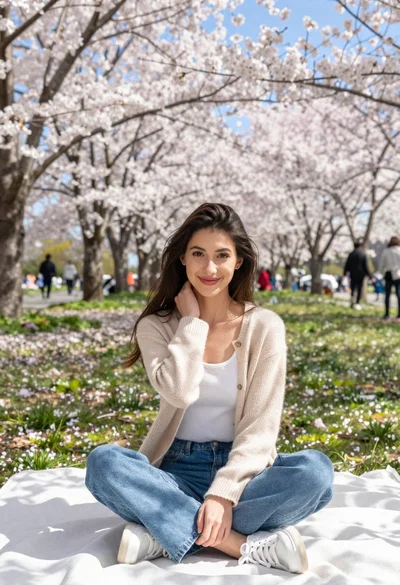
Young woman in beige cardigan sitting on blanket under cherry blossoms
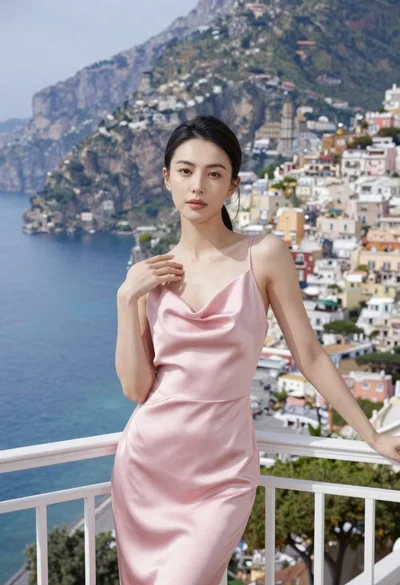
Woman in pink satin slip dress on balcony overlooking coastal town
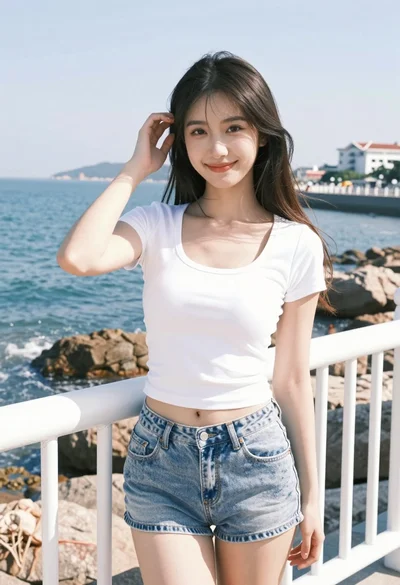
Young woman smiling on seaside pier with ocean view and white railing
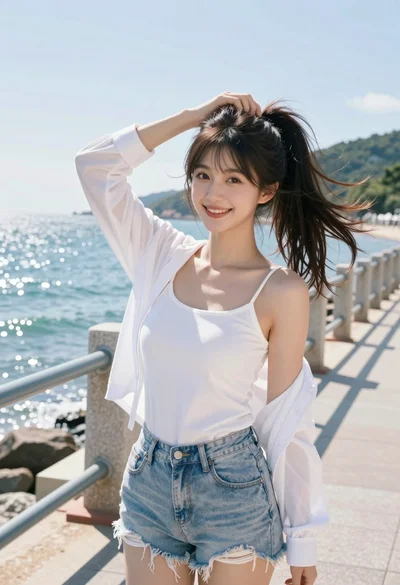
Young woman in white top and denim shorts on seaside promenade
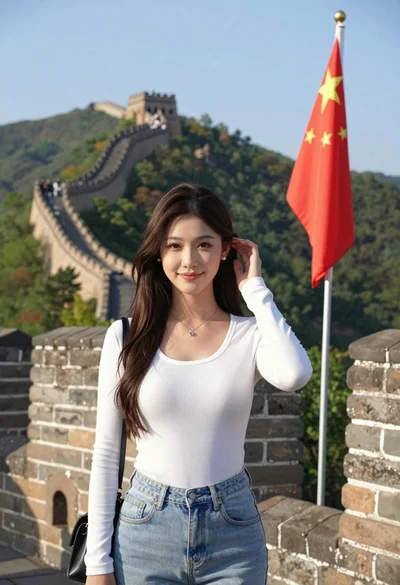
Young woman posing atop great wall of china overlooking green mountains
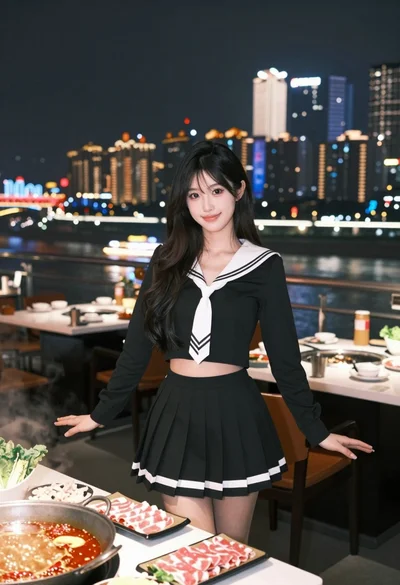
Young woman in sailor outfit at outdoor restaurant overlooking city skyline
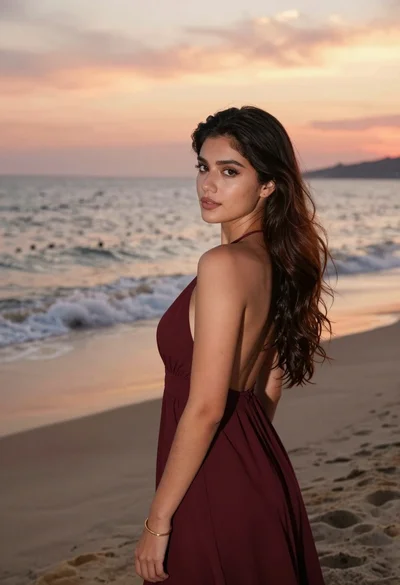
Young woman in maroon gown on beach looking back at sunset golden
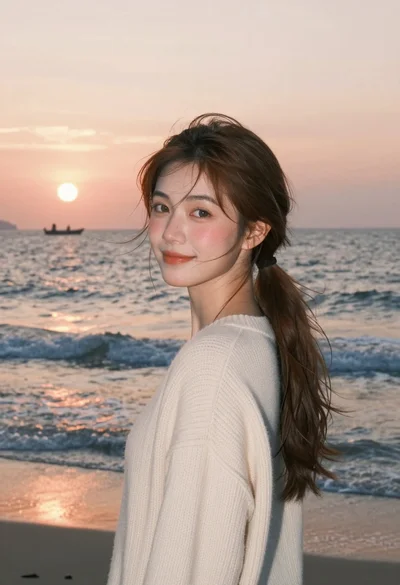
Young woman with brown hair in cream sweater on beach at sunset