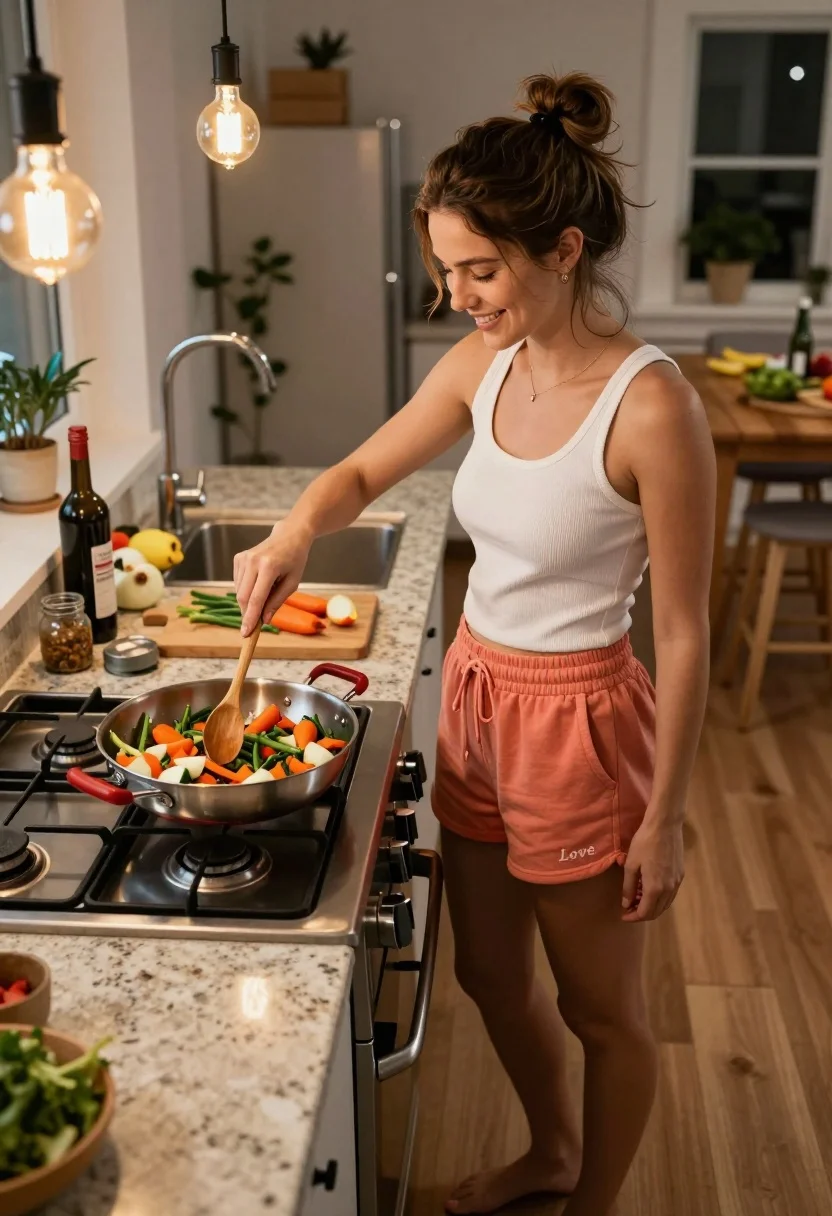
Young woman stirring vegetables in modern kitchen from high angle view
Prompt
A smiling woman stands in a home kitchen stirring a large pan of colorful vegetables on a gas stove.

Subject: A young woman with brown hair tied up in a messy bun, wearing a white ribbed tank top and coral-colored sweat shorts with the word "Love" embroidered on the left leg. She is barefoot.

Clothing: The woman wears a fitted white ribbed tank top and loose-fitting coral sweat shorts featuring an embroidered word on the side.

Action: She stands in profile facing right, smiling gently while holding a wooden spoon to stir a large stainless steel pan filled with sautéed vegetables on a gas stovetop.

Environment: A modern kitchen with granite countertops, light wood flooring, and a wooden island in the background cluttered with cooking ingredients, bottles, and utensils.

Camera: The shot is taken from a high angle looking down at the subject, capturing her full body and the immediate workspace around the stove.

Lighting: Warm ambient lighting is provided by two exposed bulb pendant lights hanging directly above the cooking area, casting a cozy glow on the scene.

Objects: A large stainless steel pan with red handles sits on the gas burner, filled with chopped vegetables like carrots and green beans; a cutting board with sliced carrots and onions rests nearby on the counter.

Style Details: The image has a candid, lifestyle photography aesthetic with naturalistic colors and soft shadows typical of indoor home lighting.
Description
This prompt is useful for creating lifestyle food blogs, recipe book illustrations, and domestic scene concept art. The combination of 'high angle looking down' and 'warm ambient lighting' ensures the viewer feels intimately involved in the cooking process while the inclusion of a 'cluttered with cooking ingredients' background grounds the image in believable reality rather than sterile perfection.
Suggestions
- Change 'coral-colored sweat shorts' to 'denim cutoffs' for a different casual vibe.
- Swap 'gas stove' for 'induction cooktop' if you want a cleaner look.
- Adjust 'messy bun' to 'low ponytail' for a slightly more polished feel.
Category
Tags
Brown HairBrunetteFemaleFull BodyHigh AngleIndoorsRealistic
Date added
July 12, 2026
Added by
PromptDexter Team
Related Prompts
More prompts with similar categories and tags.
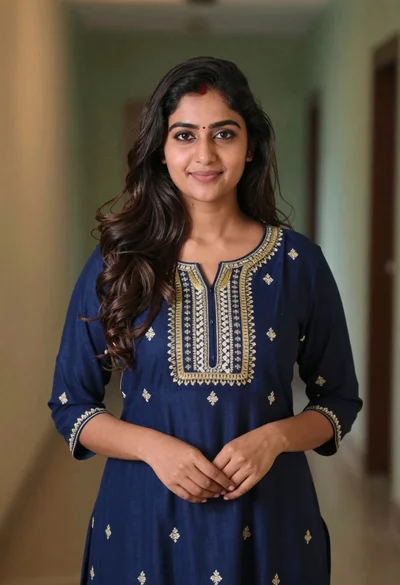
Young woman in navy embroidered traditional dress indoors medium shot
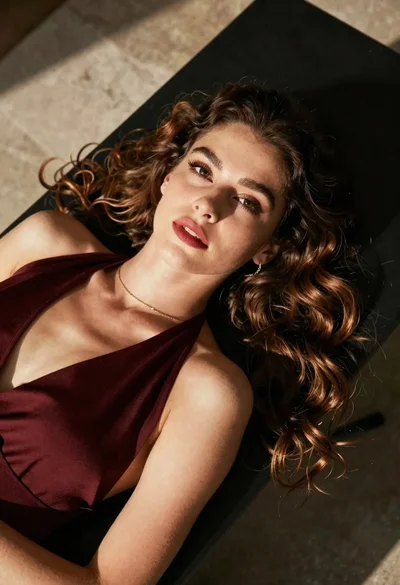
High angle portrait of woman with brown hair on dark surface
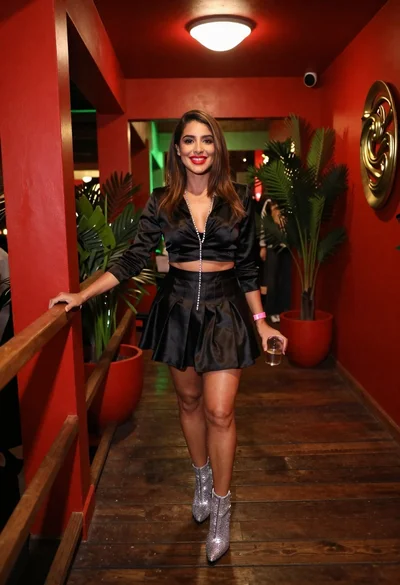
Confident woman smiling indoors on dark wood walkway with red decor
Young woman taking mirror selfie in bedroom wearing olive green jumpsuit
Fit woman in grey dress standing in modern room with high wood
Portrait of young woman in blue crop top and denim shorts
Woman with brown hair by white window blinds
Woman in peach ensemble standing by white upright piano indoors

Young woman in pink flight suit in airplane cockpit at night

Young woman with dark wavy hair sitting indoors on beige sofa