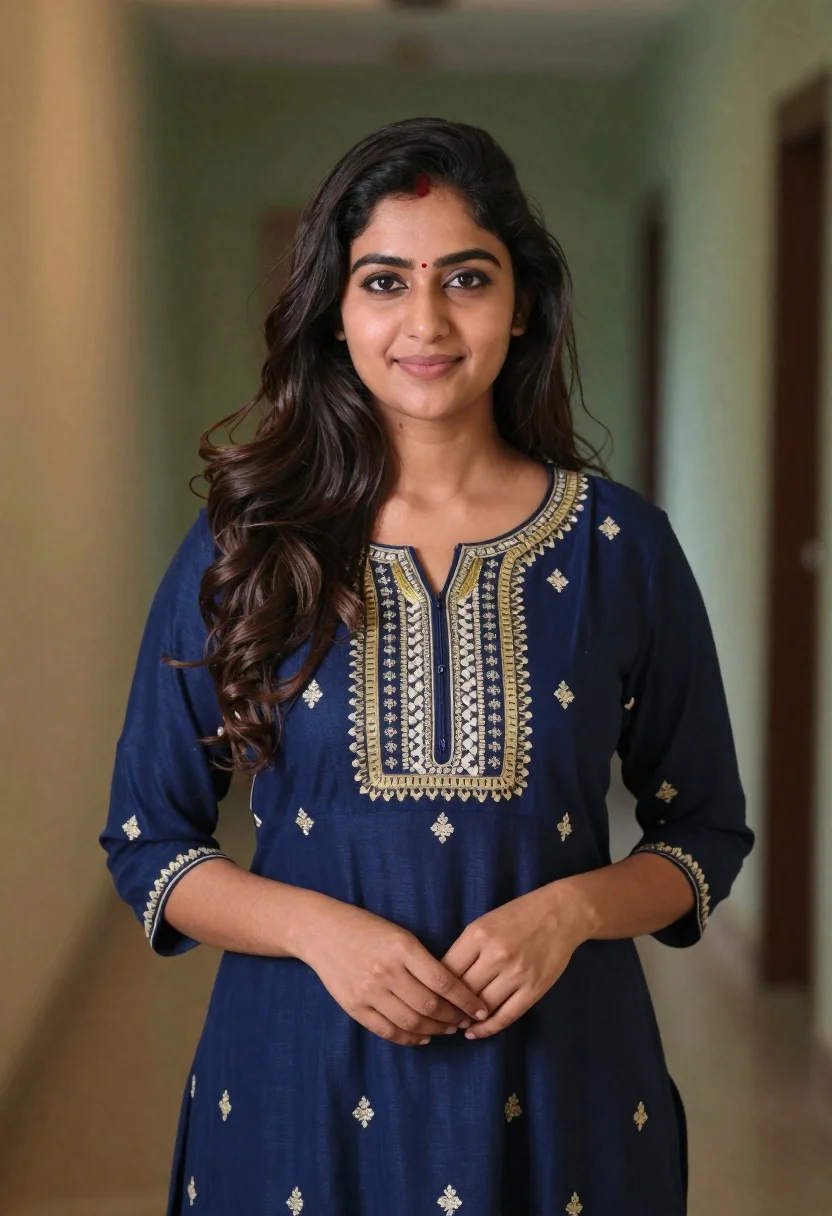
Young woman in navy embroidered traditional dress indoors medium shot
Prompt
A woman with long dark wavy hair stands facing the camera with a gentle smile.

Subject: A young woman with fair skin and long, voluminous dark brown wavy hair cascading over her shoulders. She has a small red bindi on her forehead and wears subtle makeup with defined eyes and lips.

Clothing: She is wearing a navy blue traditional dress featuring an intricate gold and white embroidered neckline with geometric patterns and floral motifs scattered across the fabric. The sleeves are three-quarter length, and the dress has a gathered waistline.

Action: She stands in a relaxed pose with her hands gently clasped together at her waist level. Her gaze is directed straight ahead with a soft, pleasant expression.

Environment: The background is an indoor setting with a blurred wall showing warm beige tones on the left and muted green tones on the right, suggesting a hallway or room interior.

Lighting: Soft, diffused lighting illuminates the subject evenly from the front, creating gentle highlights on her face and hair while casting minimal shadows.

Camera: A medium shot captures the subject from the waist up with a shallow depth of field that keeps the background softly out of focus to emphasize the portrait.

Style Details: The image has a polished, high-quality photographic finish with natural color grading and a clean composition typical of professional studio portraiture.
Description
This prompt is useful for creating cultural editorial features, bridal lookbooks focusing on ethnic wear, and intimate character portraits requiring formal settings. The combination of 'navy blue traditional dress' with 'intricate gold and white embroidered neckline' grounds the subject in a specific cultural context, while the 'soft, diffused lighting' ensures that the detailed embroidery remains visible without harsh specular highlights.
Suggestions
- Change 'gold and white embroidered neckline' to specify the type of embroidery like 'zardozi work'.
- Adjust 'warm beige tones on the left and muted green tones on the right' to use specific color hex codes for consistency.
- Swap 'medium shot' for 'waist-up portrait' to better frame the detailed waistline.
Category
Tags
Brown HairBrunetteFair SkinFemaleFull BodyIndoorsMedium ShotRealisticStudioTraditional Wear
Date added
June 19, 2026
Added by
PromptDexter Team
Related Prompts
More prompts with similar categories and tags.
Young woman in dark teal slip dress sitting on wooden stool in

Photorealistic portrait of woman in red gold armor holding shield studio shot

Smiling young woman in white ruffled dress between green topiary bushes
Young woman pointing playfully at cheek in deep red studio dress
Smiling young woman in maroon velvet and mint saree studio portrait
Profile portrait of woman at dining table in upscale restaurant setting
Young woman in white top and denim jeans against concrete wall
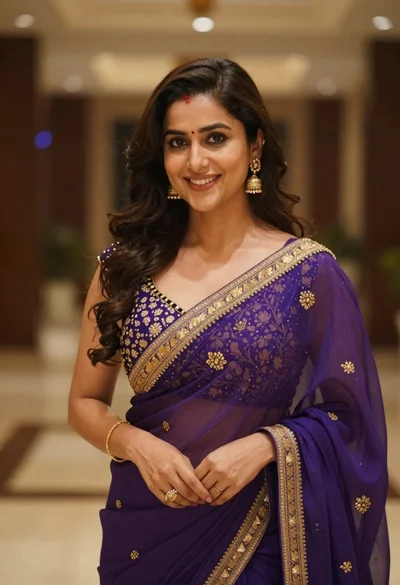
Young woman in purple embroidered saree standing indoors with warm smile
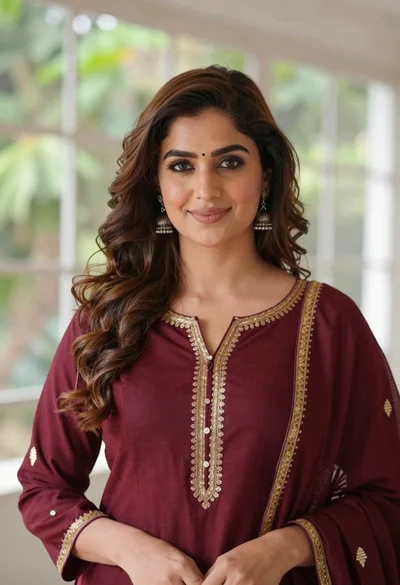
Portrait of woman with brown hair in maroon tunic indoors
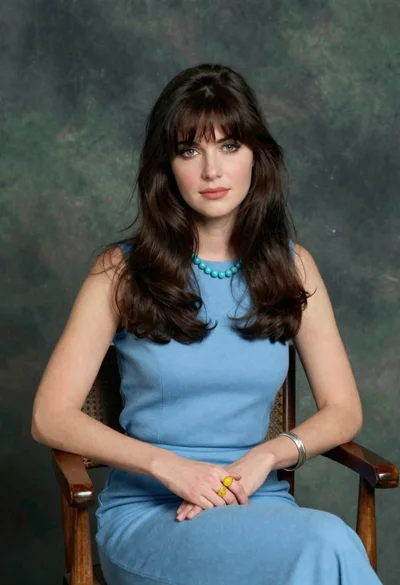
Woman with dark brown hair seated in wooden chair against green backdrop