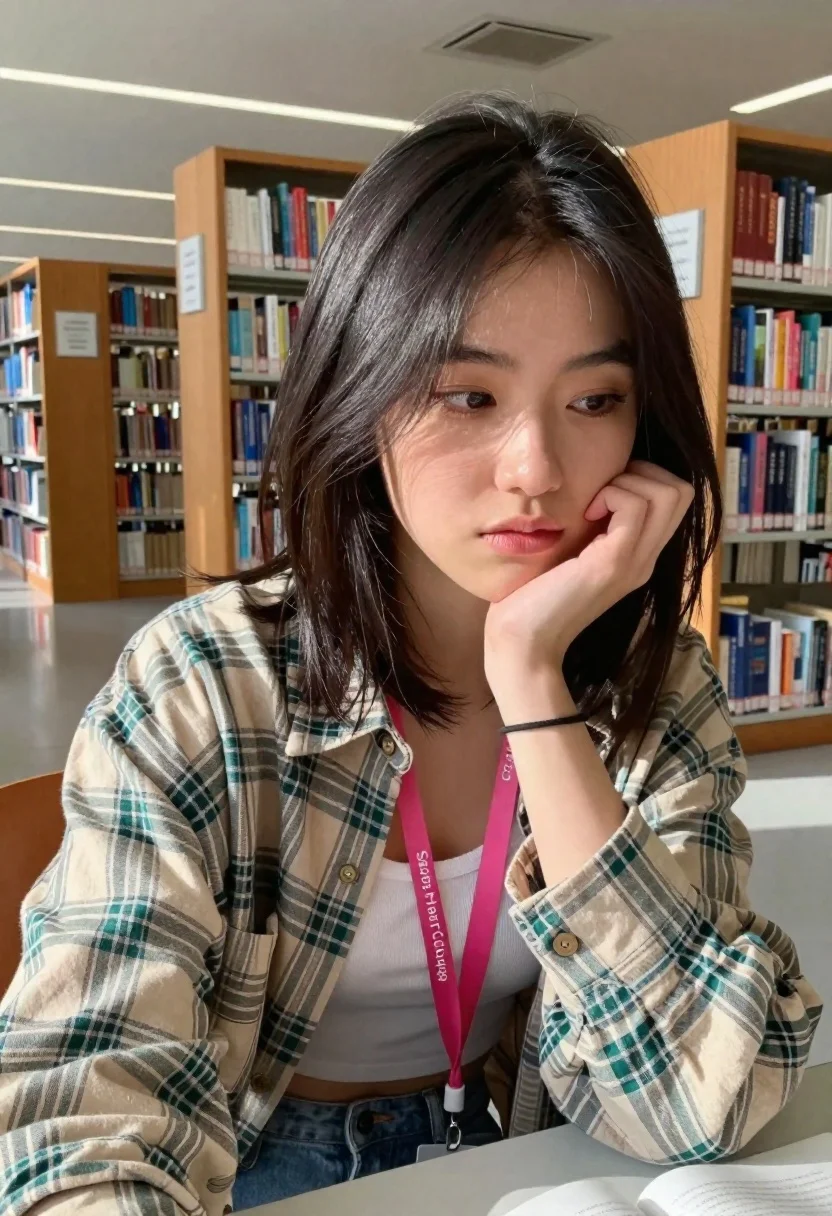
Young woman studying thoughtfully in library with plaid shirt
Prompt
A young woman with dark shoulder-length hair sits in a library, resting her chin on her hand and looking down thoughtfully.

Subject: A young woman with dark, straight, shoulder-length hair that partially covers one side of her face. She has fair skin and is wearing subtle makeup.

Clothing: She wears an oversized plaid button-down shirt in beige and green tones over a white ribbed crop top. She has on light-wash denim jeans. A bright pink lanyard with the text "Saras Heart College" hangs around her neck. She wears a thin black bracelet on her wrist.

Action: She is seated at a desk, leaning forward slightly with her right hand supporting her chin in a pensive pose. Her gaze is directed downward and to the side.

Environment: The setting is a well-lit library or study hall featuring tall wooden bookshelves filled with books in the background. A white metal shelving unit stands behind her. The floor is polished and reflective.

Camera: Shot from a close-up, selfie-style angle that captures the subject from the chest up, emphasizing her expression against the depth of the room.

Lighting: Bright, natural daylight illuminates the scene from the side, creating soft highlights on her hair and skin while casting gentle shadows in the background.

Style Details: The image has a candid, documentary aesthetic with high fidelity to the textures of the fabric and wood, capturing a quiet moment of study or reflection.
Description
This prompt is useful for creating academic portraiture, lifestyle blog content about studying, and character concept art depicting thoughtful moments. The combination of 'close-up, selfie-style angle' with the 'natural daylight' side illumination ensures that the focus remains tightly on her pensive expression while the visible textures of the 'plaid button-down shirt' ground the image in a tangible, realistic setting.
Suggestions
- Change 'beige and green tones' to 'navy and mustard tones' for a more autumnal feel.
- Swap 'white ribbed crop top' for 'cream turtleneck' to change the neckline silhouette.
- Adjust 'natural daylight' to 'soft window light' to reduce harsh side shadows.
Category
Tags
Brown HairCasual WearClose UpFair SkinFemalePortrait ShotRealistic
Date added
June 19, 2026
Added by
PromptDexter Team
Related Prompts
More prompts with similar categories and tags.

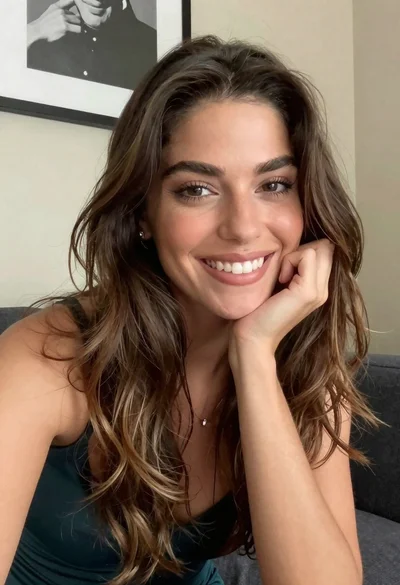
Young woman smiling in a modern cozy living room

Close up portrait of young woman with white top
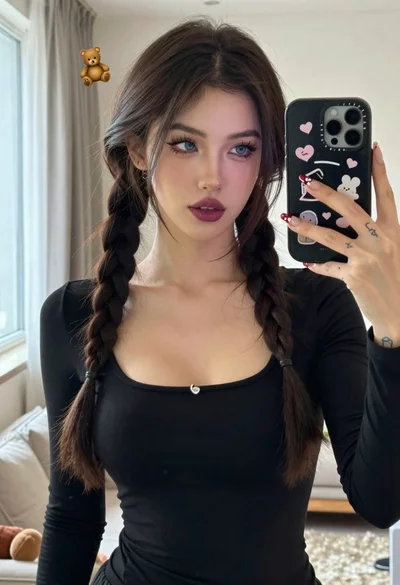
Young woman taking mirror selfie with braided hair indoors

Close up portrait of young woman in car with brown hair
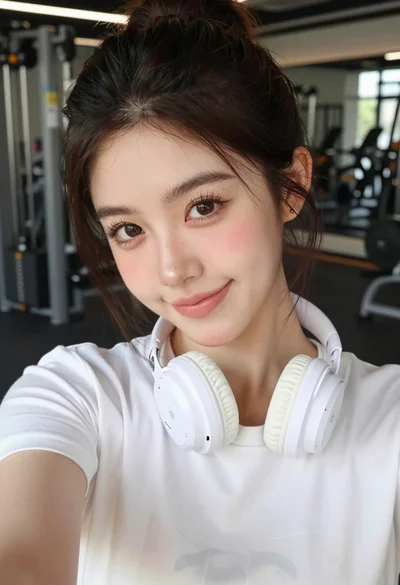
Close up selfie portrait of young woman in white t shirt at
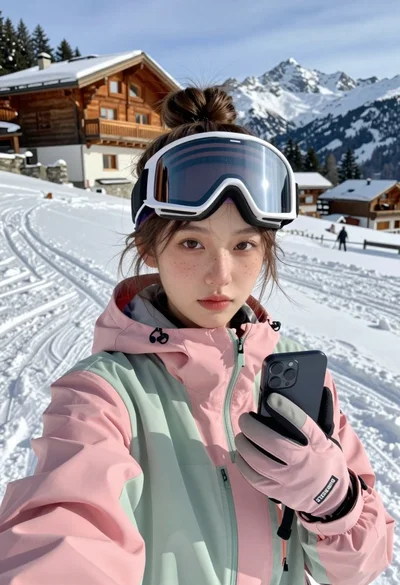
Young woman taking a selfie on snowy mountain slope near chalet
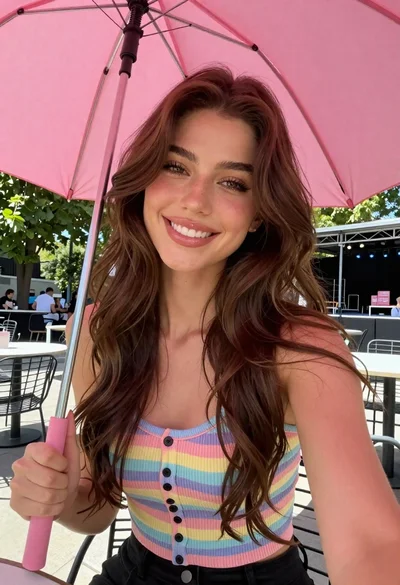
Young woman with brown hair under pink umbrella at outdoor cafe setting

Close up portrait of young woman with brown braid indoors
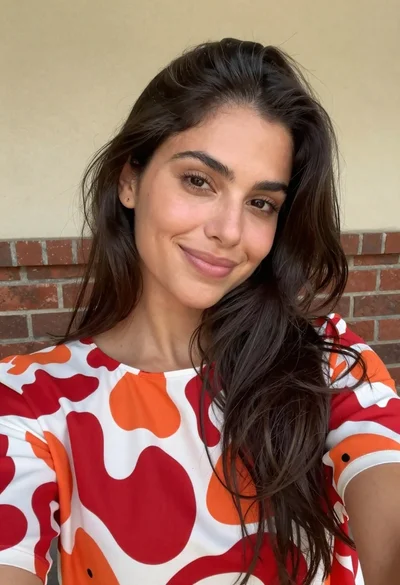
Close up selfie of woman with dark hair smiling against beige brick
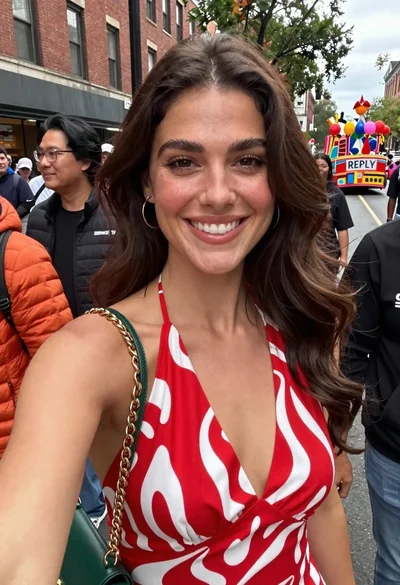
Smiling woman in red patterned dress at busy urban street scene