
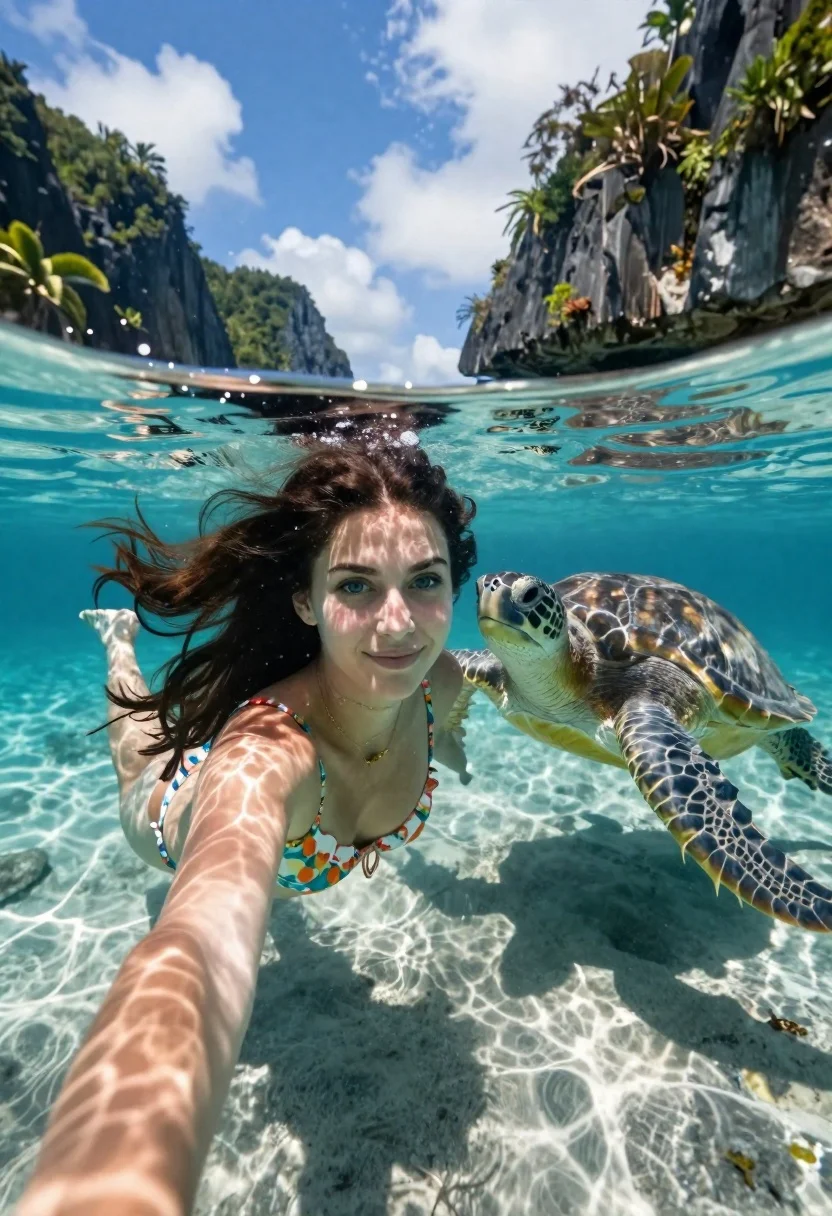
Young woman swimming underwater with sea turtle near limestone cliffs
Prompt
A young woman with long dark hair swimming underwater in clear turquoise water next to a large sea turtle.

Subject: A young woman with fair skin and striking blue eyes, her long dark hair floating freely around her head as she swims.

Clothing: She wears a floral patterned bikini top with ruffled edges and a delicate gold necklace.

Action: The woman is swimming forward while holding the camera for a selfie perspective, looking directly at the lens with a gentle smile.
Second

Subject: A large sea turtle swims alongside her to the right, its head turned slightly toward the viewer.

Environment: The scene takes place in crystal clear shallow tropical water with sandy ocean floor visible below; above the surface is a bright blue sky with white clouds and a backdrop of steep limestone cliffs covered in lush green vegetation and palm trees.

Objects: A large sea turtle swimming alongside the woman.

Camera: Shot from a low angle underwater looking up, utilizing a split-level composition where the horizon line cuts through the middle of the frame to show both the submerged subject and the surface world above.

Lighting: Bright natural sunlight filtering down from the surface creates shimmering caustic light patterns on the woman's skin and the sandy bottom, with high contrast between the sunlit water and deeper shadows.

Style Details: High-resolution photography with vibrant tropical colors, sharp focus on the subjects, and a realistic rendering of underwater refraction and clarity.
Description
This prompt is useful for creating travel magazine spreads, cinematic nature documentaries, and immersive virtual reality content exploring marine life. The combination of 'low angle underwater looking up' with 'shimmering caustic light patterns' ensures the viewer feels submerged within the scene, while specifying the 'split-level composition' prevents the image from feeling like a flat portrait by integrating the surface world above the subjects.
Suggestions
- Change 'floral patterned bikini top' to 'solid emerald swimsuit' for better color contrast.
- Add 'Canon 16mm lens' to enhance the sense of underwater distortion.
- Swap 'lush green vegetation' for 'vibrant coral reef life' to focus on marine elements.
Category
Tags
Fair SkinFemaleFull BodyLow AngleRealisticUnderwater
Date added
June 19, 2026
Added by
PromptDexter Team
Related Prompts
More prompts with similar categories and tags.
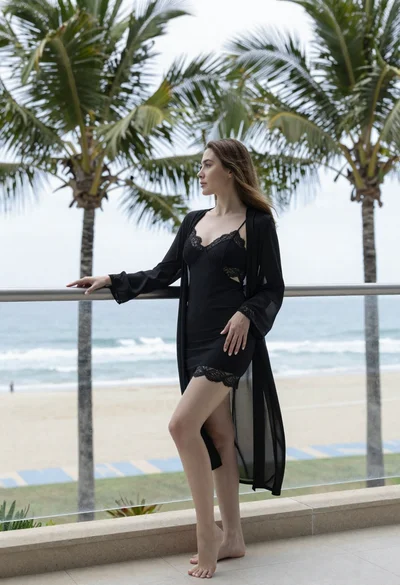
Woman in black robe standing on balcony overlooking ocean and palm trees
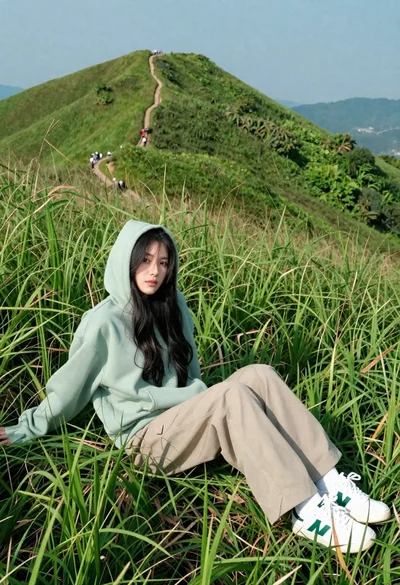
Young woman in green hoodie reclining in tall grass on mountain ridge
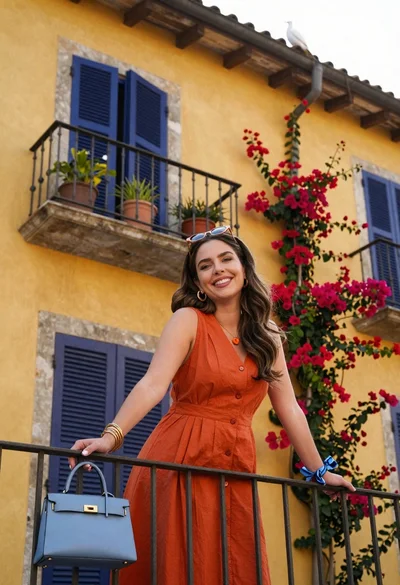
Smiling woman in orange dress on balcony with bougainvillea flowers

Young woman in white crop top on wooden pier overlooking calm blue

Blonde woman laughing sitting in deep snow near pine trees
Young woman smiling by pier railing overlooking harbor city skyline at golden
Blonde woman on towel aboard boat near sunny marina setting

Joyful young woman shielding eyes on sandy beach under bright sun
Woman in white slip dress on wooden boardwalk through jungle foliage
Woman relaxing on boat stern against towering limestone cliff face