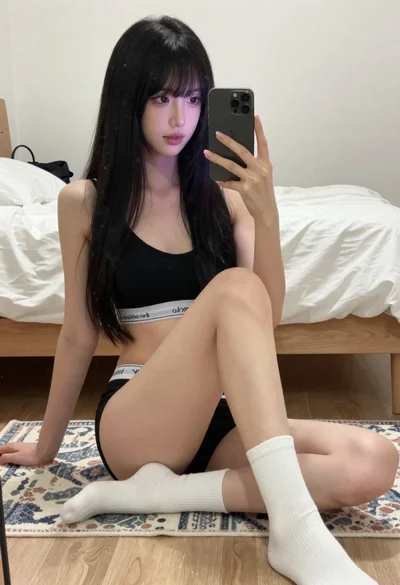
Young woman taking a mirror selfie in a brightly decorated bedroom setting
Prompt
A young woman with long dark wavy hair takes a mirror selfie holding a smartphone in her right hand while resting her left hand on her hip.

Subject: A young woman with long dark wavy hair and fair skin, wearing large gold hoop earrings and red lipstick.

Clothing: She wears a white cropped t-shirt with red trim around the collar and sleeves featuring a Betty Boop graphic print and text, paired with light-colored bottoms and a silver chain belt.

Action: The subject holds a smartphone up to capture her reflection in a mirror, looking directly at the camera with a neutral expression.

Environment: A bedroom setting with lavender walls adorned with pop culture posters, a wooden dresser with drawers, and a beaded curtain visible on the left side.

Objects: The white vanity table is cluttered with various makeup items including pink bottles, lipsticks, brushes, and two silver digital cameras placed in the foreground.

Lighting: Bright flash illumination from the phone creates a strong reflection on the mirror surface while casting soft shadows that highlight the subject's features.

Camera: Medium shot composition framed within the mirror reflection showing both the subject and the immediate surroundings with a shallow depth of field.

Style Details: Casual aesthetic with vibrant colors and a youthful bedroom vibe featuring glossy textures and pop culture elements.
Description
This prompt is useful for creating lifestyle blog content, personal social media posts, and themed room decor visualizations. The combination of 'bright flash illumination' and the 'cluttered with various makeup items' on the vanity grounds the image in a specific, lived-in reality, preventing the scene from looking overly staged despite the 'casual aesthetic'.
Suggestions
- Change 'Betty Boop graphic print' to a different pop culture reference for variety.
- Swap 'lavender walls' for a more muted pastel color like pale blue.
- Adjust 'bright flash illumination' to 'soft window light' for a less harsh look.
Category
Tags
BedroomCasual WearFair SkinFemaleIndoorsMedium ShotRealisticSelfie
Date added
August 5, 2026
Added by
PromptDexter Team
Related Prompts
More prompts with similar categories and tags.

Young woman taking a mirror selfie in a modern bedroom setting
Woman with blonder hair taking mirror selfie in messy bedroom

Young woman taking mirror selfie in bedroom with dark wavy hair

Young woman taking a selfie seated in a car interior during daylight

Young woman taking a selfie on bed with white floral sheets
Young woman taking mirror selfie in black tank top and lavender leggings
Young woman taking a selfie in a bedroom with white linens
Young blonde woman taking a mirror selfie in modern bedroom setting
Young woman taking mirror selfie while seated on white bathroom counter
Young woman taking a mirror selfie in warmly lit room