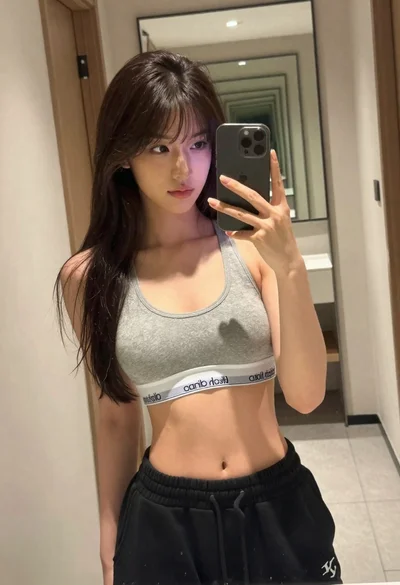

Young woman taking a mirror selfie in a public restroom setting
Prompt
A young woman with long dark hair takes a mirror selfie in a public restroom while smiling broadly with her mouth open.

Subject: A young woman with long wavy dark brown hair and black-rimmed glasses. She has hoop earrings and is wearing rings on her fingers.

Clothing: She wears a sheer mesh top with a red, white, and grey argyle pattern over a solid underlayer, paired with blue denim jeans and a wide black leather belt featuring silver studs and a large rectangular buckle.

Action: She holds a smartphone up to the mirror with one hand while placing her other hand on her hip, looking directly at the reflection with an excited expression.

Environment: The setting is a public restroom with white square tiles on the walls, grey speckled flooring, and beige stall dividers visible in the background. A toilet is partially visible behind her.

Objects: She holds a smartphone encased in a clear protective case decorated with dried flowers and a slice of citrus fruit. A small black handbag hangs from her shoulder.

Lighting: The scene is lit by bright, even indoor artificial lighting that creates soft reflections on the mirror surface.

Camera: The shot is framed as a vertical mirror selfie capturing the subject from the waist up with a slight wide-angle perspective typical of front-facing phone cameras.

Style Details: The image has a candid, high-quality social media aesthetic with natural skin tones and sharp focus on the subject.
Description
This prompt is useful for creating relatable social media content, character concept art for modern narratives, and lifestyle blog photography featuring everyday moments. The combination of 'bright, even indoor artificial lighting' and the specific details like 'white square tiles on the walls' grounds the image in a recognizable reality, preventing the model from defaulting to overly stylized or dramatic backdrops that would undermine the candid nature of a mirror selfie.
Suggestions
- Change 'blue denim jeans' to 'black coated jeans' for a tougher aesthetic.
- Swap 'hoop earrings' for 'chunky silver chain necklaces' to add more visual weight.
- Adjust 'bright, even indoor artificial lighting' to 'harsh fluorescent overhead lighting' for a grittier feel.
Category
Tags
Black HairFemaleRealistic
Date added
June 19, 2026
Added by
PromptDexter Team
Related Prompts
More prompts with similar categories and tags.

Close up portrait of young woman with brown braid indoors
Woman taking mirror selfie in black bathrobe on peach sofa

Woman in pharaoh attire by giza pyramids and sea

Blonde womans mirror selfie with books and lingerie
Young woman taking a mirror selfie in a tiled public restroom setting

Young woman taking a selfie in black hoodie on white bed

Close up selfie of young woman with black wavy hair on white

Young woman taking mirror selfie in white sports bra indoors
Selfie portrait on busy hollywood boulevard at night
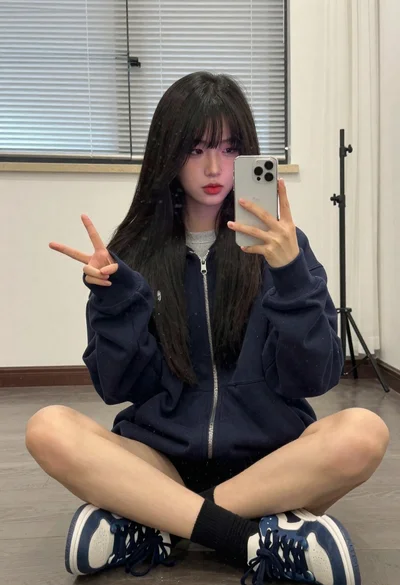
Young woman taking a mirror selfie in an indoor room setting