

Young woman taking a selfie in a lush garden setting
Prompt
A young woman with dark shoulder-length hair takes a selfie while seated on a wicker chair in a lush garden setting.

Subject: A young woman with long, straight black hair parted in the middle and fair skin. She has defined eyebrows, glossy lips, and a visible tattoo reading "CONFIDENCE" on her left forearm.

Clothing: She wears a white bikini top featuring red geometric patterns and small floral motifs with thin straps, paired with a loose-fitting white skirt that has a drawstring waist and matching red patterned ties.

Action: She is holding the camera for a selfie, looking directly at the lens with her mouth slightly open, while her left hand rests on the arm of a wooden table beside her.

Environment: The setting is an outdoor patio or garden area featuring a stone retaining wall, various green ferns and tropical plants, and a wooden deck floor.

Camera: Shot as a close-up selfie from a high angle looking down at the subject, with a shallow depth of field that blurs the background foliage.

Lighting: Bright, natural daylight illuminates the scene evenly, creating soft highlights on her skin and hair without harsh shadows.

Objects: A wooden table is visible to her right holding a beige paper menu or placemat with printed text.

Style Details: The image has a candid, high-quality social media aesthetic with vibrant colors and a focus on fashion and lifestyle.
Description
This prompt is useful for creating aspirational travel blog content, intimate personal style posts, and resort wear lookbooks. The combination of 'high angle' perspective and 'shallow depth of field that blurs the background foliage' directs all viewer attention to the subject while using the 'lush garden setting' to establish a vibrant, yet soft, backdrop suitable for lifestyle promotion.
Suggestions
- Change 'wicker chair' to 'stone bench' for a more architectural feel.
- Swap 'red geometric patterns' for 'terracotta embroidery' to complement the stone wall.
- Adjust 'Bright, natural daylight' to 'overcast diffused light' for softer skin tones.
Category
Tags
Black HairClose UpFair SkinFemaleHigh AngleOutdoorsRealisticSelfie
Date added
June 19, 2026
Added by
PromptDexter Team
Related Prompts
More prompts with similar categories and tags.

Close up selfie of young woman with black wavy hair on white

Close up selfie of young woman in yellow top on green turf

Young woman taking high angle selfie outdoors by modern building

Young blonde woman in grey jacket taking a high angle city sidewalk

Young woman with brown hair under pink umbrella at outdoor cafe setting

Fair skinned woman taking a high angle selfie on green lawn

High angle selfie of woman in red bikini on white sandy beach

Young woman taking a selfie in black hoodie on white bed
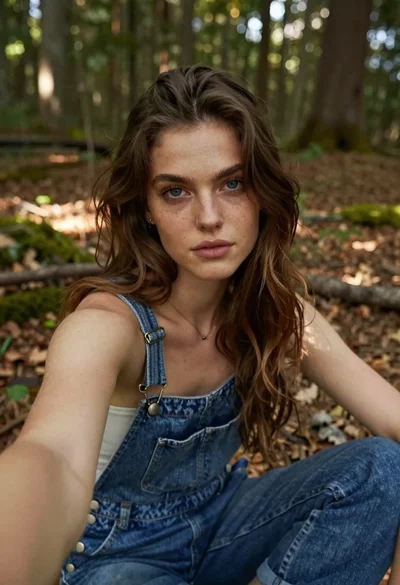
Young woman taking a selfie in the woods

Young woman taking a selfie seated in a car interior during daylight