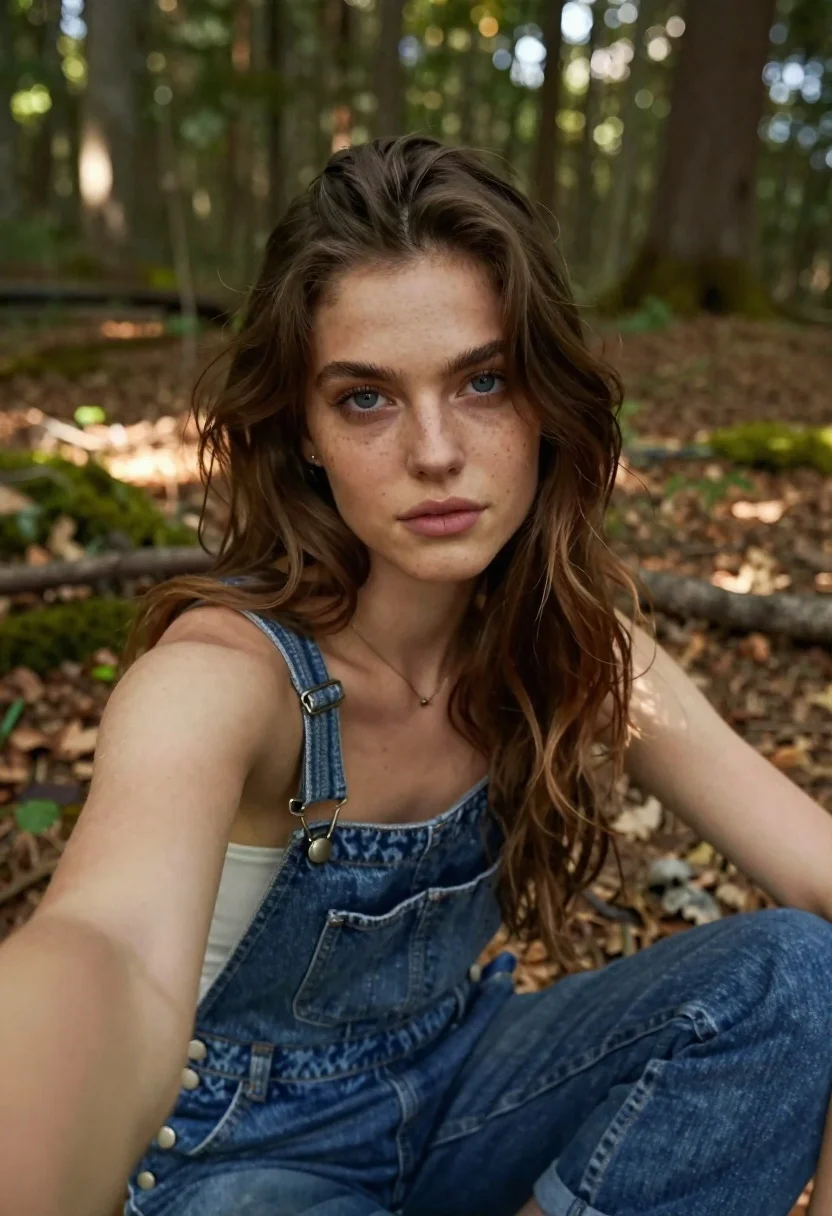
Young woman taking a selfie in the woods
Prompt
Portrait of a young woman with long brown wavy hair and blue eyes taking a selfie in the woods; she wears denim overalls with metal clasps on her shoulders and a delicate necklace; soft natural sunlight filters through trees creating dappled shadows around her face.

Subject: A young female model, fair skin tone, light blue irises, subtle freckles across nose cheeks, long wavy brown hair cascading shoulder length slightly off one side of head wearing denim overalls with visible stitching and metal buckles on straps exposing part chest area

Action: Holding phone arm extended left hand captured mid-selfie pose looking directly at camera lens neutral calm expression lips closed gently relaxed posture sitting cross-legged forest floor surrounded green foliage blurred background trees trunks scattered fallen leaves undergrowth ground covered dry brown debris.

Camera: Close-up selfie perspective shallow depth field focusing sharply on subject face upper torso while softly blurring distant woods behind her creating bokeh effect from sunlit patches filtering canopy above

Lighting: Diffused daylight with soft directional illumination highlighting facial features gently casting subtle shadows under jawline nose bridge emphasizing texture of skin and fabric without harsh contrasts.

Environment: Dense woodland setting featuring mossy ground covered in decaying leaves twigs roots dappled sunlight patterns dancing across surface suggesting late afternoon golden hour ambiance.
Description
This prompt is useful for creating lifestyle blog content, natural portraiture series, and rustic fashion editorials. The combination of 'diffused daylight' with 'dappled shadows' ensures that the model's 'subtle freckles across nose cheeks' are visible without harsh contrast, while the 'shallow depth field' keeps focus tightly on her face against the blurred woods.
Suggestions
- Change 'denim overalls' to 'cream knit sweater' for a softer material feel.
- Swap 'golden hour ambiance' for 'overcast day' to eliminate strong shadows.
- Adjust 'close-up selfie perspective' to 'medium full shot' to better capture the cross-legged pose.
Category
Tags
Brown HairClose UpFair SkinFemaleForestFull BodyOutdoorsRealisticSelfie
Date added
June 19, 2026
Added by
PromptDexter Team
Related Prompts
More prompts with similar categories and tags.
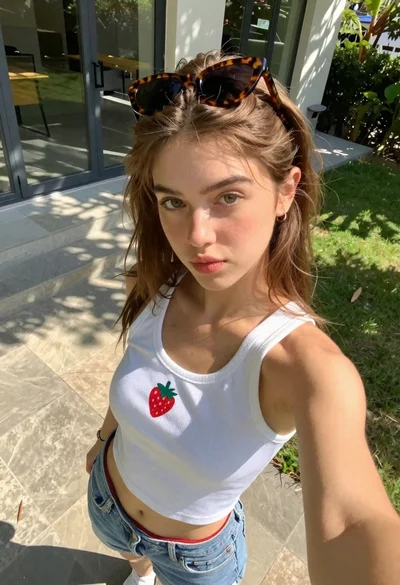
Young woman taking high angle selfie outdoors by modern building
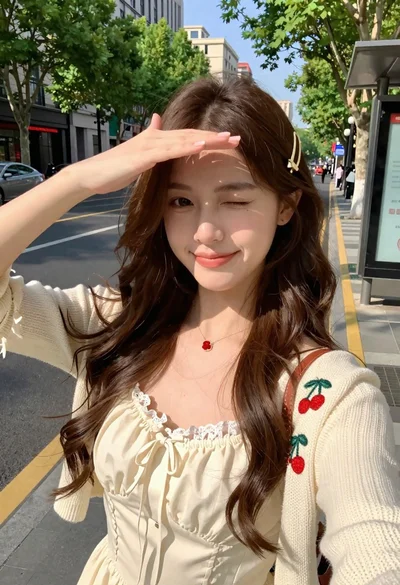
Young woman in cream dress taking a selfie on sunny city street
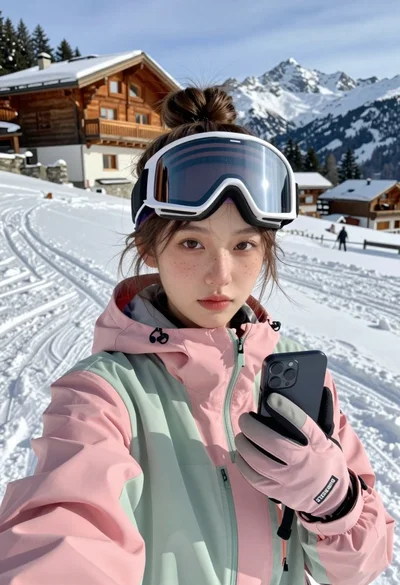
Young woman taking a selfie on snowy mountain slope near chalet
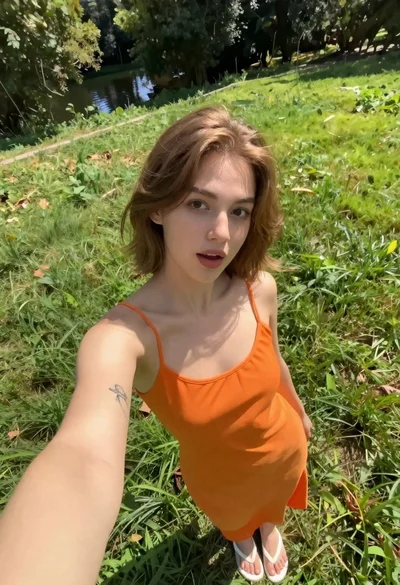
Fair skinned woman taking a high angle selfie on green lawn
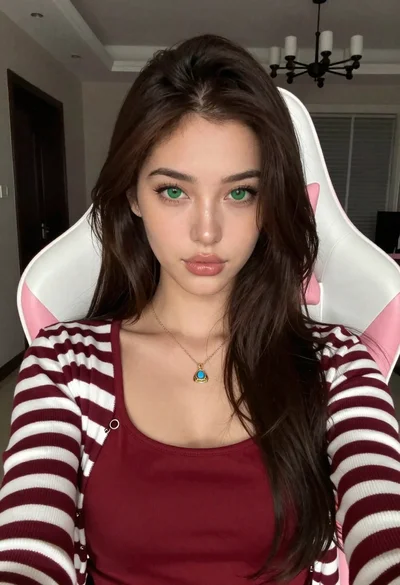
Close up portrait of young woman in gaming chair indoors
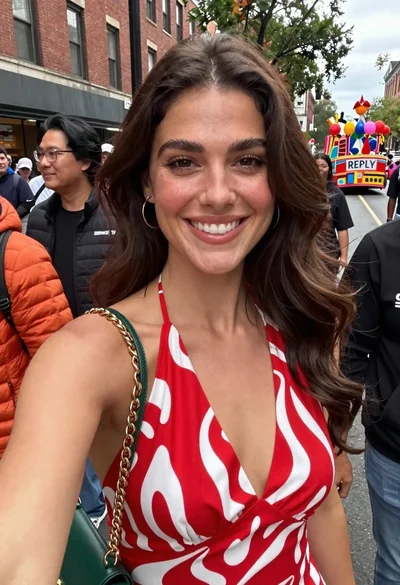
Smiling woman in red patterned dress at busy urban street scene
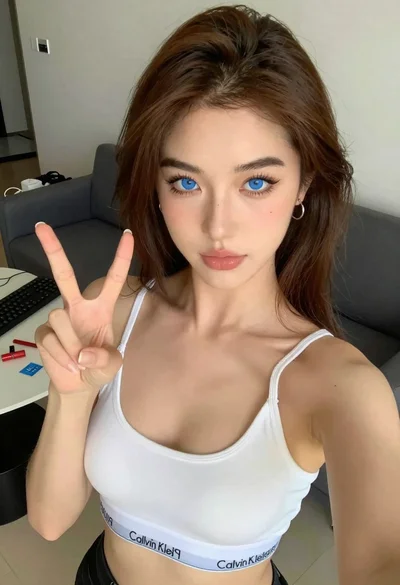
Close up selfie of young woman making peace sign indoors
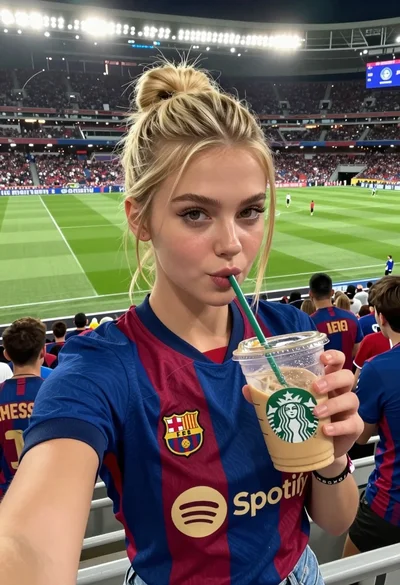
Young woman taking selfie at packed football stadium wearing barcelona jersey