

Young woman with black hair making ok sign under pink neon light
Prompt
A young woman with short black hair and bangs makes an OK hand gesture toward the camera in a dimly lit room bathed in pink neon light.

Subject: A young woman with shoulder-length straight black hair featuring full bangs, fair skin, and soft makeup including subtle eyeliner and glossy lips.

Clothing: She wears a white short-sleeved top with a deep square neckline and a thin black choker necklace around her neck.

Action: Her right hand is raised in the foreground forming an OK sign with thumb and forefinger touching, while she gazes directly at the camera with a neutral expression.

Environment: The background features wooden paneling on the left and a glowing pink neon light fixture mounted high on the wall behind her head.

Lighting: The scene is illuminated by vibrant pink ambient lighting that casts a soft glow on her skin and creates a moody, intimate atmosphere.

Camera: The shot is framed as a medium close-up with a shallow depth of field that blurs the background slightly to emphasize the subject.

Style Details: The image has a smooth, polished aesthetic with high contrast between the warm pink tones and the cool white of her clothing.
Description
This prompt is useful for creating stylized portrait photography, music album artwork, and editorial mood shots capturing urban nightlife vibes. The combination of 'vibrant pink ambient lighting' against the 'cool white' top establishes a high contrast that prevents the scene from looking flat, while the 'shallow depth of field' ensures the viewer's focus remains sharply on her hand gesture and face.
Suggestions
- Change 'pink neon light' to 'cyan neon light' for a cooler palette.
- Add 'film grain' to the style details for a grittier feel.
- Swap 'wooden paneling' for 'exposed brick' in the environment.
Category
Tags
Black HairCasual WearFair SkinFemaleIndoorsRealisticStudio
Date added
June 19, 2026
Added by
PromptDexter Team
Related Prompts
More prompts with similar categories and tags.
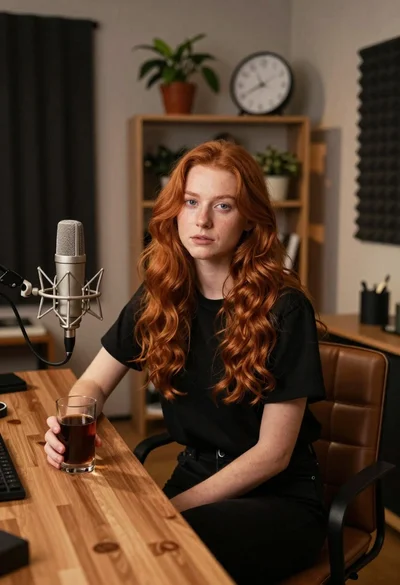
Young woman with red hair seated at wooden desk in cozy studio
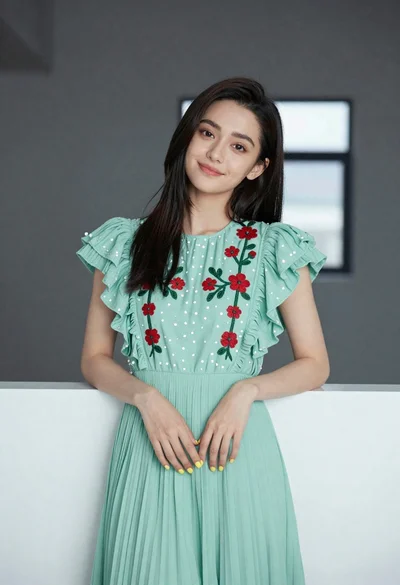
Young woman in light green embroidered dress leaning indoors

Young woman in floral dress seated indoors by a window with greenery
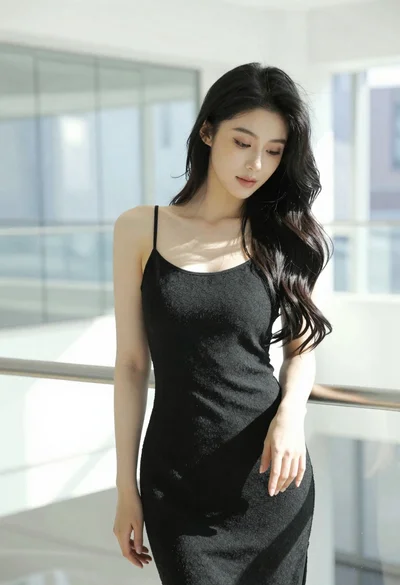
Woman with black hair leaning indoors by glass railing in bright modern

Young woman in white crop top sitting on bed by window light

Blonde woman in red hat seated in studio overlooking city skyline

Young woman in black crop top and cream trousers indoors looking over

Portrait of woman in black dress with rose arch backdrop

Woman in black dress seated in dimly lit diner booth

Young woman in white top and denim jeans against concrete wall
