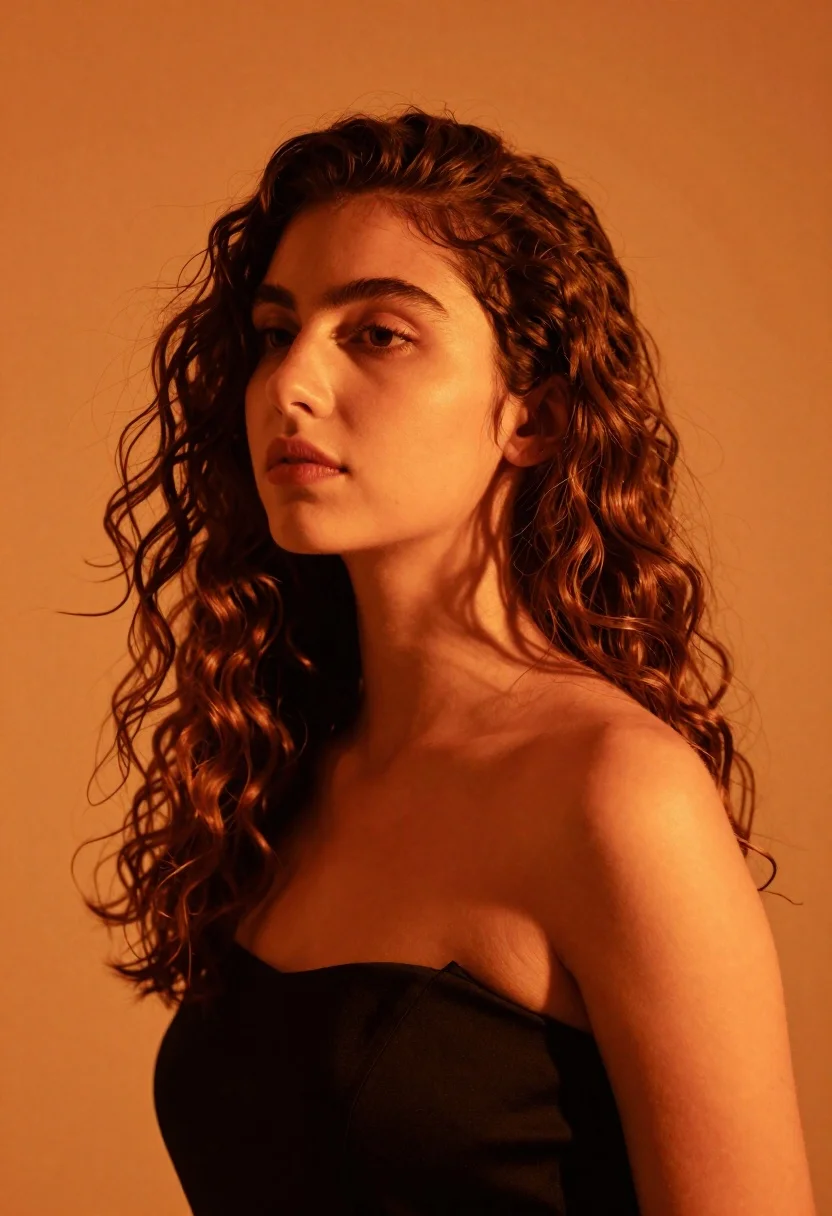
Close up portrait of woman with brown hair against solid orange background
Prompt
A close-up portrait of a woman with long wavy hair bathed in intense warm orange light against a solid orange background.

Subject: A young woman with fair skin and long, voluminous wavy brown hair that cascades over her left shoulder. Her facial features are soft and defined by the strong lighting, with her gaze directed slightly upward and to the side.

Clothing: She wears a black strapless top or dress that covers her chest, contrasting sharply with the warm tones of the scene.

Action: The subject is posed in a still profile view, looking away from the camera with a calm and contemplative expression.

Environment: A minimalist studio setting featuring a seamless, solid orange background that matches the ambient light color.

Lighting: Dramatic and directional lighting originating from the right side, casting deep shadows on the left side of her face and body while highlighting her features in a warm, monochromatic glow.

Camera: Shot with a medium close-up framing that emphasizes facial details and texture, utilizing a shallow depth of field to keep the background smooth and uniform.

Style Details: High-contrast chiaroscuro effect, rich saturated orange color grading, cinematic mood, photorealistic rendering, soft skin texture.
Description
This prompt is useful for creating dramatic beauty editorials, high-concept advertising campaigns, and fine art portrait studies requiring intense color saturation. The combination of 'dramatic and directional lighting' casting deep shadows against the 'solid orange background' achieves a high-contrast chiaroscuro effect that isolates the subject's features, preventing the warm tones from becoming flat or muddy.
Suggestions
- Change 'intense warm orange light' to 'deep amber sidelight' for more varied shadow play.
- Swap 'black strapless top' for 'velvet black garment' to enhance texture contrast.
- Adjust 'medium close-up framing' to 'head and shoulders' to emphasize the facial structure.
Category
Tags
Black HairBrown HairClose UpFair SkinFemaleMedium ShotPortrait ShotRealisticStudio
Date added
June 19, 2026
Added by
PromptDexter Team
Related Prompts
More prompts with similar categories and tags.

Photorealistic portrait of woman in red gold armor holding shield studio shot
Medium close up portrait of blonde woman in black top against deep
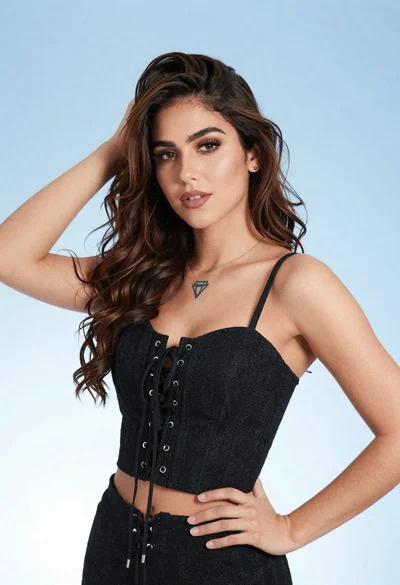
Portrait of young woman in black corset top against soft blue background
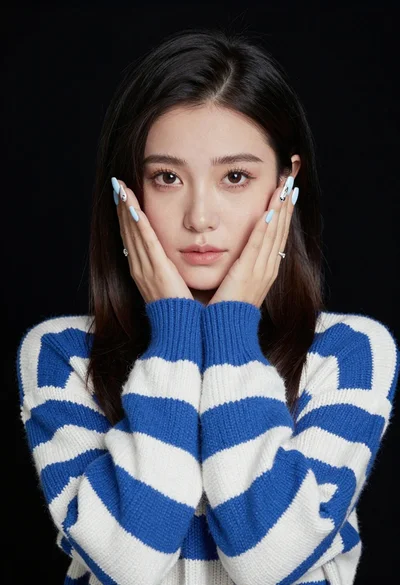
Portrait of young woman in striped sweater against dark background

Young woman with dark hair at wooden table in open air setting

Young woman in black crop top and cream trousers indoors looking over
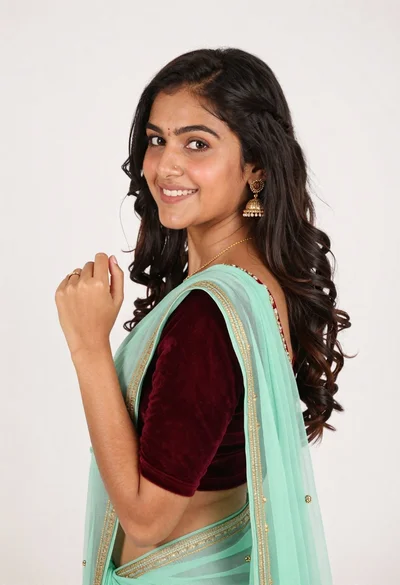
Smiling young woman in maroon velvet and mint saree studio portrait
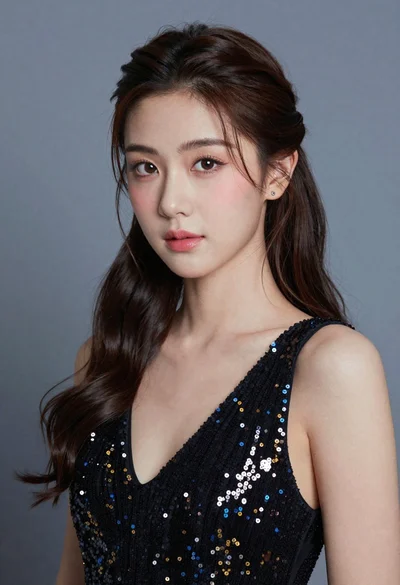
Close up portrait of young woman with dark hair in sequined black

Woman in black dress seated in dimly lit diner booth
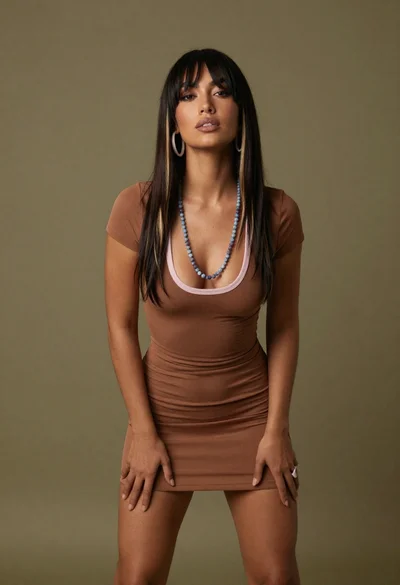
Medium full length portrait of woman in brown mesh dress