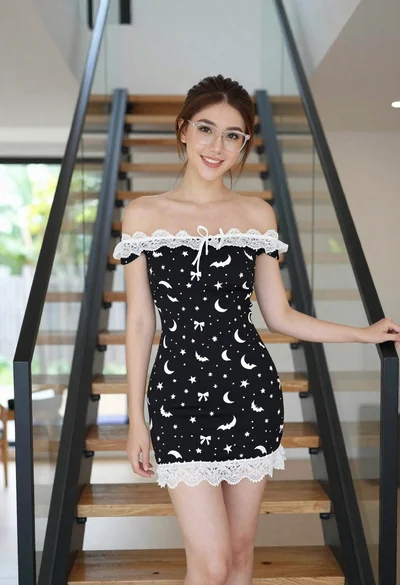

Young woman with brown hair on beige sofa in sunlit room
Prompt
A young woman with long wavy brown hair sits on a beige sofa in a sunlit room.

Subject: A young woman with fair skin and long, dark brown wavy hair cascading over her shoulders. She has a soft, gentle smile and is looking directly at the camera. Black sunglasses are perched on top of her head. She wears a small pearl stud earring in her visible ear.

Clothing: She is wearing a loose-fitting, off-the-shoulder t-shirt with bold black horizontal stripes on a cream background. The fabric appears soft and slightly wrinkled.

Action: She is seated in a relaxed pose, leaning back against the sofa. Her body is angled slightly to the side while her face turns forward. Her expression is calm and pleasant.

Environment: The setting is an indoor room with soft pink walls. To the left, there is a potted plant on a surface. Behind her, near a window on the right, are blurred books or objects on a shelf. A bright window provides natural light from the right side of the frame.

Camera: The shot is a medium close-up focusing on the upper body and face. The angle is slightly low, looking up at the subject. The depth of field is shallow, keeping the subject sharp while blurring the background elements like the plant and books.

Lighting: Soft, natural sunlight streams in from the right side, creating a warm glow on her hair and skin. There are gentle shadows on the left side of her face and body, adding dimension without harshness. The overall lighting is bright and airy.

Style Details: The image has a clean, high-definition aesthetic with a soft focus background. The color palette is pastel and warm, dominated by pinks, creams, and browns.
Description
This prompt is useful for creating lifestyle editorial content, intimate portrait sessions, and catalog imagery featuring casual apparel. The combination of 'soft, natural sunlight' streaming from the right side, paired with a shallow depth of field, ensures that the subject remains sharply focused while the background elements like the plant and books are softly rendered, preventing visual clutter common in bright indoor settings.
Suggestions
- Change 'beige sofa' to 'velvet armchair' for a richer texture.
- Swap 'soft pink walls' for 'pale sage green' to shift the overall mood.
- Add 'shot on Kodak Portra 400' to specify film grain and color rendition.
Category
Tags
Brown HairCasual WearFair SkinFemaleIndoorsMedium ShotRealistic
Date added
June 19, 2026
Added by
PromptDexter Team
Related Prompts
More prompts with similar categories and tags.

Young woman in black crop top and cream trousers indoors looking over

Young woman in olive top and denim jeans indoors with green leaves
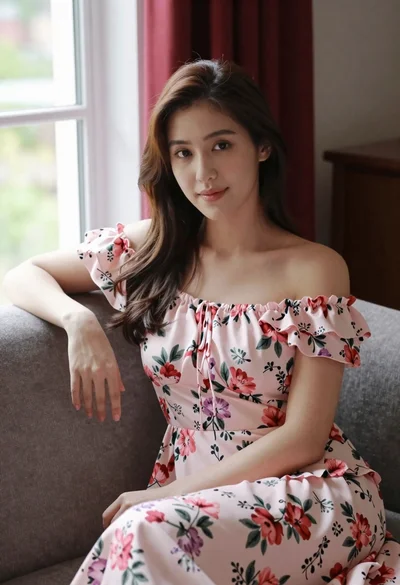
Woman in pink floral dress seated indoors by window with red curtains

Woman in black dress seated in dimly lit diner booth

Young girl smiling in messy bedroom with string lights

Smiling young woman with brown hair wearing white tank top indoors

Young woman in red velvet gown standing indoors against white wall

Young woman in classroom looking over shoulder at camera

Young woman with brown hair in modern bathroom holding strand of hair

Young woman with wavy brown hair sitting on leather sofa in lounge