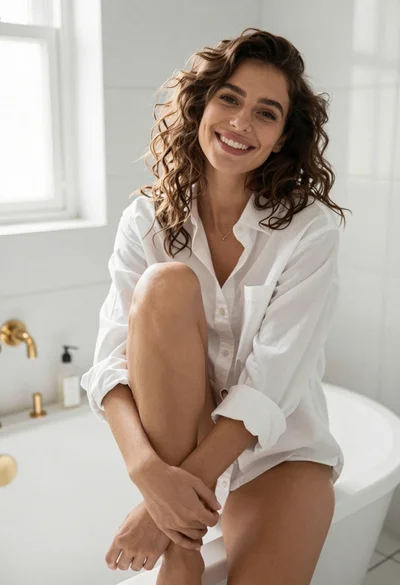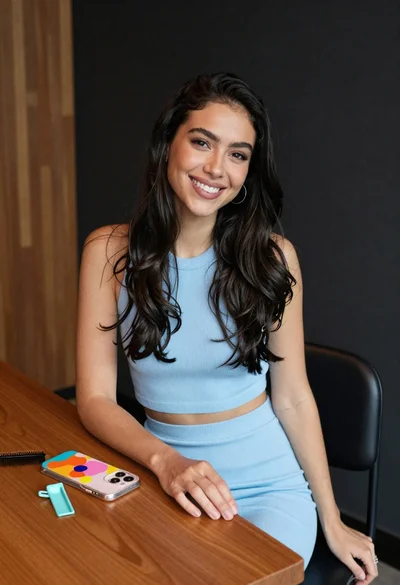

Young woman with brown hair seated at desk in bright office setting
Prompt
A woman with wavy brown hair sits in an office chair looking directly at the camera with a confident expression.

Subject: A young woman with long, wavy brown hair featuring subtle highlights and a natural makeup look.

Clothing: She wears a light blue button-down shirt that is unbuttoned low to reveal her chest, paired with black trousers, and a grey patterned tie hangs loosely around her neck.

Action: She leans back in the chair with her left hand resting on her chin and her right hand on her thigh, gazing forward with a relaxed posture.

Environment: The setting is an office or home workspace featuring a wooden desk with a black computer monitor and keyboard in the background, large windows letting in daylight, and light-colored walls.

Camera: The shot is framed as a medium close-up from a slightly low angle that emphasizes the subject's face and upper body against the office backdrop.

Lighting: Soft natural light streams in from the windows behind her, creating a bright atmosphere with gentle highlights on her hair and skin while maintaining soft shadows.

Style Details: The image has a high-definition, photorealistic quality with a focus on fashion photography aesthetics and sharp detail in the textures of the clothing and hair.
Description
This prompt is useful for creating editorial portraits for corporate lifestyle magazines, character concept art for modern dramas, and sophisticated personal branding imagery. The combination of 'soft natural light' streaming from behind creates a bright atmosphere that highlights the subject's features while the 'medium close-up from a slightly low angle' composition ensures the viewer feels engaged with her confident gaze over the detailed textures of the 'light blue button-down shirt'.
Suggestions
- Change 'black computer monitor' to 'minimalist potted plant' for a softer background.
- Swap 'wavy brown hair' for 'sleek straight brown hair' for a more corporate feel.
- Adjust 'low angle' to 'eye level' to create a more direct connection with the viewer.
Category
Tags
Brown HairBrunetteCasual WearFemaleIndoorsLow AngleRealistic
Date added
June 19, 2026
Added by
PromptDexter Team
Related Prompts
More prompts with similar categories and tags.
Woman with brown hair looking over shoulder in dim bar
Young woman in white tank top by open window
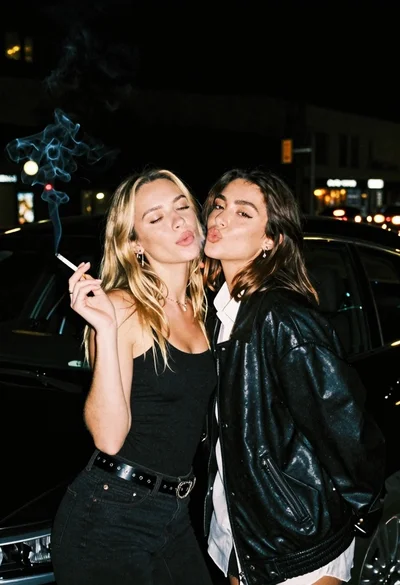
Two young women posing by a car at night
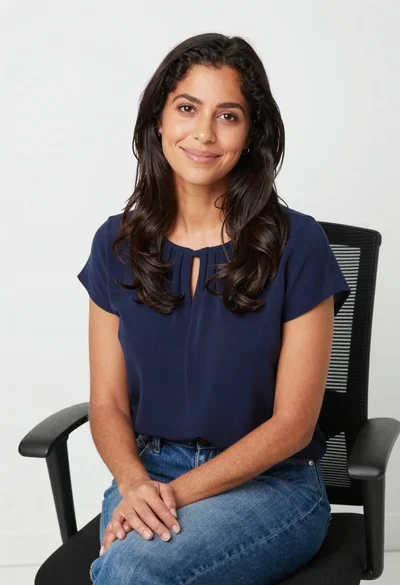
Smiling woman in navy top sitting on black chair against white wall

Woman in dusty rose slip dress looking over shoulder against light blue
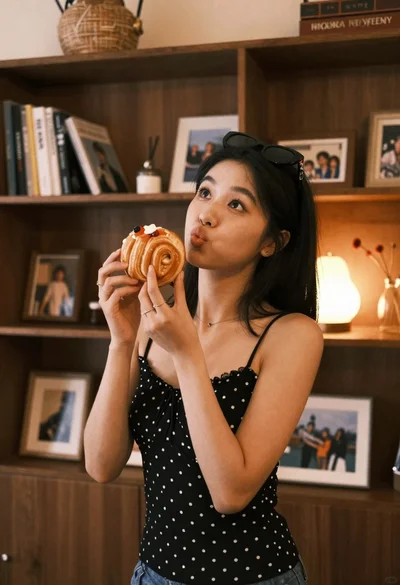
Young woman with dark hair holding pastry in warmly lit room
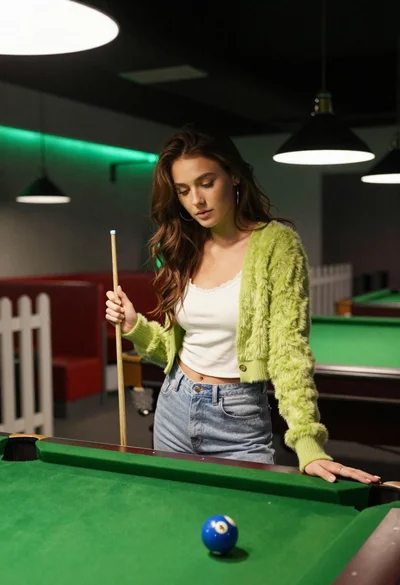
Young woman at pool table holding cue stick looking at eight ball
Woman pouring red wine at wooden bar counter indoors
Young east asian woman smiling at wooden table in cozy cafe setting
Woman in white bathrobe standing in luxurious walkin closet full body shot