
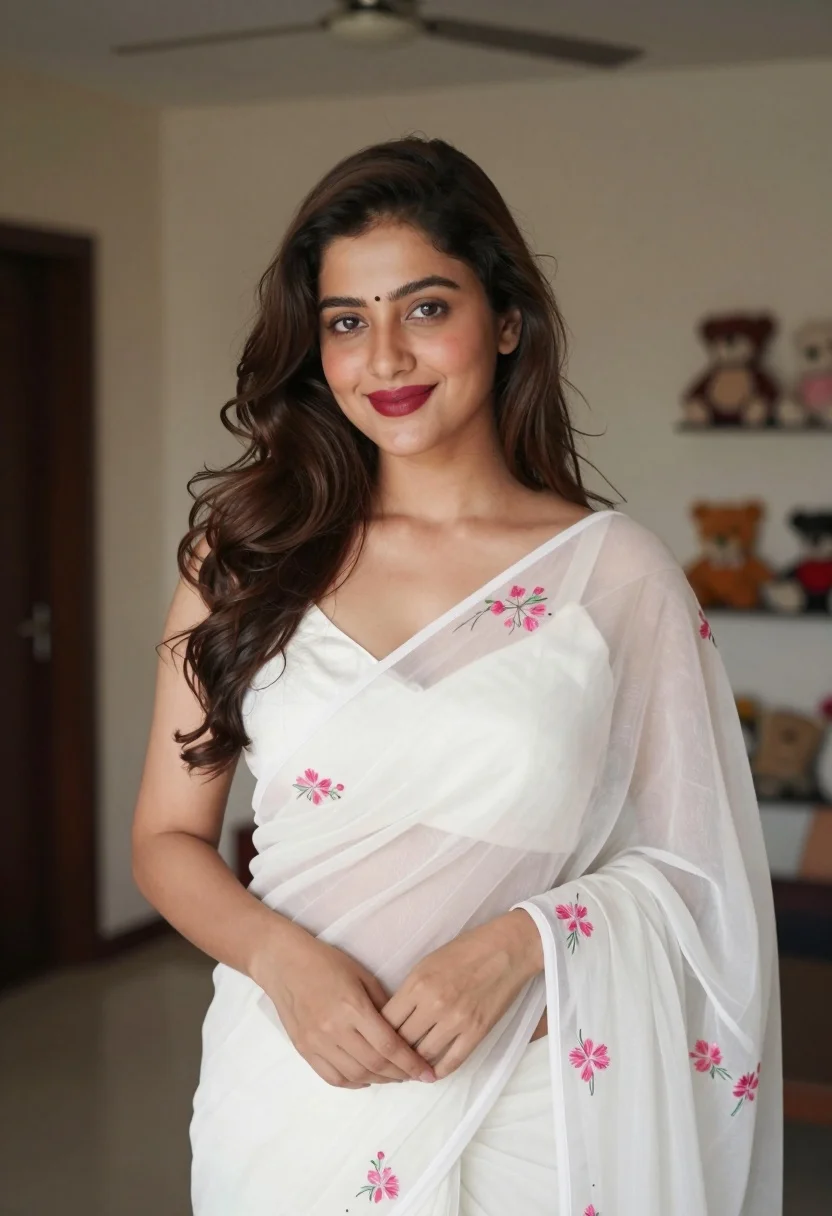
Young woman in white embroidered saree smiling indoors with soft natural light
Prompt
A young woman with long wavy brown hair stands smiling gently at the camera in a softly lit indoor room.

Subject: A young woman with fair skin and long, voluminous dark brown wavy hair cascading over her shoulders. She has defined eyebrows, subtle eye makeup, and glossy dark red lipstick. Her expression is warm and inviting with a soft smile.

Clothing: She wears a white saree made of sheer, translucent fabric that drapes elegantly over one shoulder. The garment features delicate pink floral embroidery scattered across the pallu and sleeves. Underneath, she wears a matching white sleeveless blouse with a V-neckline.

Action: She stands in a relaxed pose with her hands gently clasped together in front of her waist. Her head is tilted slightly to the side as she looks directly at the viewer.

Environment: The background is an indoor room with neutral beige walls. A dark doorway is visible on the left, and a shelf holding plush toys can be seen blurred in the distance on the right. A ceiling fan is partially visible at the top of the frame.

Lighting: Soft, diffused natural light illuminates her face and upper body from the front, creating gentle highlights on her skin and hair while casting soft shadows that add depth to the scene.

Camera: The shot is a medium close-up framed vertically, utilizing a shallow depth of field to keep the subject sharp while blurring the background elements for focus.

Style Details: The image has a clean, high-resolution photographic quality with a soft color palette dominated by whites and warm skin tones, accented by the pink embroidery.
Description
This prompt is useful for creating intimate portrait photography, cultural lifestyle editorials, and e-commerce lookbooks featuring traditional garments. The combination of 'soft, diffused natural light' illuminating her face while using a shallow depth of field ensures that the delicate details of the 'pink floral embroidery' remain visible without distracting from the subject's warm expression.
Suggestions
- Change 'neutral beige walls' to 'pale pastel blue walls' for a cooler contrast.
- Swap 'glossy dark red lipstick' for 'nude matte lipstick' to keep the focus on the white fabric.
- Adjust 'medium close-up framed vertically' to 'waist shot' to better display the saree drape.
Category
Tags
Brown HairBrunetteCasual WearFair SkinFemaleIndoorsMedium ShotPortrait ShotRealisticTraditional Wear
Date added
August 5, 2026
Added by
PromptDexter Team
Related Prompts
More prompts with similar categories and tags.

Young woman with brown hair in beige cardigan smiling indoors at camera

Young woman in olive saree leaning on railing outdoors during golden hour
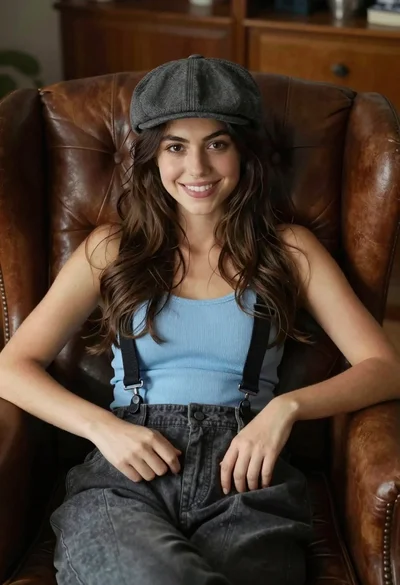
Young woman with brown hair sitting in a leather armchair indoors
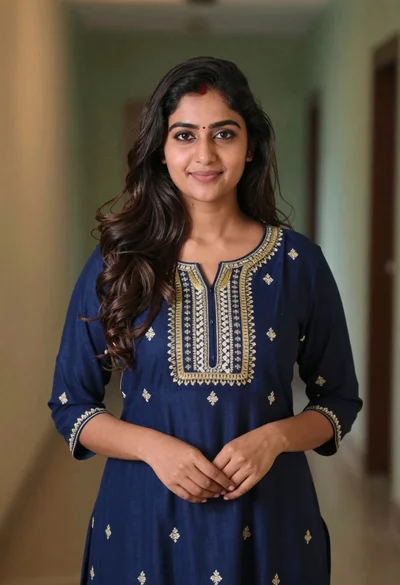
Young woman in navy embroidered traditional dress indoors medium shot

Young woman in black crop top and cream trousers indoors looking over

Smiling young woman in maroon top standing outdoors with blurred background

Woman in black dress seated in dimly lit diner booth
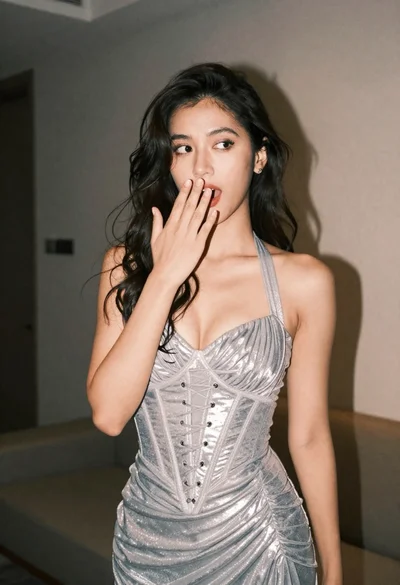
Woman in shimmering silver halter dress posing indoors with playful gesture

Young girl smiling in messy bedroom with string lights
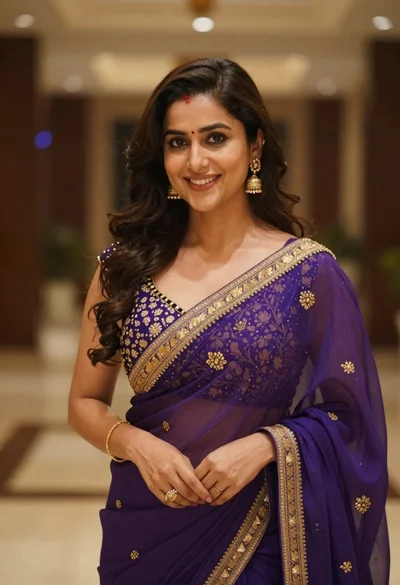
Young woman in purple embroidered saree standing indoors with warm smile
