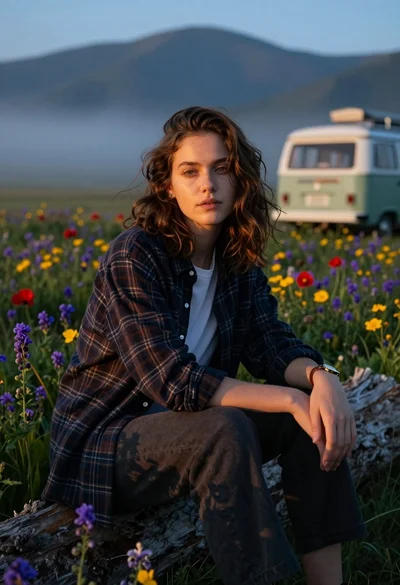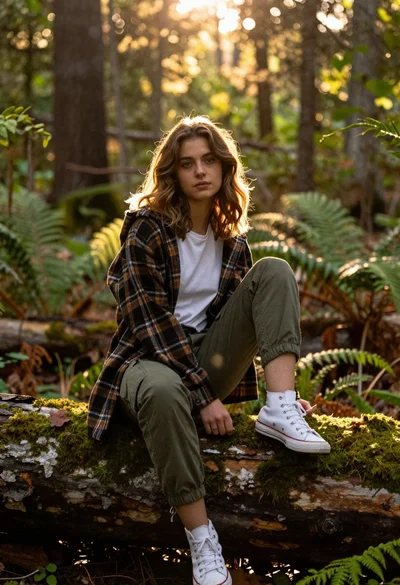
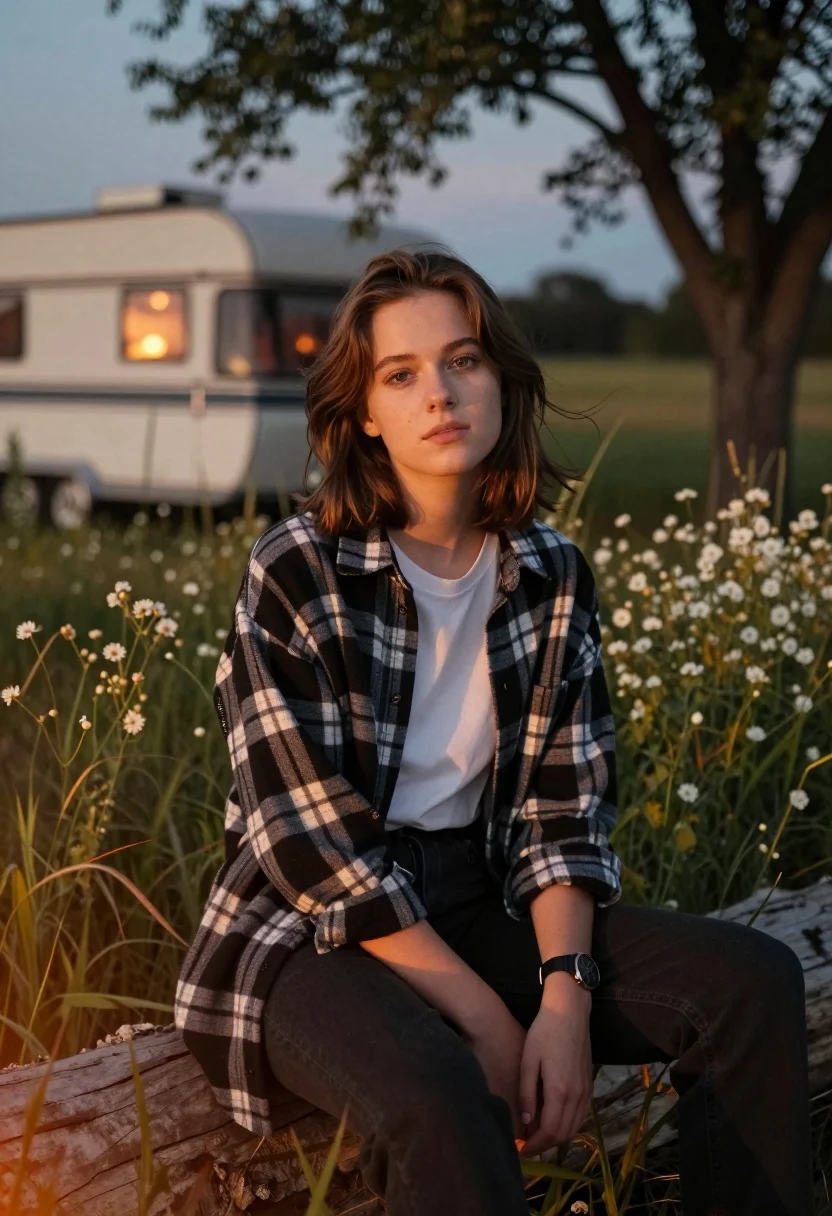
Young woman with brown hair sitting on log in wildflower meadow
Prompt
A young woman with shoulder-length brown hair sits on a large log in a grassy field of wildflowers at dusk.

Subject: A young woman with fair skin and expressive eyes looking directly at the camera with a calm, neutral expression. Her hair is slightly tousled by a gentle breeze.

Clothing: She wears an unbuttoned black and white buffalo plaid flannel shirt over a plain white t-shirt, paired with dark pants. A wristwatch with a dark face is visible on her left arm.

Action: She is seated in a relaxed pose with her arms resting on her knees, leaning slightly forward. Her gaze is steady and engaging.

Environment: The setting is an outdoor meadow filled with tall grass and small white wildflowers. In the background, there is a vintage-style camper or trailer with warm light glowing from its window. A large tree with dark branches frames the upper right of the scene.

Camera: The shot is taken at eye level with a shallow depth of field that keeps the subject sharp while softly blurring the background elements and distant trees.

Lighting: Warm, golden hour sunlight illuminates the woman's face and hair from the side, creating soft highlights and casting gentle shadows. A faint orange glow suggests firelight or ambient warmth in the lower left corner.

Style Details: The image has a cinematic, atmospheric quality with rich color grading that emphasizes warm tones against cooler background hues. There is a subtle film grain texture and a dreamy, slightly hazy atmosphere around the edges of the frame.
Description
This prompt is useful for creating rustic lifestyle photography, moody editorial portraits, and cinematic travel vignettes evoking nostalgia. The combination of 'warm, golden hour sunlight' side-lighting against the 'shallow depth of field' ensures the subject remains crisp while allowing the soft blur to romanticize the background elements like the wildflowers and camper.
Suggestions
- Change 'buffalo plaid flannel shirt' to 'denim overshirt' for a more muted palette.
- Swap 'small white wildflowers' for 'purple thistle' to introduce a contrasting color.
- Adjust 'golden hour sunlight' to 'overcast daylight' if you want less harsh contrast.
Category
Tags
Brown HairCasual WearFair SkinFemaleWide Shot
Date added
August 5, 2026
Added by
PromptDexter Team
Related Prompts
More prompts with similar categories and tags.
Young woman with brown hair braid standing in sunlit forest clearing at

Joyful couple laughing under bright sunlight filtering through green forest canopy
Young woman in black hoodie sitting on rocky cliff in thick fog
Woman in black puffer jacket holding umbrella under green aurora borealis
Young woman in white lace outfit standing in sunlit meadow
Young woman with brown hair sitting by stream in flowery meadow
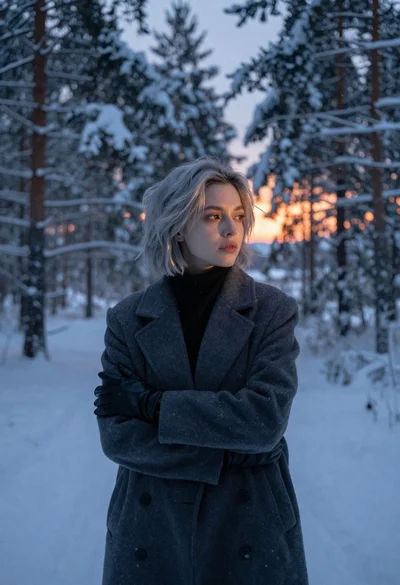
Young woman with short silver hair stands in snowy forest at twilight
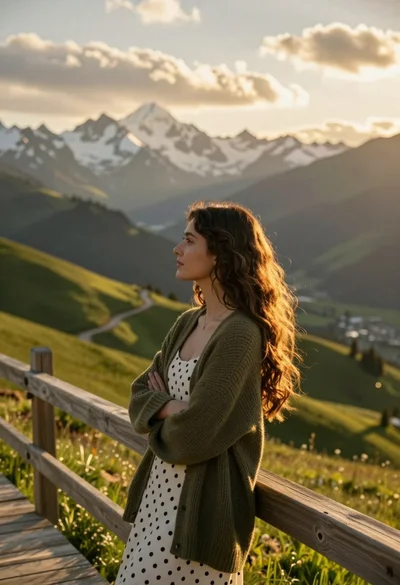
Young woman in olive cardigan on wooden walkway overlooking mountain valley at

Romantic couple embracing on misty mountains during golden hour sunrise
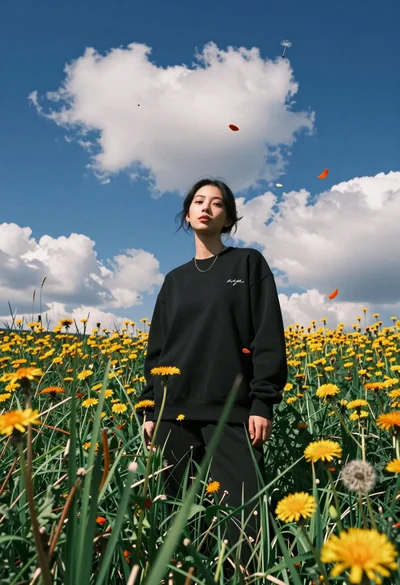
Young woman in black sweatshirt standing in sunlit meadow with wildflowers