

Young woman with dark bob haircut in light pink shirt indoors
Prompt
A young woman with a dark bob haircut stands in a casual indoor setting, smiling gently at the camera.

Subject: A young woman with fair skin and a short, dark brown bob haircut that frames her face. She has a soft, pleasant expression with a slight smile and is looking directly forward.

Clothing: She wears an unbuttoned, light pink button-down shirt over a pale yellow or cream-colored bralette. A delicate gold chain necklace with a round pendant rests on her chest.

Action: The woman stands facing the camera in a relaxed pose, tilting her head slightly to one side while smiling softly.

Environment: The background is a simple, dimly lit room with plain white walls and a dark floor, suggesting an interior space like a studio or apartment.

Camera: The shot is a medium close-up framed from the waist up, utilizing a shallow depth of field that keeps the subject sharp while blurring the background slightly.

Lighting: Soft, natural-looking light illuminates the scene from the front, creating gentle highlights on her skin and clothing without harsh shadows.

Style Details: The image has a candid, film-like aesthetic with a muted color palette and a soft focus that gives it an intimate, editorial fashion photography feel.
Description
This prompt is useful for creating intimate portrait studies, casual lifestyle editorials, and mood boards emphasizing soft femininity. The combination of 'soft, natural-looking light' with the 'muted color palette' ensures that gentle highlights appear on her skin and clothing without introducing harsh shadows, which keeps the focus squarely on her expression and the delicate gold chain.
Suggestions
- Change 'light pink button-down shirt' to 'dusty rose silk blouse' for more texture.
- Swap 'pale yellow or cream-colored bralette' for 'ivory lace bralette' to increase contrast.
- Adjust 'dimly lit room' to 'sunlit corner with sheer curtains' for brighter background interest.
Category
Tags
Casual WearFair SkinFemaleIndoorsMedium ShotPortrait ShotRealistic
Date added
June 19, 2026
Added by
PromptDexter Team
Related Prompts
More prompts with similar categories and tags.
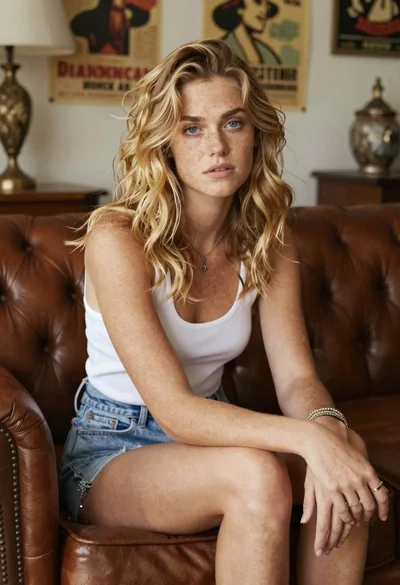
Woman with freckles sitting on brown leather sofa
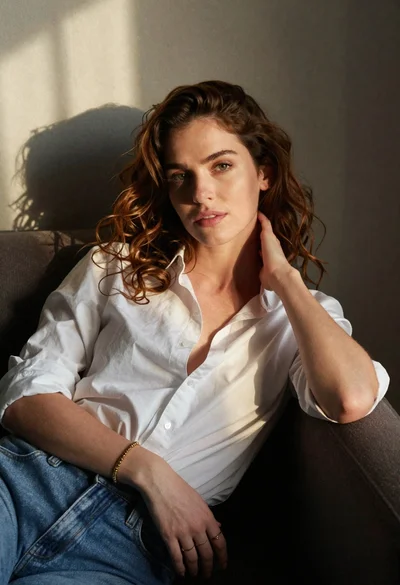
Woman with chestnut hair reclining on dark couch indoors

Blonde woman in black coat leaning against white wall by window
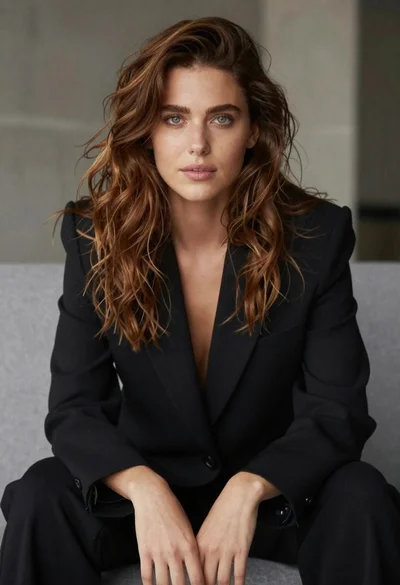
Studio portrait of woman in black blazer

Blonde woman in black slip dress winking at table in upscale restaurant

Professional woman with long dark hair sitting in modern office chair
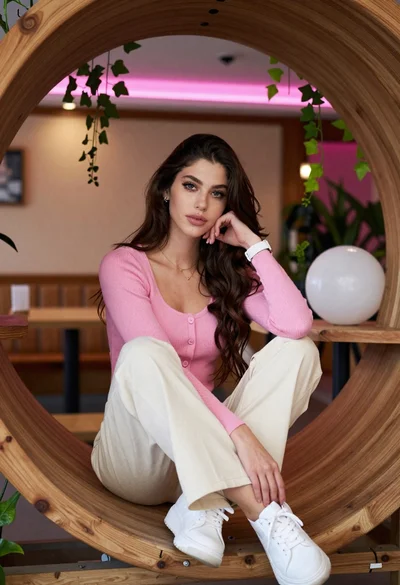
Young woman in pink cardigan sitting inside large wooden circular frame
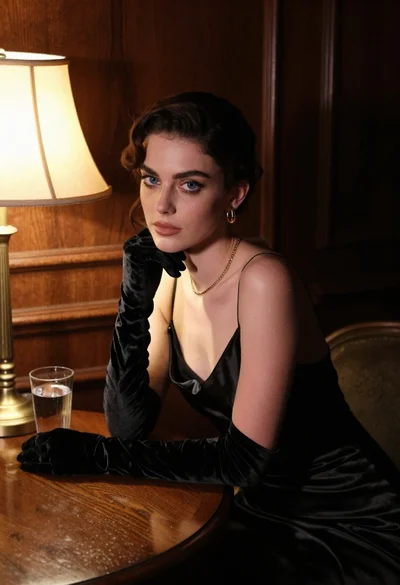
Woman in black satin dress and opera gloves at a wooden table
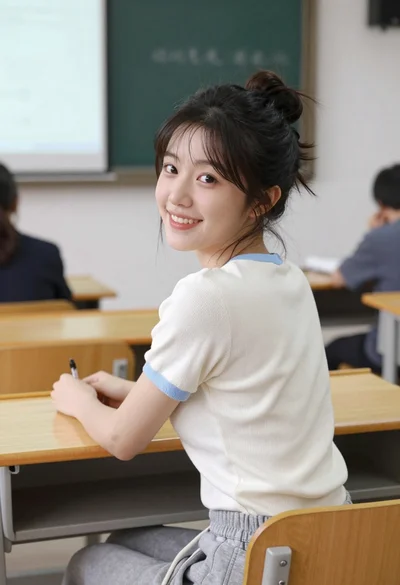
Young east asian woman smiling over shoulder at wooden desk in classroom

Woman with brown hair smiling at table with orange drink indoors
